digital pilot logbook
Digital Pilot Logbook: Requirements & Best Practice
6 Aug 2026 · 12 min read
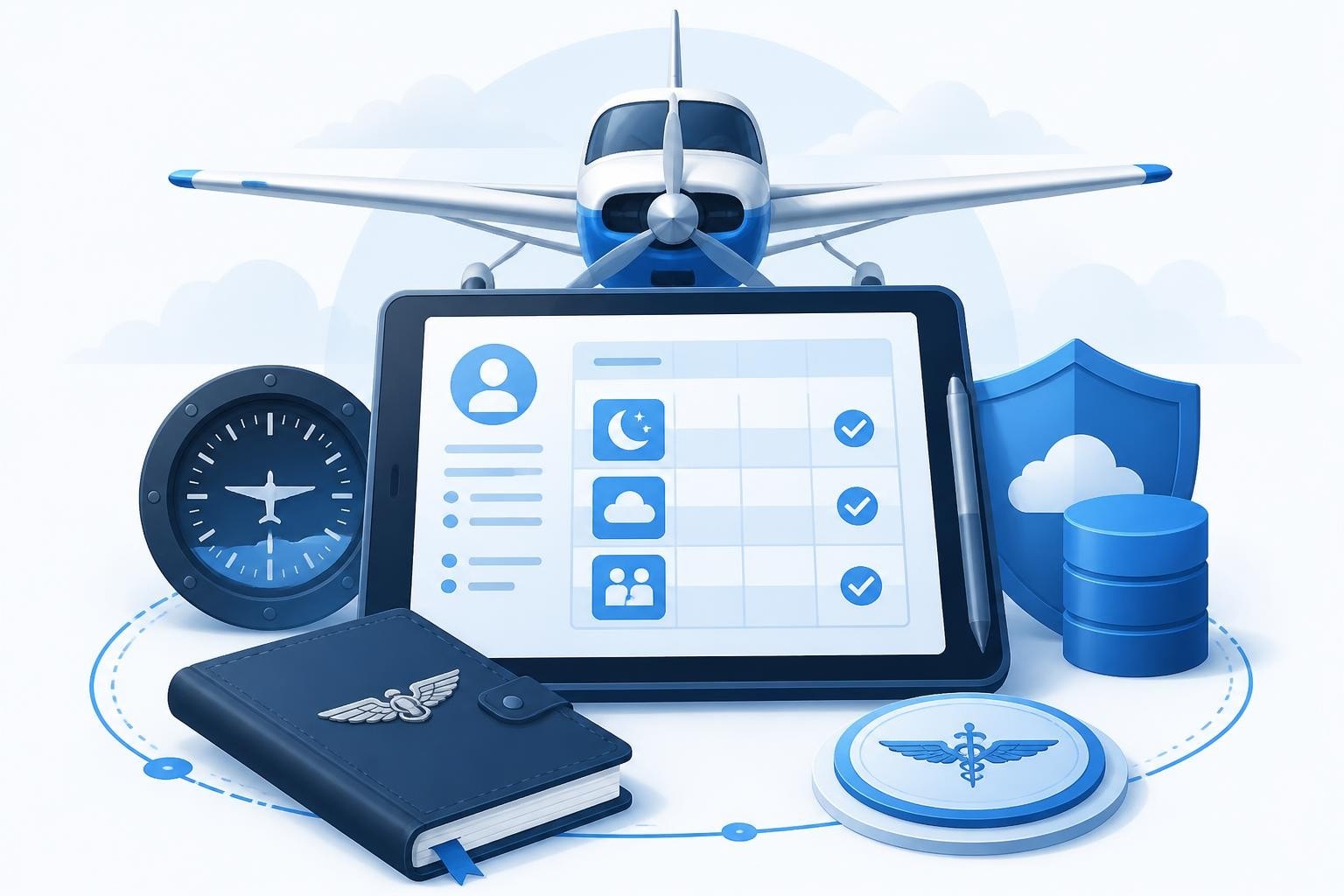
A digital pilot logbook replaces paper records with electronic flight-time tracking, storing every sector, crew role, and rating entry on your phone or tablet. Under FAA regulation 14 CFR 61.51, pilots may maintain logbooks in any reliable format-paper or electronic-provided entries remain legible, identifiable, and available for inspection. The same principle applies across most civil aviation authorities: your logbook must prove you meet currency, recency, and experience requirements when an examiner or employer asks.
Why Pilots Switch to Digital Logbooks
Paper logbooks work until you spill coffee on them, lose a decade of entries, or waste an hour adding columns for a job application. A digital pilot logbook solves those problems and adds automation you cannot replicate by hand.
Instant totals mean you know exactly how many hours sit in your PIC multi-engine night column without a calculator. Currency tracking flags the date your 90-day passenger privilege expires, your IFR recency lapses, or your Class 1 medical drops to Class 2 privileges. Cloud backup protects records from fire, theft, or the washing machine.
Speed and Accuracy
Logging a sector by hand takes two minutes if you fill every box correctly. Digital entry on a phone takes 15 seconds once you set departure and arrival fields. The app calculates block time, applies duty rules, and updates rolling totals in the background.
- No arithmetic errors in column sums
- No crossed-out corrections that raise examiner eyebrows
- No missing entries when you fly six sectors in one duty period
Over a 30-year career flying 500 hours annually, you save roughly 250 hours of manual addition and column-checking. That time matters more when you need a total at short notice for a type-rating course or job interview.
Legal Requirements and Regulatory Compliance
Aviation authorities care that your logbook proves flight time, not which format you choose. The FAA accepts digital aircraft logbooks under the same standards as pilot logbooks: entries must be accurate, tamper-evident, and retrievable on demand.
EASA Part-FCL does not mandate paper. FCL.050 certification sets optional standards for digital logbook providers, but pilots may use any system that records the required data fields and survives an audit. The UK CAA explicitly supports electronic records when transitioning from paper to digital, provided you maintain an audit trail showing when and how you entered each flight.
Mandatory Data Fields
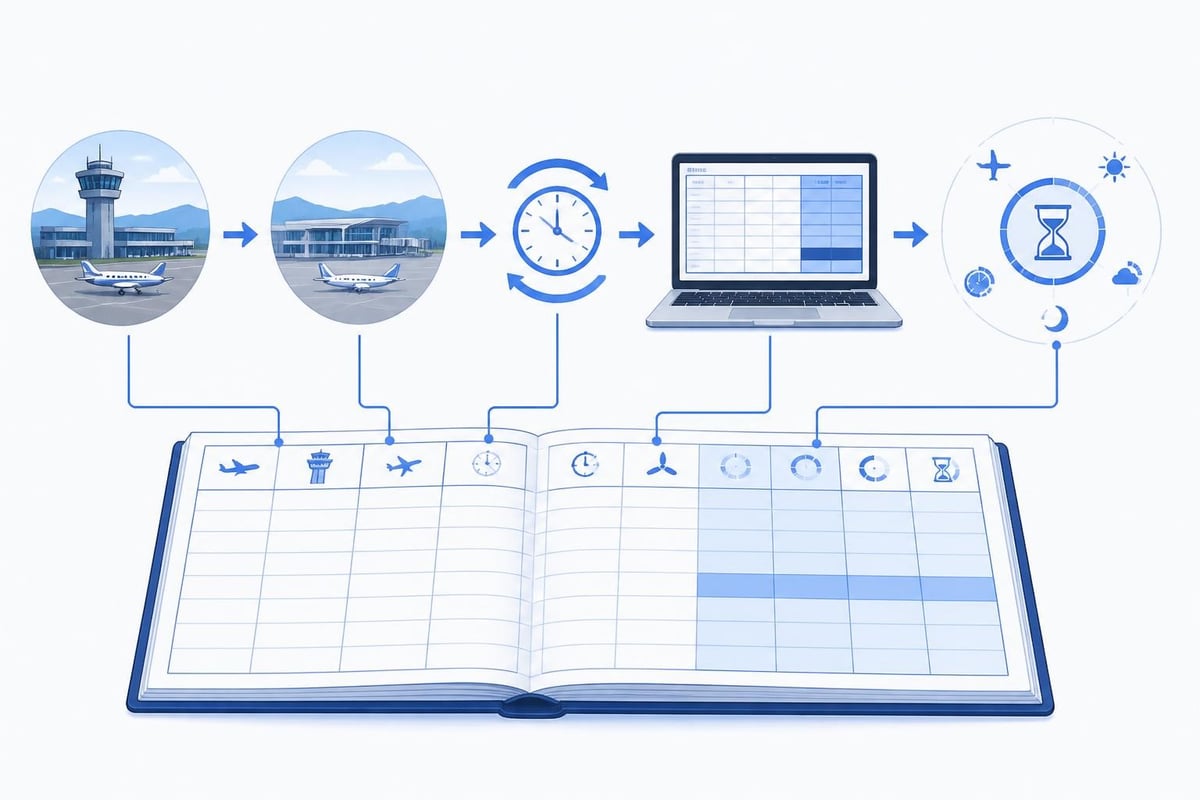
Regardless of jurisdiction, your digital pilot logbook must capture:
- Date of flight
- Departure and arrival aerodromes (ICAO or IATA codes)
- Aircraft registration and type
- Single-pilot or multi-pilot time
- PIC, SPIC, co-pilot, or dual time
- Takeoff and landing counts (day and night)
- IFR or VFR conditions
- Total flight time (block or air time, depending on authority)
Some regulators require remarks for unusual operations-ferry flights, check rides, or emergency procedures training. EASA and FAA regulations both demand entries be legible and protected from loss, which is easier with automatic cloud sync than a paper book in your flight bag.
| Requirement | FAA (14 CFR 61.51) | EASA (Part-FCL) | UK CAA |
|---|---|---|---|
| Format | Any reliable medium | Paper or electronic | Paper or electronic |
| Signature | Instructor endorsements | Instructor endorsements | Instructor endorsements |
| Backup | Recommended | Recommended | Recommended |
| Retention | Indefinite | Indefinite | Indefinite |
Switzerland's FOCA encourages digital logbook use to reduce transcription errors during licence applications. The trend across Europe and North America favors electronic records because they integrate with crew-management systems and reduce administrative friction.
Tracking Currency and Recency
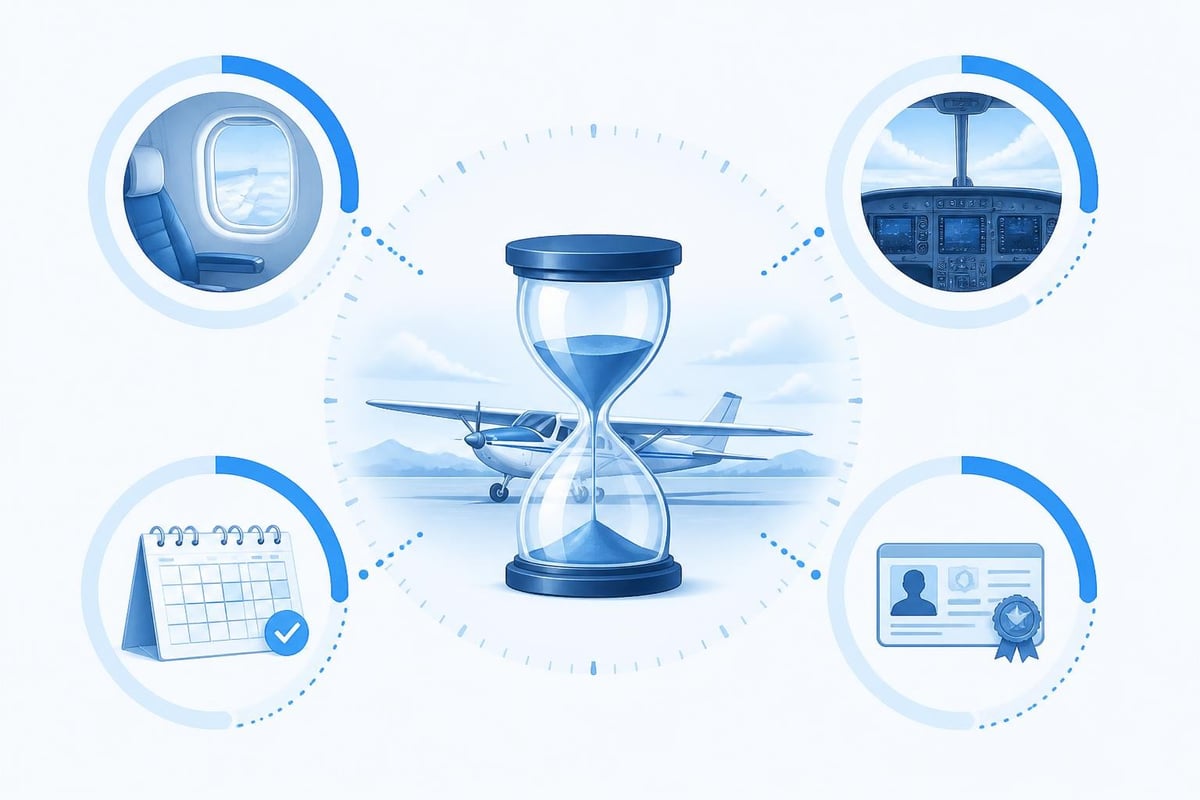
A digital pilot logbook shines when tracking time-limited privileges that expire on rolling calendars. Paper logbooks force you to count backwards through pages; digital systems calculate lapse dates automatically.
Passenger currency under FAA rules requires three takeoffs and landings in the preceding 90 days in the same category, class, and type (if a type rating applies). EASA FCL.060 sets the same 90-day window. If you fly every week, manual tracking works. If you fly 12 sectors in one month then none for eight weeks, a digital reminder saves you from carrying passengers illegally on day 91.
Night currency (FAA) demands three full-stop landings to a full stop between one hour after sunset and one hour before sunrise. The regulation does not round to calendar days, so knowing your exact lapse date matters.
IFR Currency Example
Under FAA 14 CFR 61.57, you need six instrument approaches, holding, and intercepting/tracking courses in the preceding six calendar months. If your last approach was on February 10, 2026, your currency expires on August 31, 2026. Miss that window and you enter a six-month grace period requiring a safety pilot. Miss the grace period and you need an IPC with an examiner.
A digital pilot logbook counts approaches, logs holding entries, and flags the lapse date 30 days early. Tracking IFR currency manually means paging through months of entries every time you plan an IFR departure. Automation removes the arithmetic.
Data Security and Backup Strategies
Paper burns. Phones get stolen. A digital pilot logbook mitigates both risks through redundant cloud storage and export options.
Cloud sync uploads every entry to remote servers within seconds. If you drop your phone in the ocean, your logbook survives. If your account gets hacked, version history lets you roll back fraudulent changes. Most platforms use AES-256 encryption, the same standard banks apply to transaction data.
Export formats matter for job applications and licence renewals. CSV files import into Excel for custom analysis. PDF exports generate signed, paginated records that meet regulatory inspection standards. Some systems print logbook pages formatted like traditional paper books, which helps when a chief pilot prefers familiar layouts.
Backup Frequency
- Real-time sync: Every entry uploads immediately (requires internet)
- Daily export: Automated CSV or PDF save to cloud storage
- Monthly archive: Full logbook snapshot stored offline
Digital logbook requirements emphasize data integrity over specific backup intervals, but losing six months of entries because you never exported anything will derail a type-rating application. Set quarterly reminders to download a complete archive.
Transitioning from Paper to Digital
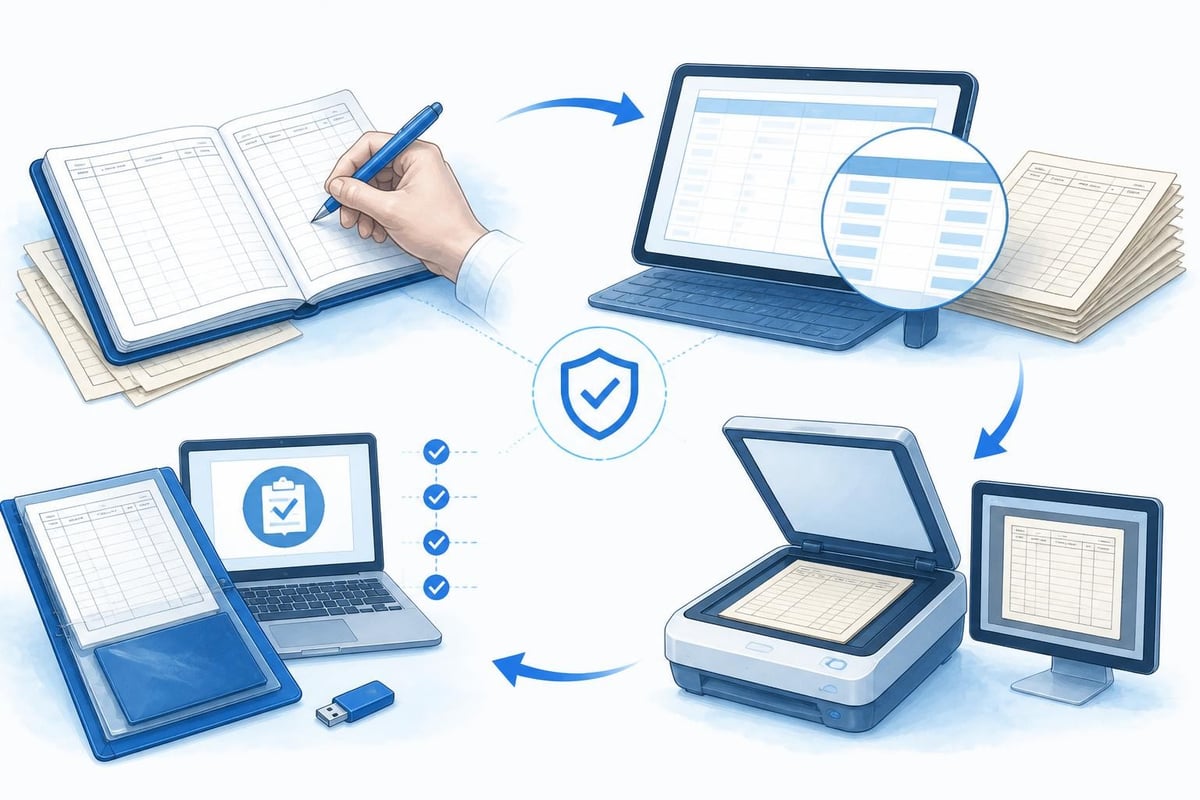
Most pilots accumulate years of paper entries before switching. Converting historical logbooks requires either manual re-entry or a scanning service that extracts data fields through OCR.
Manual entry takes roughly one minute per flight. A 2,000-hour logbook with 1,500 sectors requires 25 hours of typing. Tedious, but it forces you to check every total and catch errors you made years ago.
Scanning services charge per page and achieve 95-98% accuracy on clean handwriting. You still verify imported data, but the process cuts transfer time by two-thirds.
Maintaining an Audit Trail
Regulators accept digital logbooks if you can prove when and how you entered each flight. Time stamps, user IDs, and edit history provide that proof. When transitioning, note the paper logbook's final entry date in your digital remarks field. Keep the paper book as a backup until you verify digital totals match page-by-page sums.
- Compare total hours across all categories
- Cross-check type ratings and endorsements
- Verify night and IFR time against paper columns
- Scan endorsement pages and attach as PDFs
Professional Features for Career Progression
Students and low-hour pilots track basic totals: PIC, dual, cross-country. Airline and charter pilots need duty-time limits, multi-crew coordination entries, and fleet-specific breakdowns.
Flight-time limitations under EASA ORO.FTL.210 and FAA Part 117 restrict cumulative hours over rolling periods: 100 hours in 28 days, 900 hours in 365 days. A digital pilot logbook calculates those totals automatically, flagging violations before you accept another trip. For example, if you flew 78 hours in the last 28 days, the system warns you have 22 hours remaining before hitting the limit.
Type and fleet tracking separates time across A320, B737, and Citation jets without manual column splits. When you apply for a command upgrade, you pull exact PIC hours on type without scanning 200 pages.
Training and checking entries record line checks, OPCs, and recurrent sessions. Attach examiner signatures and certificate numbers directly to the digital entry, satisfying audit requirements in one step.
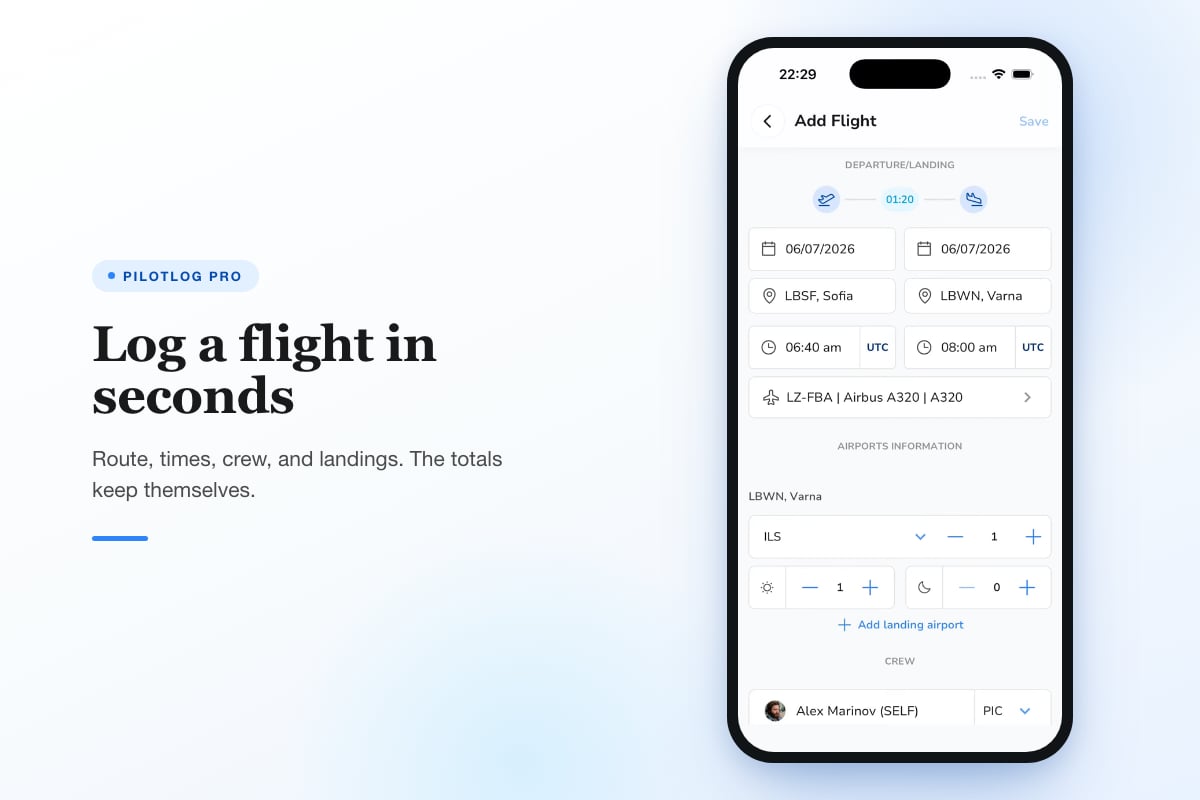
For pilots who need precise tracking of rolling limits, currency windows, and licence expiries, Pilotlog Pro automates those calculations and flags lapse dates early. It tracks 28-day and 365-day flight-time and duty limits, passenger and night currency, IFR recency, and medical expiry alerts. You log a flight in seconds; Pro tracks the rest.
Employer and Authority Acceptance
Hiring panels and licence examiners accept digital logbooks if the data is clear, complete, and exportable. Print a PDF that shows:
- Summary page with total hours by category and class
- Detailed entries sorted by date with all required fields
- Endorsements and ratings with instructor signatures and certificate numbers
- Currency status showing compliance with recency requirements
Some legacy chief pilots prefer paper aesthetics, so format exports to match traditional logbook layouts. Most modern flight departments request CSV or Excel files for crew-planning integration.
Inspection Readiness
Regulators may inspect your logbook during a ramp check or licence renewal. A digital pilot logbook on your phone meets that requirement if the device is charged, the app opens instantly, and entries display clearly. Keep a PDF backup in cloud storage accessible via any browser in case your phone dies.
| Scenario | Paper Logbook | Digital Logbook |
|---|---|---|
| Ramp inspection | Must carry physical book | Show app on phone or PDF on tablet |
| Job interview | Photocopy pages or carry original | Email PDF or share read-only link |
| Licence renewal | Submit certified copies | Submit signed PDF or print from app |
| Lost logbook | Reconstruct from memory or records | Restore from cloud backup |
Accuracy and Error Correction
FAA and EASA rules allow corrections but demand they remain visible. In paper logbooks, you draw a single line through the error, write the correction, and initial it. Digital systems track edit history, showing what changed and when.
Time-stamp logs prove you did not fabricate hours retroactively. If you update a flight from VFR to IFR after realizing you logged it wrong, the system records the edit date. Examiners can verify the original entry and correction, maintaining audit integrity.
Duplicate detection prevents logging the same flight twice. If you enter a sector from EGLL to LFPG on March 15, 2026, and try to enter it again, the app flags the potential duplicate. Human error causes double entries; automation catches them.
Common Logging Mistakes
- Recording block time when you meant air time
- Forgetting to log night landings separately
- Entering dual received instead of PIC
- Miscalculating cross-country distance (FAA requires >50 nm straight-line)
A best digital logbook includes validation rules that warn you when entries look suspicious: zero landings on a two-hour flight, night time exceeding total time, or dual PIC and dual received on the same sector.
Historical Perspective and Future Trends
NASA documents the evolution of pilot flight logs from handwritten journals in the 1920s to electronic records in the 1990s. Early digital logbooks ran on DOS and required floppy disk backups. Modern apps sync across iOS, Android, and web platforms, integrating with flight-planning software and crew-management systems.
The next generation of aviation logbooks will pull data directly from aircraft avionics via Bluetooth or ADS-B, eliminating manual entry entirely. Experimental systems already capture takeoff time, landing time, and GPS track from connected transponders. Regulatory approval lags behind technology, but the direction is clear: less typing, more automation, zero arithmetic errors.
Blockchain verification may provide tamper-proof audit trails, embedding each flight entry in an immutable ledger. Employers and authorities could verify hours without trusting the pilot's exported PDF, though current regulations do not require this level of proof.
Choosing the Right System
Feature lists matter less than reliability. A digital pilot logbook that crashes, loses data, or requires ten taps per entry creates more problems than paper.
Essential criteria:
- Cross-platform sync (iOS, Android, web)
- Offline entry with automatic sync when connected
- Export to PDF, CSV, and Excel
- Currency tracking for passenger, night, and IFR recency
- Licence and medical expiry alerts
- Backup and restore within 60 seconds
Nice-to-have features:
- Automatic METAR and TAF retrieval by airport code
- Flight-time and duty-time limit tracking
- Integration with scheduling software
- Instructor endorsement workflows with electronic signatures
Read reviews from pilots who fly your aircraft type and hold your licence level. A logbook optimized for Part 91 GA pilots may lack multi-crew columns an airline pilot needs. A system built for EASA might not calculate FAA cross-country time correctly.
Compare options in this guide to the best digital logbook for pilots, which covers feature sets, pricing, and regulatory compliance across popular platforms.
Final Considerations
Rules change. The FAA updates Part 61 every few years. EASA amends Part-FCL through commission regulations. Always confirm current requirements against official sources-your national authority's website or the latest electronic CFR-before relying on any summary, including this one.
A digital pilot logbook keeps flight records accurate, backed up, and instantly accessible when you need them. Whether you are a student working toward your first solo or an airline captain tracking 10,000 hours across six aircraft types, electronic logging reduces errors, automates currency tracking, and protects decades of career data from loss.
Switching to digital logging saves time, prevents errors, and ensures you never miss a currency or medical deadline. Pilotlog tracks your hours, currency, and expiries automatically, alerting you to licence and medical lapses before they ground you. Log a flight in seconds on iOS or Android, and let the system handle the rest so you stay current, legal, and ready for every departure.
- digital pilot logbook
- ifr currency tracking
- faa 61.51
- easa part-fcl
- logbook compliance
A logbook that keeps itself.
Join the waitlist and be first in line when Pilotlog launches.
Free to join, no spam. Unsubscribe any time.