digital pilot logbook
Best Digital Logbook for Pilots (2026 Guide)
18 Jul 2026 · 13 min read
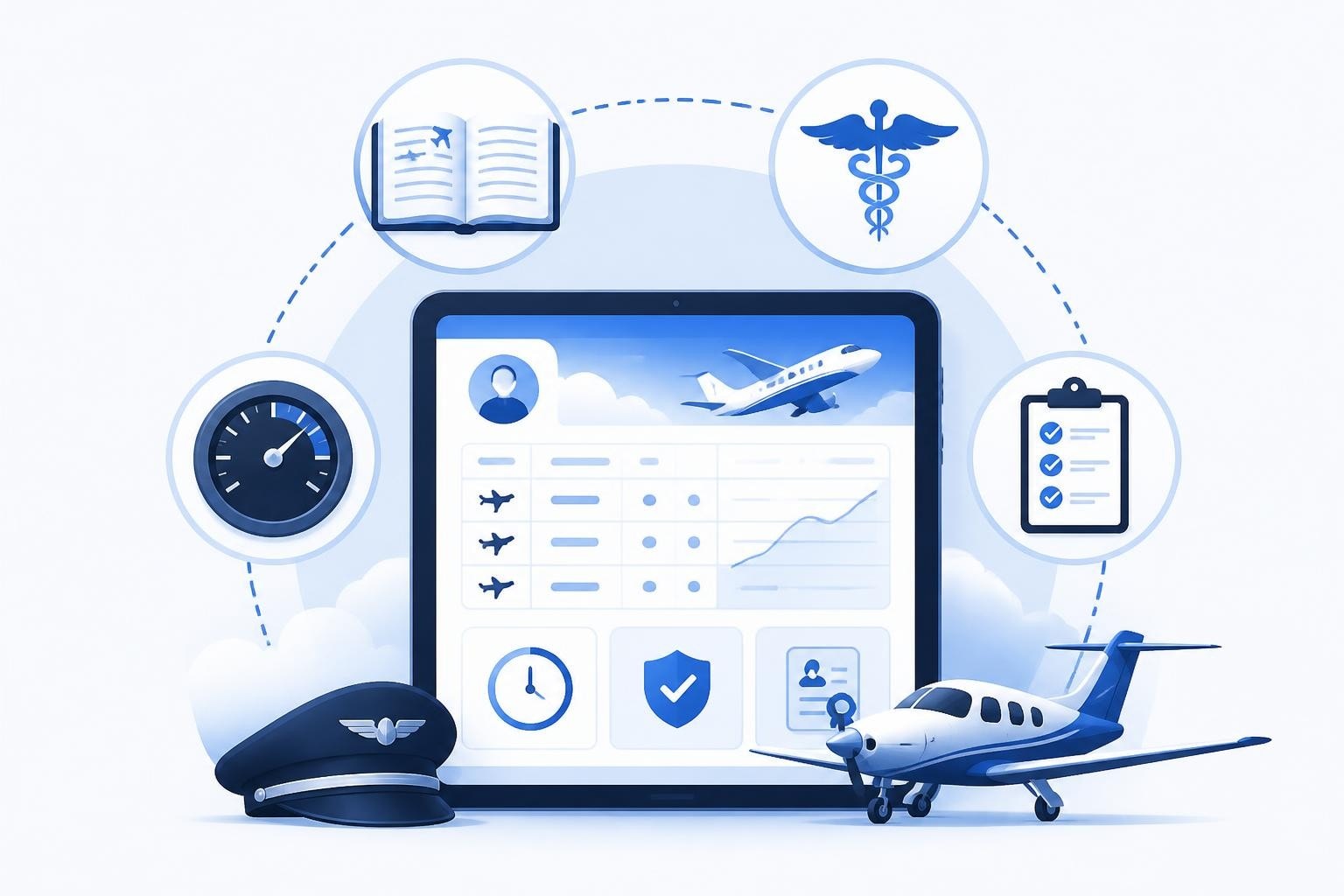
The best digital logbook for pilots combines fast flight entry, automatic currency tracking, and regulatory compliance without adding work to your day. It should log a sector in under 30 seconds, calculate your rolling totals for flight time and duty limits, flag licence and medical expiries early, and export a complete audit trail when you need it. Any solution claiming to be the best must meet those standards while staying current with EASA Part-FCL, FAA Part 61, and CAA requirements.
Choosing the right digital logbook matters because your records form the legal foundation of your flying career. Every job application, rating renewal, and proficiency check starts with accurate hours and valid currency. A poor choice means double-entry work, missed expiry dates, or scrambling to reconstruct your logbook from memory and receipts.
What Makes a Digital Logbook the Best Choice
The best digital logbook for pilots does three things well: it saves time, ensures compliance, and provides confidence that your records are accurate and complete.
Time savings come from speed and automation. You should log a flight by entering the essentials (date, registration, route, block time) and let the software calculate PIC, dual, night, IFR, and other categories based on your entries. Manual cross-checking burns hours every month. The FAA's Advisory Circular 61-98D outlines currency requirements and logging pilot time, which a good digital logbook should handle automatically.
Compliance means staying current without calendar alerts. EASA Part-FCL AMC1 FCL.060 requires three take-offs and landings in the preceding 90 days to carry passengers. A digital logbook should count those landings, warn you at 75 days, and show exactly when you need to fly to stay current. The same applies to IFR currency, night currency, and instrument approaches. If you fly under multiple jurisdictions, the software must track each set of rules separately.
Confidence comes from accuracy and backup. Your logbook is a legal document. EASA regulations and FAA guidance require pilots to maintain accurate records of flight time. Cloud sync, automatic backups, and full export options (PDF, CSV, spreadsheet) mean you never lose 500 hours to a lost device or corrupted file.
Key Features to Evaluate
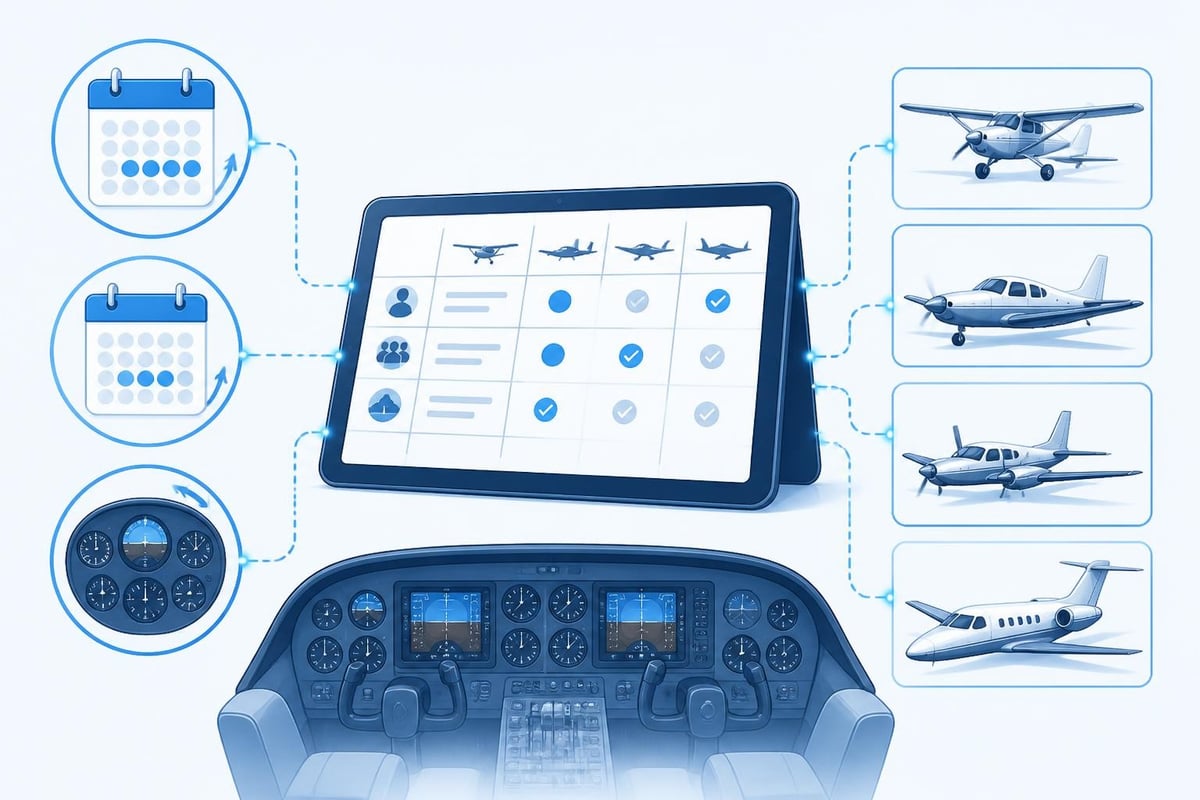
Not all digital logbooks offer the same depth. Here are the features that separate a basic tracker from the best digital logbook for pilots.
Flight Entry Speed
Fast entry is non-negotiable. After a long day of sectors, you want to log six flights in three minutes, not thirty. Look for:
- Pre-filled aircraft and route fields from your last entry
- One-tap selection for common aircraft types
- Automatic night and IFR time calculation based on departure and arrival times
- Bulk import from EFB or scheduling systems
The best systems recognise patterns. If you fly the same rotation weekly, the logbook should remember your routes, aircraft, and typical block times.
Currency and Limits Tracking
This is where most paper logbooks fail and many digital ones disappoint. The best digital logbook for pilots tracks every currency requirement and duty limit relevant to your licence.
Passenger currency (90 days, three landings) should update after every entry and display days remaining. IFR currency varies by jurisdiction: EASA Part-FCL FCL.625 requires one approach, hold, and tracking task every 90 days in actual or simulated IMC; FAA requires six approaches and holds in the preceding six calendar months. Your logbook should track both if you hold multiple licences.
Rolling limits matter for commercial and airline pilots. A good system tracks 28-day flight time, 28-day duty, 90-day flight time, and 365-day totals against your operating regulations (CAP 371, EASA FTL, Part 117). If you hit 85 hours in a 28-day window and your limit is 100, you need to see that clearly.
| Feature | Basic Logbook | Best Digital Logbook |
|---|---|---|
| Flight entry time | 2-3 minutes per sector | 20-30 seconds per sector |
| Passenger currency tracking | Manual calculation | Automatic with warnings |
| Rolling 28-day limits | Spreadsheet required | Real-time calculation |
| Licence expiry alerts | Calendar reminder | Integrated, flagged early |
| Multi-jurisdiction support | Single ruleset | EASA, FAA, CAA, CASA |
| Backup and export | Manual export | Automatic cloud sync + PDF/CSV |
Licence and Medical Expiry Management
Your Class 1 medical expires in 14 days and you have five sectors scheduled next week. If your logbook does not flag that two weeks early, you are not using the best digital logbook for pilots.
Expiry tracking should cover:
- Medical certificates (Class 1, Class 2, Class 3) with renewal windows
- Licence ratings (SEP, MEP, IR, type ratings) and revalidation dates
- Instructor certificates and examiner authorisations
- Passport and visa expiries for international crew
The best systems send push notifications 30, 14, and 7 days before expiry. They also link expiries to your upcoming flights, so you see immediately if a trip conflicts with a lapsing rating.
Platform and Sync Reliability
A digital logbook lives on your phone, tablet, and computer. All three must show the same data, updated in real time.
Cross-platform sync means logging a flight on your iPhone at the airport and seeing it on your iPad at home and your Windows laptop during a job application. Cloud sync should be automatic, not a manual "upload" button you forget to press. The FAA's Advisory Circular 120-78A addresses electronic signatures and record-keeping, which applies when you sign off entries digitally.
Offline functionality is critical. You should log flights in areas without signal and have entries sync automatically when you reconnect. Losing six sectors because you were offline is unacceptable.
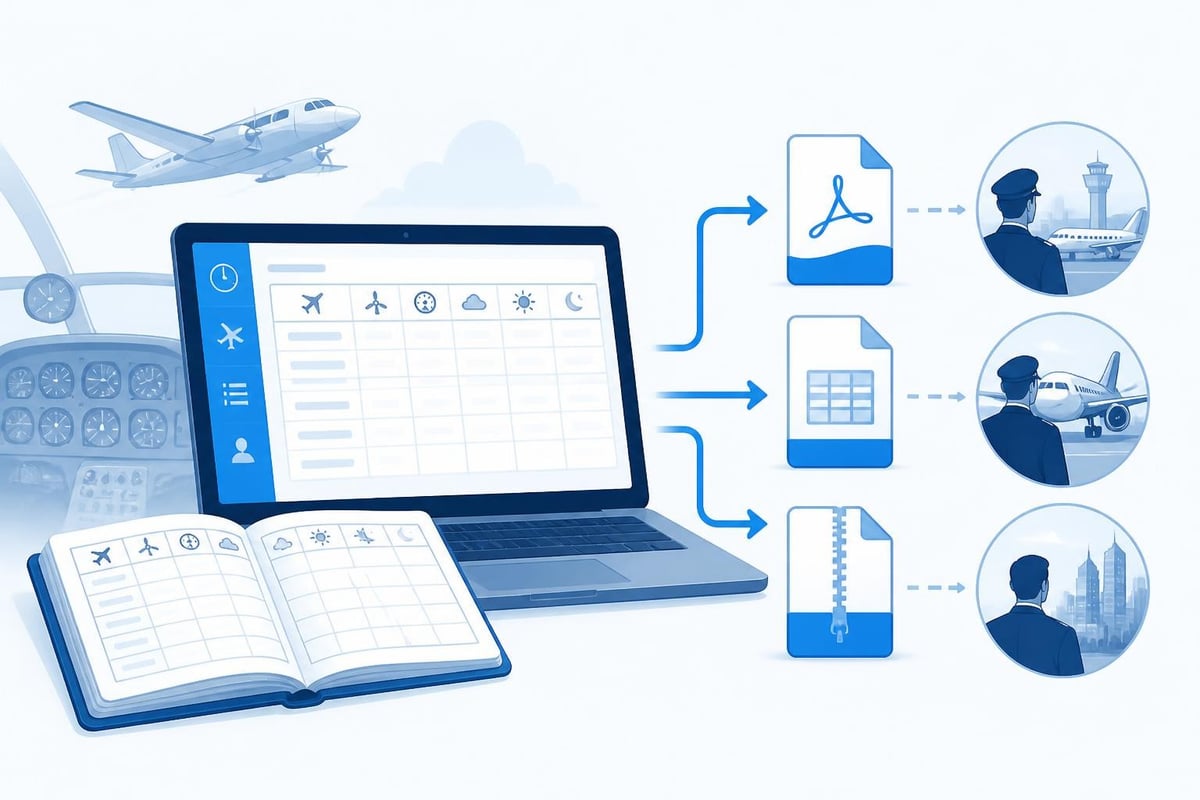
Data Export and Portability
You will change employers, apply for new ratings, and eventually move to a different logbook system. The best digital logbook for pilots makes export simple and complete.
Full export should include:
- PDF logbook formatted for printing and regulatory submission
- CSV or Excel file with every data field (date, aircraft, route, PIC, dual, night, IFR, remarks)
- Industry-standard formats (LogTen Pro, ForeFlight, MyFlightbook) for migration
- Per-aircraft summaries and type breakdowns
- Endorsement and training records with instructor signatures
Export should take under 60 seconds and produce files you can email, upload to job portals, or archive on your own storage.
Regulatory Compliance and Endorsements
Your logbook must meet the record-keeping standards of every authority under which you fly. FAA Advisory Circular 61-65H provides detailed guidance on endorsements and logbook entries, which digital systems must replicate accurately.
Endorsement handling should include:
- Instructor signatures (electronic or scanned)
- Date, regulation reference, and specific authorisation text
- Searchable archive by rating or endorsement type
- Compliance with EASA Part-FCL AMC1 FCL.050 for training records
Some jurisdictions require physical signatures; others accept electronic records with secure authentication. The best digital logbook for pilots supports both and flags which entries need traditional ink.
Audit trails matter for professional pilots. Airlines and regulators may request proof of currency dating back months or years. A logbook with timestamped entries, edit history, and cloud-stored backups provides that trail. Systems that overwrite or delete old data do not.
Worked Example: Tracking Currency Over 90 Days
Consider a private pilot with an EASA Part-FCL PPL flying a Cessna 172. On April 1, 2026, they have 78 take-offs and landings in the preceding 90 days (well above the three required for passenger currency). They fly once every two weeks, averaging two landings per flight.
| Date | Landings | Total in Last 90 Days | Passenger Currency |
|---|---|---|---|
| April 1 | - | 78 | Current |
| April 15 | 2 | 64 (April 1-15 drops 16) | Current |
| May 1 | 2 | 52 | Current |
| May 15 | 0 (weather cancel) | 38 | Current |
| June 1 | 0 (aircraft maintenance) | 24 | Current |
| June 15 | 0 (holiday) | 10 | Current |
| June 29 | 2 | 4 | Current |
| July 13 | 0 | 2 | Lapses in 2 days |
By mid-July, a single missed flight puts the pilot at risk of lapsing passenger currency. A paper logbook requires manual counting. The best digital logbook for pilots flags the issue on July 1, when the rolling 90-day window drops below six landings, giving ample warning to schedule a currency flight.
If they fly under both EASA and FAA rules (holding both licences), the logbook must track both simultaneously because the FAA 90-day requirement also applies.
Advanced Features for Professional Pilots
Airline and commercial pilots need more than basic logging. The best digital logbook for pilots scales from student to captain.
Crew pairing and multi-pilot logging allows you to share flights with other crew members, automatically splitting PIC, SIC, and monitoring pilot time. If you fly as first officer on a 6-hour sector, the logbook should log 6 hours total time, 6 hours SIC, 3 hours PIC under supervision (if applicable), and zero PIC solo. This complexity requires structured entry fields and rule-based automation.
Duty time and FTL tracking for Part 117, EASA FTL, or CAP 371 compliance includes:
- Flight duty period (FDP) start and end times
- Standby and reserve duty
- Rest periods and minimum rest validation
- Cumulative duty over rolling 28-day and calendar-year periods
Airlines provide rostering software, but your personal logbook should validate that the roster complies with limits and flag discrepancies.
Type ratings and differences training need clear records. If you hold type ratings on the A320, B737, and E190, your logbook should show hours per type, last flown date, and revalidation due dates separately. Mixing types in a single "multi-engine jet" category is not sufficient for job applications or proficiency tracking.
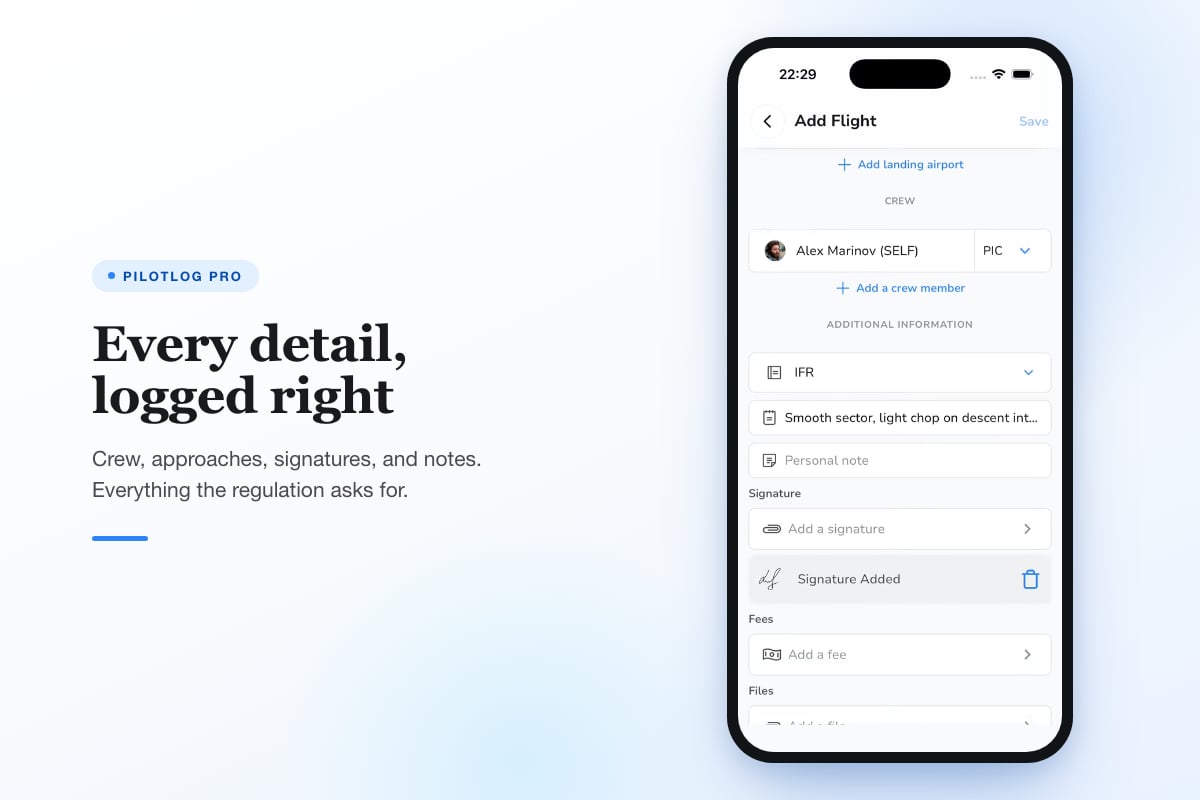
Pilotlog handles these professional requirements through structured aircraft types, automatic currency calculations per type, and rolling limit tracking across multiple regulatory frameworks. Pilotlog Pro adds career statistics, trend analysis, and full export functionality designed for pilots managing complex multi-type, multi-jurisdiction careers.
Common Pitfalls to Avoid
Even the best digital logbook for pilots fails if you use it incorrectly. Here are mistakes that compromise your records.
Delayed entry is the biggest risk. Logging six sectors from memory three days later introduces errors: you forget a touch-and-go, mis-record night time, or swap departure and arrival fields. The AOPA guidance on digital logbooks recommends logging flights immediately after shutdown. Make it a habit, like post-flight checks.
Inconsistent categories cause audit problems. If you log "IFR" for one flight but "IMC" for another when both were instrument flight rules, your totals split across two categories. Use standardised terms and abbreviations from the start.
Ignoring backups is catastrophic. Cloud sync is not a backup if you accidentally delete entries and the deletion syncs. The best digital logbook for pilots provides versioned backups and point-in-time restore. Export a full CSV and PDF every quarter and store it separately.
Trusting automation blindly leads to errors. If the software calculates night time based on civil twilight but your authority uses a different definition, your totals will be wrong. Verify calculations periodically, especially for regulatory minimums and currency.
Choosing the Right Solution for Your Flying
Your needs depend on your licence, flying frequency, and career goals.
Student pilots need simple entry, clear totals, and instructor endorsement handling. Currency tracking is less critical because you fly frequently under supervision. Look for low cost and ease of use.
Private pilots flying VFR every few weeks need strong currency tracking (90-day passenger, biennial flight review, medical expiries) and multi-platform sync. You may fly different aircraft types occasionally, so flexible aircraft management matters.
Commercial pilots and instructors need multi-pilot logging, endorsement management, and detailed per-type breakdowns. If you instruct, you want to track dual given separately from dual received. If you fly charters, rolling duty limits and Part 135 compliance become essential.
Airline pilots need professional-grade FTL tracking, crew pairing, automatic import from crew scheduling systems, and robust export for job applications. You may log 80-100 sectors per month, so entry speed and bulk import are critical. The best digital logbook for pilots at this level integrates with EFB systems and airline rostering platforms, as discussed in FAA Advisory Circular 120-76D on electronic flight bags.
Security and Privacy Considerations
Your logbook contains personal data, including passport numbers, medical details, and employment history. Security matters.
Data encryption should cover storage and transmission. Check that the provider uses AES-256 encryption at rest and TLS 1.3 for sync. Two-factor authentication adds protection against account takeover.
Privacy policies should specify where data is stored (EU, US, UK) and whether it is sold or shared with third parties. GDPR and UK data protection law give you the right to export and delete your data. Ensure the provider complies.
Account recovery processes should be secure but accessible. If you lose your password, you need a way to regain access without compromising security. Email-based recovery with two-factor backup codes is standard.
Cost and Value Analysis
Free logbooks exist, but they often lack critical features or lock advanced functions behind paywalls. Paid options range from £5 to £15 per month or £50 to £120 annually.
Value is not just about price. A free logbook that requires 10 extra minutes per week costs you 8.6 hours per year. If your hourly rate is £50, that is £430 in lost time. A £100 annual subscription saving you that time pays for itself three times over.
Trial periods let you test entry speed, sync reliability, and currency tracking before committing. Most providers offer 7 to 30-day trials with full feature access. Use the trial to log real flights and verify calculations against your paper logbook or current digital system.
Lifetime licences appeal to pilots planning long careers, but consider software longevity. A lifetime licence is worthless if the company shuts down in five years and your data is unrecoverable. Subscription models fund ongoing development and server costs, increasing the likelihood of long-term support.
Transitioning from Paper to Digital
Moving 500 hours from a paper logbook into a digital system is tedious but necessary. Here is how to do it efficiently.
- Export or photograph your paper logbook for backup before you start. Store scans in cloud storage.
- Enter summary totals first. Most logbooks let you enter "brought forward" hours for each category (total time, PIC, night, IFR). This gives you accurate running totals without entering every historical flight.
- Enter recent flights in full detail. Log the last 90 days flight-by-flight to establish current currency and rolling limits.
- Enter significant flights selectively. First solo, checkride flights, type rating initial sectors, and endorsement flights should be in the system for career milestones and endorsement records.
- Bulk import if available. If your paper logbook was previously digital or you have Excel records, use CSV import to save time.
Rules change, and pilots should confirm currency and logbook requirements against current EASA Part-FCL, FAA Part 61, or CAA CAP 804 guidance before relying on any interpretation.
Choosing the best digital logbook for pilots means evaluating entry speed, currency tracking, regulatory compliance, and long-term reliability. The right solution saves time, reduces risk, and keeps you ready for every flight and career milestone. Pilotlog delivers those benefits with fast flight logging, automatic currency calculations, and early alerts for licences and medicals, so nothing catches you by surprise.
- digital pilot logbook
- pilot logbook app
- currency tracking
- easa part-fcl
- flight logging software
A logbook that keeps itself.
Join the waitlist and be first in line when Pilotlog launches.
Free to join, no spam. Unsubscribe any time.