digital logbook
Best Digital Logbook Pilot Options for 2026
10 Jul 2026 · 16 min read
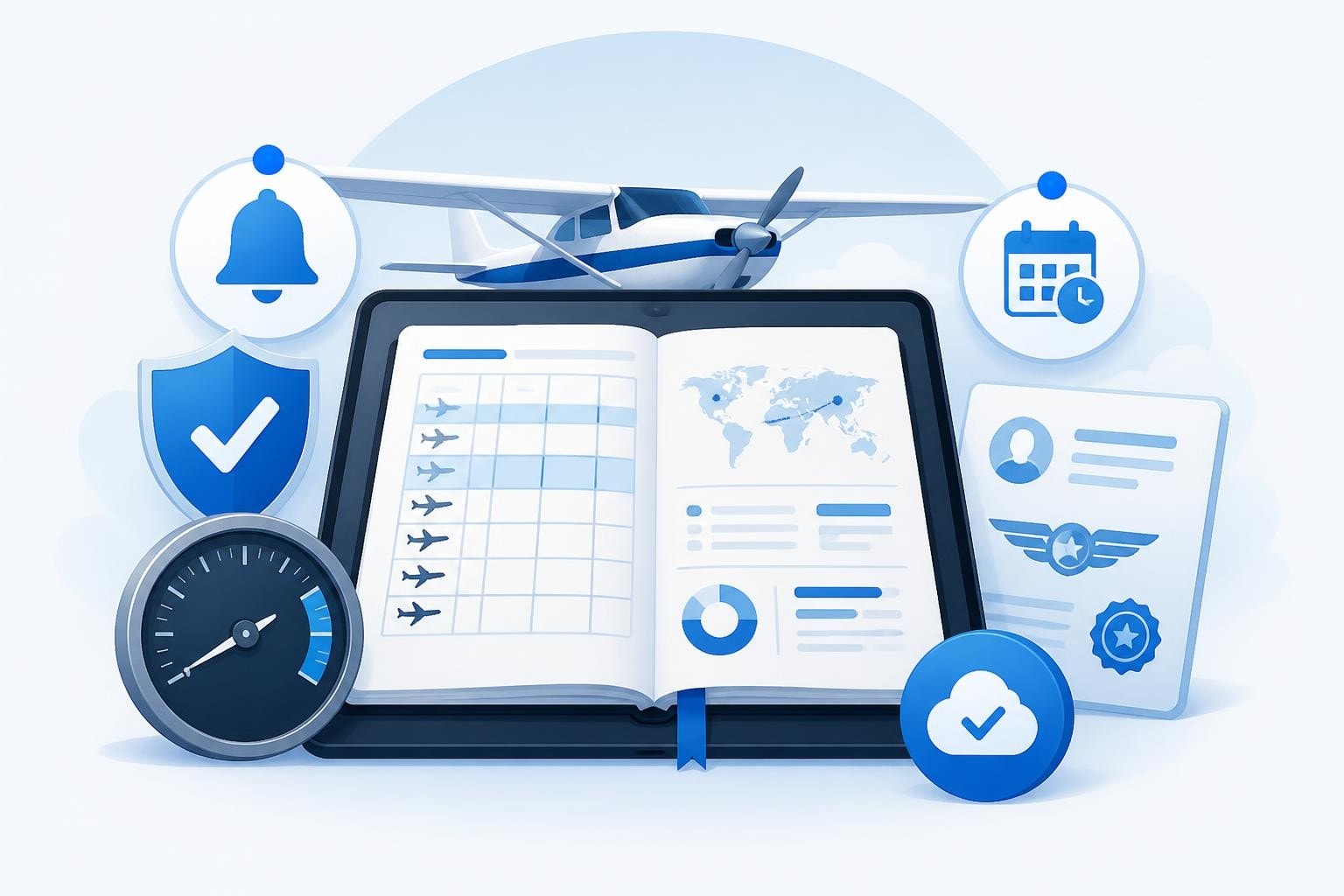
Choosing the best digital logbook pilot solution means finding a platform that tracks your hours accurately, monitors currency requirements, and alerts you before licences or medicals expire. The right logbook keeps you legal under 14 CFR § 61.51 or EASA Part-FCL, saves time on entry, and scales from your first solo to command of a jet. This guide compares features, compliance, and real-world use across the leading options in 2026.
What Makes a Digital Logbook the Best Choice
The best digital logbook pilot tools share several core attributes. They record every required field without fuss, sync across devices, and survive an audit by the authority. Compliance is non-negotiable: FAA regulations demand date, aircraft ID, departure and arrival points, type of experience, and pilot signature equivalent, while EASA Part-FCL adds details like function and METAR type.
Beyond the basics, the best platforms automate currency tracking. A PPL needs three takeoffs and landings in the preceding 90 days to carry passengers; an IFR rating requires six approaches, holding, and tracking or intercepting courses in the past six months under EASA FCL.060. Tracking these manually invites error. A digital logbook should count down to lapse dates and flag them early.
Key features to evaluate:
- Automatic currency calculations for VFR, IFR, night, and type-specific requirements
- Licence and medical expiry alerts with configurable lead times
- Rolling totals for 28-day and 365-day duty limits (critical for commercial crew)
- Export to PDF, CSV, or printed format for interview portfolios or authority inspections
- Offline entry with cloud sync when connection returns
Compliance and Regulatory Acceptance
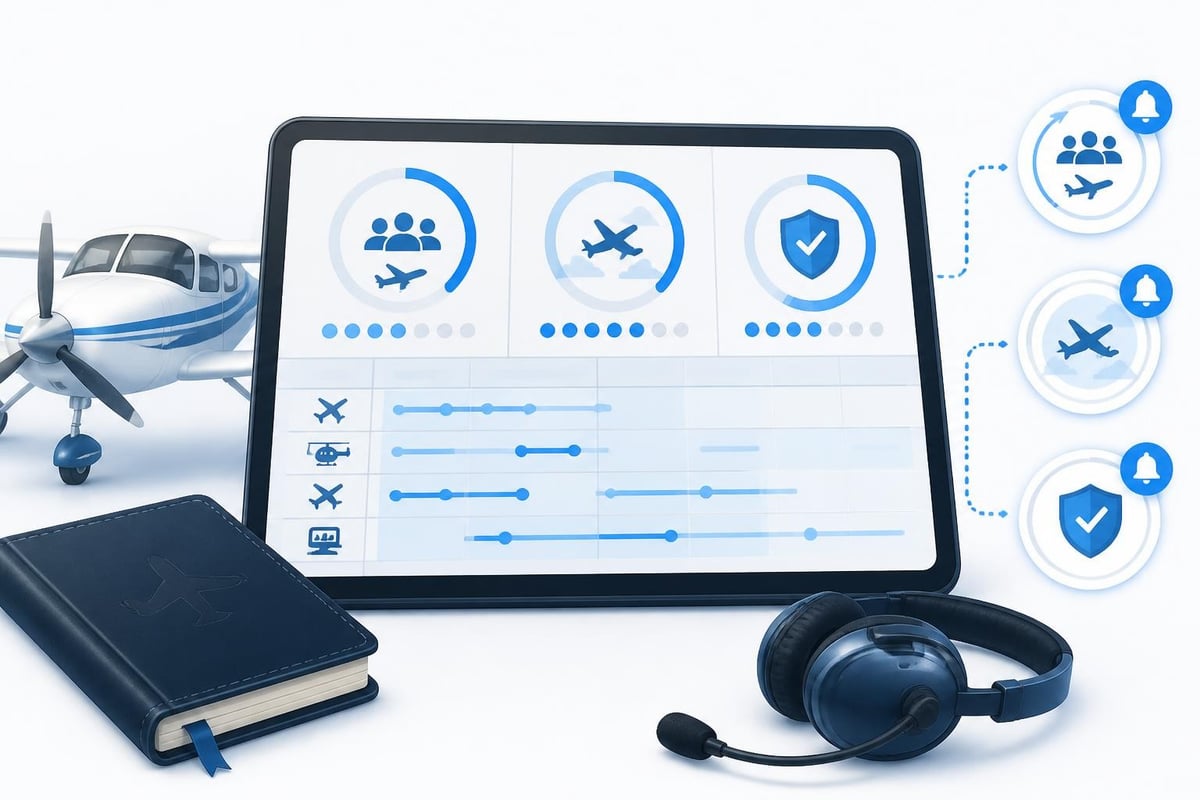
Regulatory bodies accept digital logbooks if they meet certain standards. The FAA allows any reliable format under 14 CFR § 61.51, provided it includes all required entries and can be presented for inspection. The Swiss Federal Office of Civil Aviation outlines accepted digital formats that comply with EASA rules, including secure storage and audit trails.
A compliant logbook must preserve integrity. That means no silent deletion of entries, a clear history of edits, and backup systems that prevent data loss. The best digital logbook pilot platforms timestamp every entry, store data redundantly across servers, and offer local exports so you hold a copy independent of the service.
Check that your chosen platform supports your authority's structure. FAA pilots need columns for solo, PIC, SIC, dual received, and cross-country time. EASA pilots require function (PIC, PICUS, co-pilot), conditions (VFR, IFR), and multi-pilot or single-pilot operations. A logbook that doesn't offer the right fields forces you into notes and workarounds.
Comparing Features Across Leading Platforms
Different platforms prioritise different pilot segments. Some focus on student simplicity, others on airline crew complexity. The table below compares key features across common solutions in 2026.
| Feature | Entry-Level Apps | Mid-Tier Solutions | Professional Platforms |
|---|---|---|---|
| Offline entry | Yes | Yes | Yes |
| Automatic currency tracking | Basic (90-day only) | VFR, IFR, night | Full: VFR, IFR, night, type-specific |
| Duty and FTL limits | No | Partial | Rolling 28/365-day limits |
| Medical and licence alerts | Manual entry | Basic alerts | Early warnings (14, 30, 60 days) |
| Export formats | PDF only | PDF, CSV | PDF, CSV, XLSX, printed layout |
| Multi-device sync | Limited | Full sync | Real-time sync with conflict resolution |
| Cost (annual) | Free - $20 | $40 - $80 | $80 - $150 |
Professional platforms justify higher cost with features that save hours each month. When you log 78 of 100 hours in a 28-day window and need to confirm legal rest before accepting another trip, automated FTL tracking is worth far more than the subscription.
Setup and Daily Use
The best digital logbook pilot solutions balance power with speed. After a sector, you want to log date, aircraft registration, route, block time, and PIC hours in under 60 seconds. Platforms that require navigating five screens or typing ICAO codes without autocomplete slow you down.
Look for smart defaults. If you fly the same aircraft type regularly, the logbook should remember tail number, category, and class. If you operate IFR most days, it should pre-select instrument conditions. One-tap duplication of the previous entry, with edits only to departure, arrival, and time, cuts logging time by half.
Efficient entry workflow:
- Tap duplicate last flight or new entry
- Update departure and arrival airports (autocomplete from ICAO codes)
- Enter block off and block on times (duration auto-calculated)
- Confirm PIC hours and conditions (IFR, night, cross-country)
- Add approaches or holds if applicable
- Save and sync
Some platforms integrate with scheduling systems, pre-filling crew, aircraft, and route from the roster. That's a significant advantage for airline pilots logging 80-100 sectors per month. For general aviation and instructor pilots, manual entry with good autocomplete is usually sufficient.
Currency Tracking That Actually Works
Currency tracking separates adequate logbooks from the best digital logbook pilot platforms. Regulatory requirements vary by licence and operation, but the principle is consistent: recent experience in specific conditions and roles is mandatory before exercising privileges.
EASA Part-FCL.060 requires three takeoffs and landings in the preceding 90 days to carry passengers. If one of those flights was at night, you're current for night passenger operations. If not, you need a night circuit before flying passengers after dark. A good logbook counts these separately and flags each currency with a lapse date.
IFR currency under EASA demands six instrument approaches, holding, and intercepting courses in the past six months. If you fly regularly, this is easy to maintain. If you only occasionally file IFR, the logbook should warn you when you're down to two months of currency so you can plan a recency flight before it lapses.
Common currency rules (verify with current regulations):
- Passenger-carrying (VFR, EASA): 3 takeoffs and landings, preceding 90 days
- Night passenger-carrying (EASA): 1 of those 3 at night, or separate night recency
- IFR (EASA FCL.060): 6 approaches, holding, tracking/intercepting, past 6 months
- Type rating (EASA): depends on aircraft and licence; typically 3 takeoffs and landings in 90 days
- Flight instructor (FAA, 14 CFR § 61.423): endorsements and recordkeeping specific to sport pilot instruction
The best platforms calculate all of these simultaneously and display days until lapse. You see at a glance that IFR currency expires in 14 days while passenger VFR is current for another 62 days. That clarity drives better planning.
Licence and Medical Expiry Management
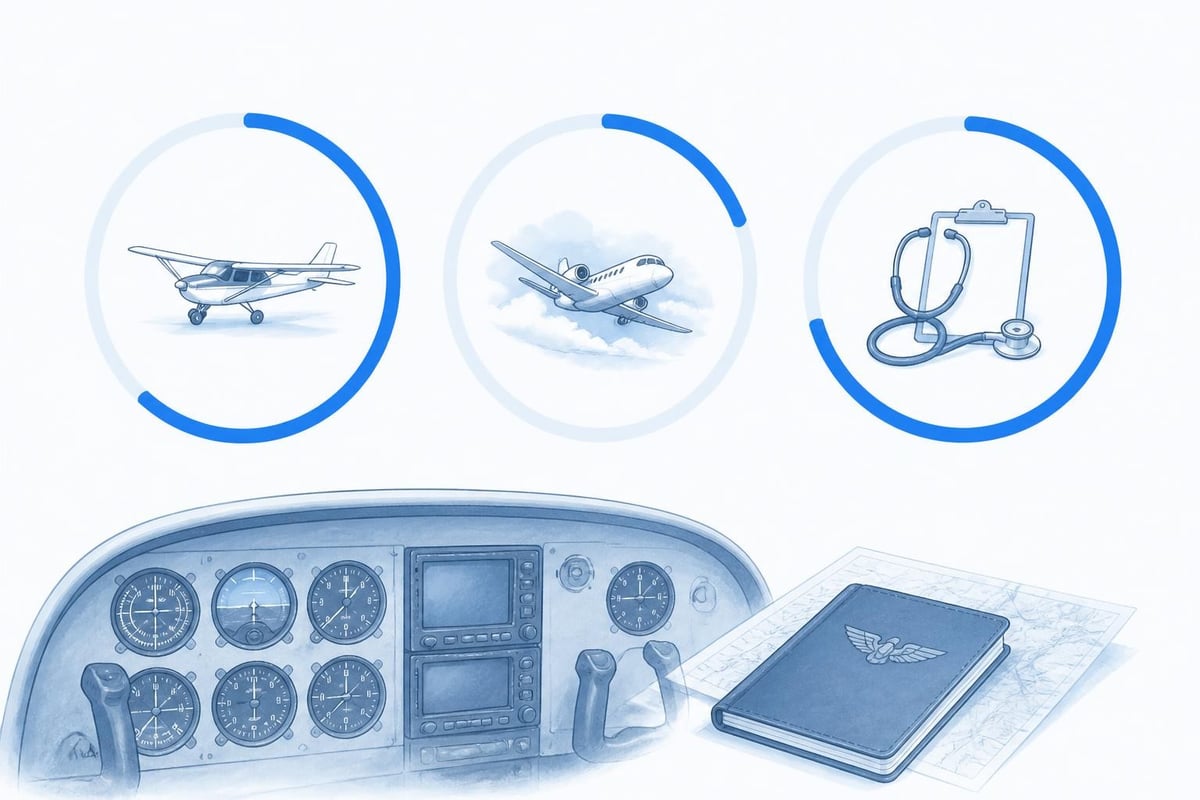
Licences and medicals expire on fixed dates, not rolling windows. A Class 1 medical issued to a pilot under 40 is valid for 12 months. Miss the renewal by a day and you're grounded until the next AME appointment. The best digital logbook pilot solutions alert you well in advance.
Set alerts for 60, 30, and 14 days before expiry. The 60-day warning lets you book the AME or schedule the proficiency check without time pressure. The 30-day reminder confirms the appointment is in the diary. The 14-day flag is a final backstop if something slipped.
Some platforms track multiple licences and ratings on one timeline. If you hold a PPL, an IR, a night rating, and an instructor rating, each has its own expiry or revalidation date. A commercial pilot with a Class 1 medical, ATPL, type rating, and dangerous goods certificate needs at least four active timelines. The logbook should display all of them on a single dashboard, sorted by proximity to expiry.
Worked Example: Tracking a Month of Flying
Consider a PPL holder flying 12 hours across six flights in March 2026. They start the month current for passengers (last flight was February 20, three circuits on February 25) and IFR (four approaches in January, two in February). The medical expires May 15, 2026.
| Date | Route | Block Time | Night | IFR | Landings | Approaches |
|---|---|---|---|---|---|---|
| Mar 2 | EGKK-LFAT | 1.4 | No | No | 1 | 0 |
| Mar 8 | LFAT-EGKK | 1.3 | No | Yes | 1 | 1 (ILS) |
| Mar 14 | EGKK-EGLF-EGKK | 1.8 | No | No | 2 | 0 |
| Mar 19 | EGKK-EGHH | 0.9 | Yes | No | 1 | 0 |
| Mar 22 | EGHH-EGKA | 0.7 | No | Yes | 1 | 1 (VOR) |
| Mar 28 | EGKA-EGKK | 0.6 | No | No | 1 | 0 |
After the March 28 flight, the logbook shows:
- VFR passenger currency: valid until June 26, 2026 (90 days from March 28, with landings on Mar 14, 22, 28)
- Night passenger currency: not current (only one night landing, on March 19; needs two more within 90 days of March 19)
- IFR currency: valid until September 8, 2026 (six months from March 8; total of 7 approaches in past six months, with holding and tracking on previous flights)
- Medical expiry: 48 days (May 15, 2026)
The pilot receives an alert on March 28 that the medical expires in 48 days and should book a renewal. Night passenger currency lapsed after March 19 because only one night landing occurred in the preceding 90 days. To restore it, the pilot needs to complete a night flight with an instructor or two more solo night circuits by June 17 (90 days from March 19).
This level of detail is what the best digital logbook pilot platforms deliver automatically. No manual counting, no spreadsheet formulas, no missed renewals.
Advanced Features for Career Pilots
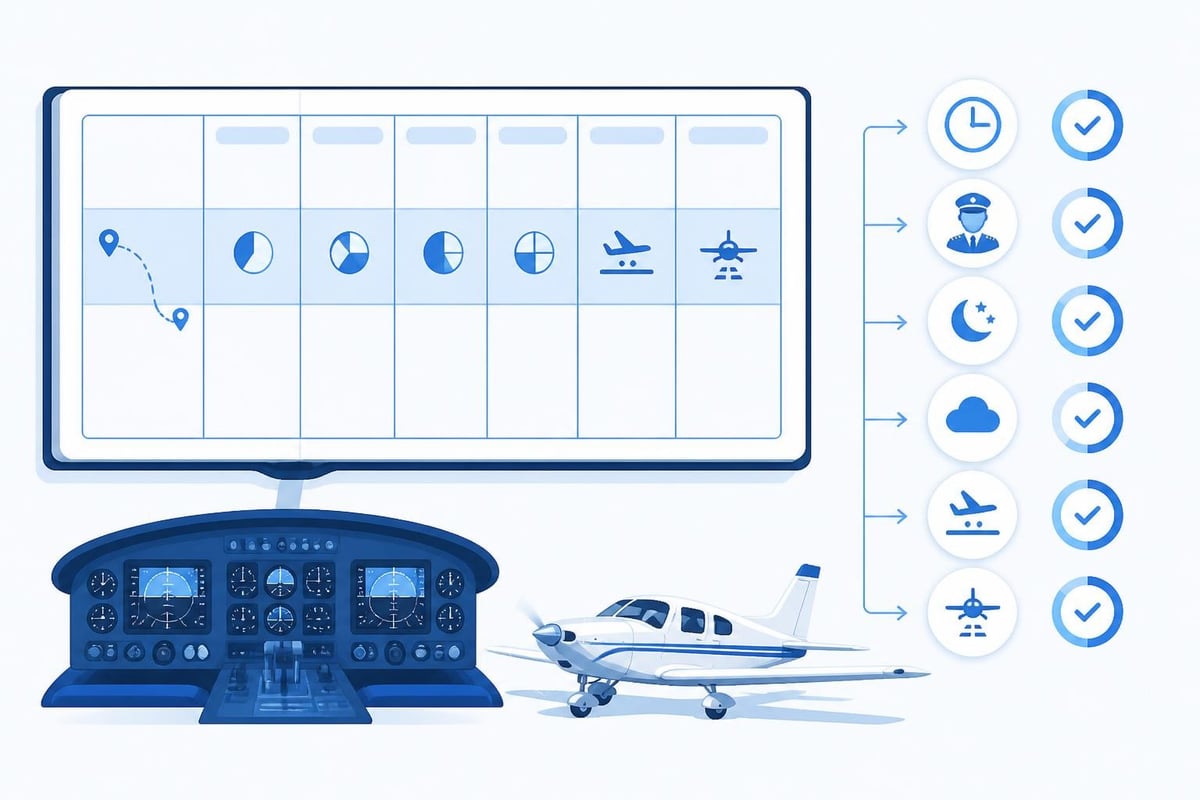
Airline and commercial pilots need more than basic logging. Rolling duty limits, multi-crew operations, ZFTT (zero flight time training) entries, and sim sessions all require specific handling. The best digital logbook pilot platforms support these without forcing workarounds.
Professional features to look for:
- FTL limits: 28-day and 365-day flight time totals that update in real time, with warnings at 90% and 100% of limits
- Multi-pilot logging: separate PIC, PICUS, SIC, and SPIC columns under EASA rules
- Sim and training device entries: compliant with 14 CFR § 121.344 for simulator time and training credit
- Custom fields: additional columns for employer codes, flight numbers, or remarks
- Bulk import: CSV upload from roster or scheduling systems, with validation and conflict detection
Flight time limitation rules under EASA Subpart FTL set a maximum of 100 block hours in any 28 consecutive days for most commercial operations. A logbook that tracks this rolling window shows you the exact hours flown in the current period and when hours from 29 days ago will drop off. This prevents accepting a trip that would exceed limits and violate your AOC's approvals.
Crew flying under 14 CFR § 129.20 on foreign-registered aircraft must also maintain digital records to the same standard. The logbook must support all required data fields and allow export in formats accepted by both the home authority and the FAA.
Portfolio and Career Milestones
Your logbook is your career record. When preparing for an interview, you need total hours by category, class, and condition, plus graphs showing progression over time. The best digital logbook pilot solutions generate these reports without manual calculation.
Typical portfolio requirements:
- Total flight time (all aircraft)
- PIC time (total and by category/class)
- Multi-engine time (PIC and total)
- Turbine time (PIC and total)
- Instrument time (actual and simulated)
- Cross-country time (FAA definition: >50 nm straight line)
- Night time
- Dual instruction received and given
Some platforms also track milestones: first solo, first cross-country, 100 hours PIC, 500 hours total, instrument rating, first jet flight, first turbine PIC. These may seem trivial, but they appear in interview questions and add context to your experience.
Export your logbook as PDF with running totals, by-type summaries, and a page-per-month layout that matches traditional paper books. Print it double-sided on good stock and bind it for interviews. It demonstrates attention to detail and professionalism.
Mobile and Cross-Platform Access
You don't always log flights at a desk. After a long day, you might enter hours on your phone while waiting for the crew bus. The best digital logbook pilot apps sync seamlessly across iOS, Android, and web, with offline entry that merges when connection returns.
Test sync reliability before committing. Add a flight on your phone with no network, then open the web app on a different device. The entry should appear within seconds of reconnecting. If it doesn't, or if conflicts require manual resolution every time, find a different platform.
Look for widgets and quick actions. An iOS widget that shows days until currency lapse or medical expiry saves opening the full app. Android quick settings for "Log Last Flight +1 Sector" speed up repetitive entries on multi-leg days.
Battery life matters. A logbook app that drains 30% battery per hour is unusable on long duty days. Well-coded apps use minimal background processing and sync only when data changes.
Data Security and Backup
Your logbook is irreplaceable. Losing ten years of flight records because a service shut down or a device failed is unacceptable. The best digital logbook pilot platforms store data redundantly, encrypt it in transit and at rest, and let you export complete backups.
Essential security features:
- End-to-end encryption for sync and cloud storage
- Automatic daily backups to at least two geographically separated data centers
- Local export (CSV, PDF) that you control, independent of the service
- Account recovery process that doesn't rely on email alone (2FA, recovery codes)
- Clear data retention policy (what happens if you cancel subscription)
Verify the export process before logging hundreds of flights. Download a CSV, open it in Excel, and confirm all fields appear correctly. Check that dates, times, and totals match your entries. Some platforms export in proprietary formats that only re-import into the same app, which is useless if the service disappears.
For pilots operating under commercial approvals, ask whether the platform meets your operator's data security requirements. Some AOCs mandate specific backup frequencies or prohibit cloud storage in certain jurisdictions. Confirm compliance before adoption.
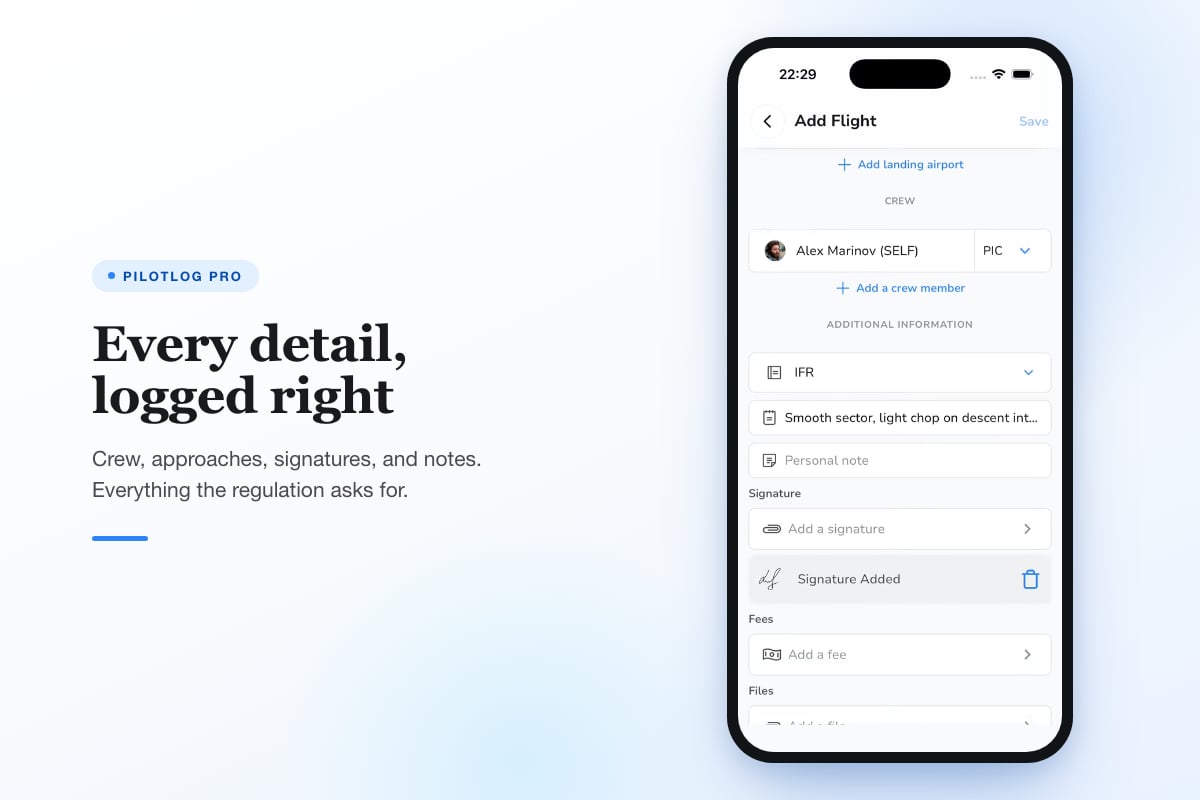
If your logbook supports rolling duty limits, flight time monitoring, and early expiry alerts, Pilotlog Pro delivers all three with configurable warnings and full export options. It tracks 28-day and 365-day totals, passenger and IFR currency with lapse dates, and licence and medical expiries flagged 60, 30, and 14 days ahead, keeping you current without manual tracking.
Transition from Paper to Digital
Moving from a paper logbook to digital requires care. Your paper book remains the legal record until the digital platform is complete and verified. The best approach is parallel running: maintain both for three to six months, cross-checking totals weekly.
Migration steps:
- Choose a start date (first day of a new month simplifies totals)
- Enter all previous flights into the digital logbook, starting from your first solo or earlier if records exist
- Verify page totals against your paper book (total time, PIC, multi-engine, night, IFR, cross-country)
- Check currency calculations manually for the first month to confirm the platform's logic matches your authority's rules
- Run both logbooks in parallel for 90 days, entering each flight in both and comparing totals
- Export a full PDF from the digital platform and store it with your paper book as a snapshot
Most authorities don't require you to surrender the paper logbook when switching to digital. Keep it as a backup and a historical record. If the digital platform ever becomes unavailable, you have everything up to the switch date.
Some platforms offer bulk import from CSV, which can save hours if you already have flights in a spreadsheet. Verify every imported row. A misplaced decimal (1.5 hours imported as 15.0) corrupts your totals and takes weeks to trace.
Choosing the Right Platform for Your Flying
The best digital logbook pilot choice depends on your flying profile. A student PPL logging 50 hours per year has different needs than an airline first officer logging 800 hours across 400 sectors. Match the platform to your operation.
For student and recreational pilots:
- Simple VFR and IFR currency tracking (90-day and 6-month rules)
- Medical and licence expiry alerts
- Low cost (under $50 per year)
- Mobile-first design for quick post-flight entry
For instructors:
- Dual given and dual received columns
- Student endorsement tracking (may require separate tool under 14 CFR § 61.423)
- Running totals by category, class, and student
- PDF export formatted for FAA or EASA inspector review
For commercial and airline pilots:
- FTL tracking (28-day, 365-day rolling limits)
- Multi-crew columns (PIC, PICUS, SIC, SPIC)
- Bulk import from roster or scheduling systems
- Advanced reporting (by type, by airport pair, by date range)
- High reliability and redundant backup (can't afford data loss)
Test the free trial or basic tier before paying for annual subscriptions. Log ten flights covering different conditions (day, night, VFR, IFR, cross-country) and verify that currency and totals match your manual calculations. If they don't, contact support and confirm whether it's a bug or a misunderstanding of regulations. If support doesn't respond within 48 hours, move on.
Regulatory Changes and Future-Proofing
Regulatory requirements evolve. EASA introduced electronic logbooks as acceptable under Part-FCL in 2020, but specific approval processes vary by member state. The FAA has permitted digital logbooks for decades under the "reliable record" standard in 14 CFR § 61.51, but interpretations of what constitutes reliability continue to develop.
The best digital logbook pilot platforms adapt to regulatory updates. When EASA amends FTL limits or the FAA clarifies cross-country definitions, the platform should update its calculations within weeks, not years. Check the provider's update history and release notes to see how responsive they are.
Some jurisdictions require periodic inspector access to logbooks. Confirm that your chosen platform supports read-only sharing or PDF export formatted for official review. Handing an inspector your phone and asking them to scroll through an app is unprofessional and may not satisfy the requirement.
Note: Regulations change. Always confirm current requirements with your national aviation authority or the latest published rules before relying on any logbook's automated calculations.
Future-proofing also means data portability. If you switch platforms in 2030, you need to export everything and import it elsewhere without losing detail. CSV export with all fields preserved (date, aircraft, route, times, conditions, remarks, endorsements) is the minimum standard. Proprietary formats lock you in.
Selecting the best digital logbook pilot solution means evaluating compliance, currency tracking, expiry alerts, and data security against your specific flying profile. The right platform saves time, prevents lapses, and keeps your records audit-ready from first solo to retirement. Pilotlog tracks flights in seconds, monitors rolling currency and duty limits, and alerts you before licences or medicals expire, ensuring you stay current and legal across your entire flying career on iOS and Android.
- digital logbook
- pilot currency tracking
- easa part-fcl
- faa 61.51
- electronic pilot logbook
A logbook that keeps itself.
Join the waitlist and be first in line when Pilotlog launches.
Free to join, no spam. Unsubscribe any time.