electronic flight logbook
Electronic Flight Logbook: A Pilot's Complete Guide
8 Aug 2026 · 13 min read
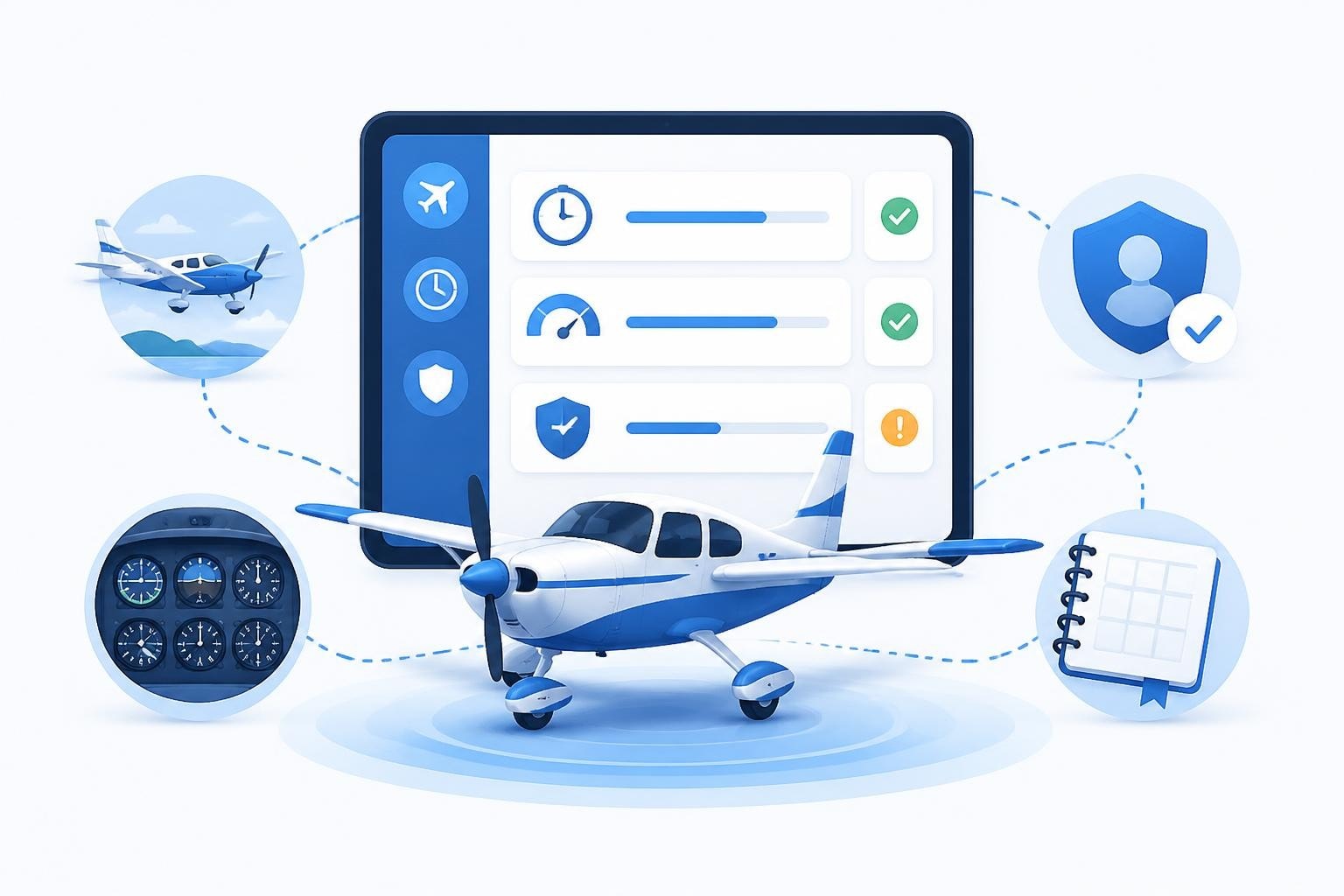
An electronic flight logbook is a digital system for recording flight time, aircraft types, routes, and pilot experience. Instead of handwritten paper entries, you log flights via app or software, and the system automatically tracks totals, currency limits, and expiry dates. An electronic flight logbook meets regulatory requirements when it includes all mandated data fields and provides a secure, verifiable record of your flying.
The shift from paper to digital is reshaping how pilots manage their professional records. You gain automated calculations, instant currency checks, and backup protection that a physical book cannot match. But legal compliance, data security, and choosing the right platform require careful consideration.
Legal Requirements for Electronic Flight Logbooks
The FAA sets clear standards for what must be recorded in any pilot logbook. 14 CFR 61.51 specifies that you must log date, total flight time, location, aircraft type and identification, and whether you acted as PIC or received instruction. An electronic flight logbook must capture every field the regulation mandates.
Key regulatory elements include:
- Date of flight
- Total flight or lesson time
- Location (departure and arrival points)
- Type and identification of aircraft
- Kind of pilot time (PIC, SIC, dual received, solo)
- Conditions of flight (day, night, actual instrument, simulated instrument)
- Landings (day and night)
The regulation does not prohibit electronic records. It requires accurate, verifiable documentation. Your electronic flight logbook must produce a legible record you can present to an examiner, inspector, or employer. Many systems offer PDF export that satisfies this requirement.

Electronic Signatures and Record Retention
Digital aircraft logbook requirements extend to authentication and long-term storage. The FAA accepts electronic signatures provided the system maintains integrity and prevents unauthorized changes. Many platforms use timestamped entries and user authentication to meet this standard.
You remain responsible for preserving your records. If you switch systems or the provider ceases operations, you must export and archive your complete logbook. Store backups in multiple locations and formats to ensure you never lose decades of flight experience.
Why Pilots Choose Electronic Flight Logbooks
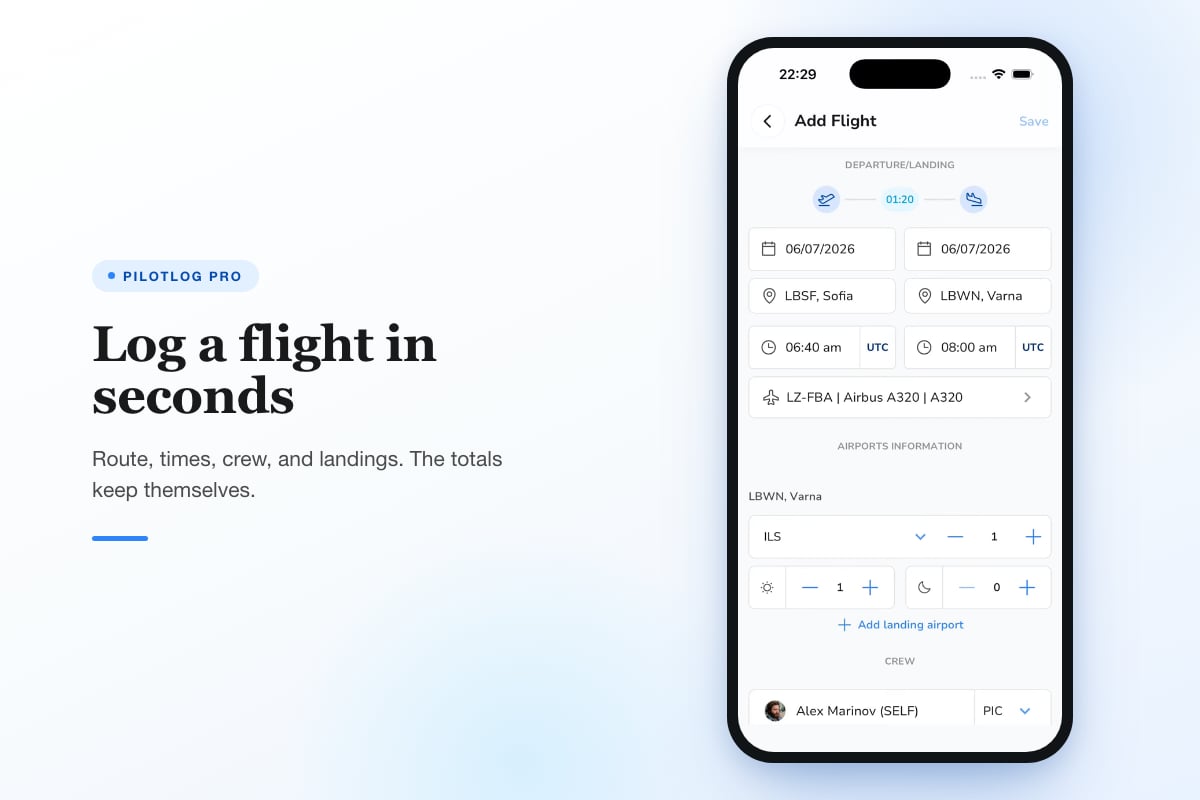
Speed drives adoption. After landing, you can log a flight in under 30 seconds using pre-filled aircraft and route templates. The system calculates block time, night hours, instrument approaches, and landings automatically. No manual arithmetic means fewer errors and faster turnaround.
Currency tracking becomes passive rather than active. Instead of counting back through paper pages to find your last three takeoffs and landings, an electronic flight logbook shows your current status instantly. You see your 90-day passenger currency, IFR approach requirements, and flight review date without any calculation.
| Feature | Paper Logbook | Electronic Flight Logbook |
|---|---|---|
| Entry speed | 3-5 minutes | 30-60 seconds |
| Totals calculation | Manual | Automatic |
| Currency tracking | Manual lookup | Real-time display |
| Backup copies | Physical photocopy | Cloud sync |
| Employer reports | Hand-transcribe | One-click export |
The comparison between paper and electronic pilot logbooks highlights efficiency gains across every aspect of record keeping. Digital systems eliminate the risk of arithmetic errors that can invalidate licence applications or job submissions.
Advanced Tracking Capabilities
Modern electronic flight logbooks monitor more than basic hour totals. They track rolling limits for commercial operations, duty time restrictions, and multi-rating currencies simultaneously. If you hold instrument, multi-engine, and seaplane ratings, the system maintains separate recency requirements for each.
Pilots flying under Part 121 or Part 135 face complex flight and duty time limitations. An electronic flight logbook can flag approaching limits for 28-day, 365-day, and calendar month periods. You receive advance warning before reaching legal maximums, not after you have exceeded them.
Setting Up Your Electronic Flight Logbook
Start by exporting data from your current system. Whether paper or another digital platform, you need accurate historical totals before your first entry. Many pilots use their most recent BFR or checkride as a verified starting point, then enter subsequent flights individually.
Initial setup steps:
- Create your pilot profile with licence numbers and ratings
- Add aircraft you fly regularly with type, category, and class
- Enter starting totals from your verified source
- Configure currency rules for your ratings and operations
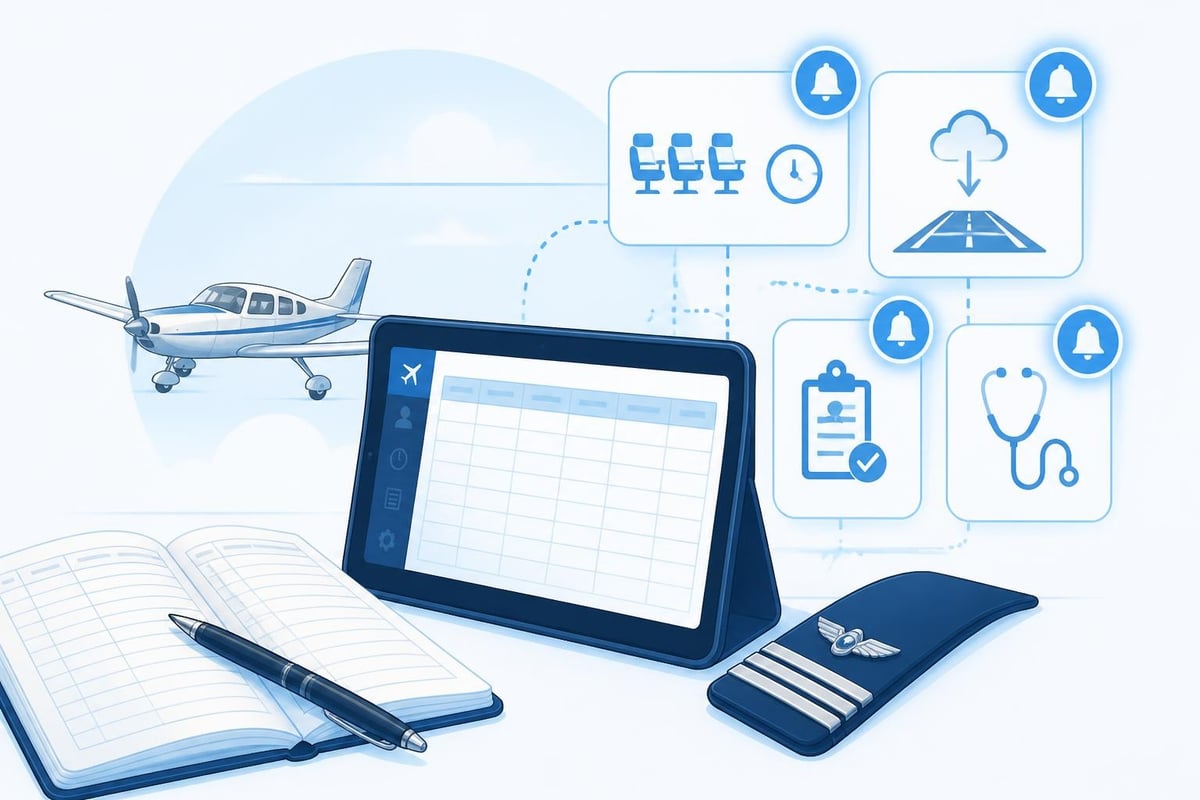
- Set medical and licence expiry dates for automatic alerts
Take time to configure custom fields if your flying requires specific tracking. Glider pilots log tow releases and winch launches. Helicopter pilots track Category A and B operations differently. Tailor the system to match your operational needs rather than forcing your flying into generic templates.
Import and Migration Strategies
Moving decades of flight history into an electronic flight logbook requires methodology. Transcribing every flight from a 3,000-hour career is impractical. Instead, many pilots enter summary totals by aircraft type through their last checkride, then log individual flights going forward.
The FAA accepts this approach provided your summary totals are accurate and verifiable. Keep your paper logbook as backup documentation. If an inspector questions your electronic totals, you can produce the original source records that support your entered data.
For pilots with recent digital exports, direct import saves time. CSV files from other logbook systems usually map cleanly into new platforms. Review imported data carefully for fields that did not translate correctly, particularly custom categories or aircraft types.
Currency and Alerting Systems
An electronic flight logbook prevents surprises. You configure expiry dates for licence ratings, medicals, recurrent training, and aircraft type endorsements. The system alerts you 60, 30, and 14 days before expiration, giving ample time to schedule renewals.
Night currency under 14 CFR 61.57 requires three takeoffs and landings to a full stop within the preceding 90 days for carrying passengers after sunset. Your electronic flight logbook counts these automatically and displays days remaining. When currency lapses, the system flags the requirement immediately.
Common currency alerts include:
- 90-day passenger currency (day and night)
- IFR currency (six approaches, holding, tracking within six months)
- Flight review (every 24 calendar months)
- Medical certificate expiry
- Type rating recurrent training
- Instrument proficiency check
The currency cheat sheet provides a quick reference for tracking requirements across different licence types. An electronic flight logbook automates these checks so you focus on flying, not calendar arithmetic.
Medical and Licence Expiry Tracking
Class 1 medicals expire based on your age and operation type. Under 40 you have 12 calendar months for commercial operations, 60 months for private. After 40 those periods shorten. Tracking the correct interval manually invites errors.
Configure your electronic flight logbook with your medical class, issue date, and date of birth. The system calculates the correct expiry date and begins alerting well before you lose privileges. The same logic applies to licence ratings, instrument currency, and type-specific authorizations.
For pilots managing multiple regulatory frameworks (FAA and EASA, for example), separate tracking for each jurisdiction prevents confusion. Your electronic flight logbook can maintain dual totals and currency calculations simultaneously.
Integration with Electronic Flight Bags
Many pilots use Electronic Flight Bags for charts, weather, and flight planning. EFB purposes and benefits extend to logbook integration when the devices share data. After landing, route details, departure and arrival times, and aircraft information flow directly into your logbook entry.
The FAA Advisory Circular on EFB operations classifies EFBs by capability and installation type. Portable EFBs (Type B) running logbook software are common across general aviation. Installed systems (Type A) in transport aircraft may link flight data recorders to automated logbook functions.
Integration reduces double entry. You file a flight plan in your EFB, fly the route, and the logbook pre-fills most fields. You verify the auto-populated data, add remarks, and save. The entire logging process takes seconds rather than minutes.
Data Synchronization and Cloud Backup
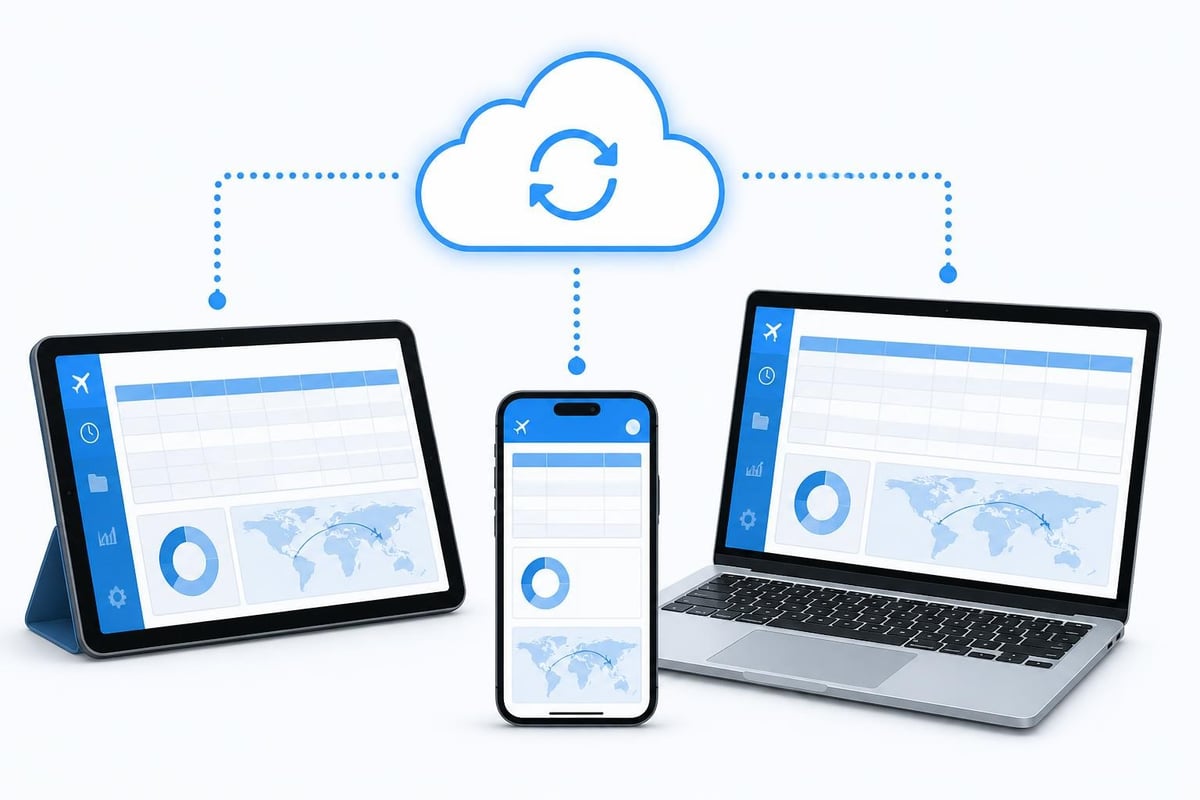
An electronic flight logbook worth using syncs across devices. Log a flight on your tablet at the airport, and the entry appears on your phone and computer immediately. Cloud synchronization provides automatic backup and protects against device loss or failure.
Choose systems with robust cloud infrastructure and clear data ownership policies. Your logbook contains decades of professional credentials. You must retain full rights to export and control your data regardless of subscription status or platform changes.
Advanced Features for Professional Pilots
Career tracking extends beyond simple hour totals. An electronic flight logbook can graph your monthly flying, show trends in aircraft types, and highlight gaps in experience. Before a job interview, generate reports showing PIC turbine time, international flights, or specific aircraft experience with one click.
Custom reports for airline applications often require hours broken down by aircraft category, class, and specific makes. You might need to separate B737-800 time from total B737 time, or show glass cockpit versus round-gauge experience. Pre-configured filters and export templates make these requests routine instead of tedious.
Pilotlog Pro tracks rolling flight-time and duty limits for commercial operations, monitors passenger, night, and IFR currency with lapse dates, and flags licence and medical expiries early. You see career stats, trends, and milestones alongside full logbook export capability. The system is built for pilots at every stage, from ab initio students through airline crew.
Regulatory Compliance for Commercial Operations
Part 121 carriers face strict record-keeping requirements. 14 CFR 121.344 mandates flight data recorder standards that inform how electronic flight logbooks capture and store information. Your personal electronic flight logbook must align with company policies while meeting individual licence requirements.
Many airlines provide corporate logbook systems, but pilots maintain personal records as well. Cross-check company totals against your personal electronic flight logbook monthly. Discrepancies caught early prevent problems during medicals, licence renewals, or job transitions.
Choosing an Electronic Flight Logbook Platform
Evaluate systems based on regulatory compliance first, features second. Verify the platform captures all required fields per 14 CFR 61.51 and allows export in formats examiners and employers accept. PDF and spreadsheet exports are standard; verify the output includes every data point needed for licence applications.
Selection criteria include:
- Compliance with FAA/EASA logbook requirements
- Multi-device synchronization and offline capability
- Automatic currency and expiry tracking
- Custom fields for specialized operations
- Export formats for job applications
- Data ownership and backup policies
- Customer support and platform stability
Read reviews from pilots in your operation type. A system optimized for airline crews may lack features bush pilots need. Glider and helicopter pilots require niche capabilities that general aviation logbooks omit. Match the platform to your specific flying, not generic aviation.
Test the interface before committing. Many systems offer free trials or limited versions. Log a week of flights and verify calculations match your expectations. Check that alerts trigger correctly and reports format properly. A clean migration beats switching platforms after entering years of data.
| Platform Consideration | Why It Matters |
|---|---|
| Regulation compliance | Non-compliant systems create legal risk |
| Backup and export | You must retain data if you switch platforms |
| Currency automation | Manual tracking defeats the purpose of digital |
| Multi-rating support | Single rating pilots need less complexity |
| Offline operation | You cannot always count on connectivity |
| Mobile and desktop | Most pilots use both device types |
The ten reasons professional pilots use electronic logbooks emphasize reliability, accuracy, and career-long data protection. These considerations apply whether you fly occasionally for recreation or build hours toward an airline career.
Mobile Apps Versus Desktop Systems
Dedicated mobile apps offer convenience at the flight line. You log immediately after shutdown while details are fresh. Desktop systems provide larger screens for reviewing trends, generating reports, and entering bulk historical data. The best electronic flight logbooks work seamlessly across both environments.
Offline capability matters. Not every airport has reliable connectivity. Your electronic flight logbook should allow entry and editing without internet access, then sync changes when connection returns. This prevents data loss and maintains workflow regardless of location.
Transitioning from Paper to Digital
Keep your paper logbook as a legal backup even after adopting an electronic flight logbook. Regulations change, platforms evolve, and having the original source protects your interests. Many pilots store paper logbooks in fireproof safes alongside other critical documents.
Decide your cutover strategy. Some pilots continue paper entries for a transition period, cross-checking against electronic totals until confidence builds. Others make a clean switch after one final paper entry documenting verified totals. Either approach works if you maintain data integrity.
Document your transition date and method. If questioned years later, you can explain exactly how historical totals were established and when digital logging began. Transparency and verifiable processes build credibility with examiners and employers.
Data Security and Long-Term Preservation
Your electronic flight logbook contains your professional credentials. Protect it with strong passwords, two-factor authentication where available, and regular export backups. Store exported copies in multiple locations: cloud storage, external drives, and printed PDF archives.
Regulations require retention of logbook records throughout your flying career. If a platform discontinues service or you switch systems, you must preserve complete historical data. Schedule quarterly exports as routine backup practice, not something you defer until a crisis.
Review your platform's data retention policy. Understand what happens to your records if you cancel a subscription or if the company ceases operations. Ensure you can export complete logbook data in standard formats at any time without restriction.
Practical Examples of Electronic Logbook Use
Consider a pilot building hours toward a commercial licence. You need 250 total hours with specific breakdowns: 100 PIC, 50 cross-country PIC, 20 dual instruction. Your electronic flight logbook shows real-time progress toward each requirement.
After logging flight 184, your system displays 87 hours PIC, 42 hours cross-country PIC, and 18 hours dual instruction. You see exactly which categories need priority. Target cross-country flights to build the 50-hour requirement while simultaneously adding PIC time.
Another example: you hold instrument rating currency through six approaches and holding within six calendar months. Your last IPC was March 15, 2026. Your electronic flight logbook shows current through September 15, 2026, and alerts you August 15 to schedule approaches if you have not remained current through regular flying.
For more guidance on maintaining pilot logbook accuracy, see pilot logbook best practices and aviation logbook fundamentals.
Ongoing Logbook Maintenance
Review your electronic flight logbook monthly even when flying regularly. Check that automated calculations match your understanding. Verify currency dates align with your actual flying. Catch data entry errors early before they propagate through months of subsequent entries.
Update aircraft and airport data as your flying evolves. Remove aircraft you no longer fly, add new types as you transition. Keep airport identifiers current, particularly for fields that change names or codes. Clean data produces accurate reports.
Schedule an annual audit using the expiry checkride audit checklist. Verify medicals, licence expiries, recurrent training, and type ratings show correct dates. Confirm hour totals in major categories match your independent calculations.
Remember that regulatory requirements change. The specific currency rules, medical validity periods, and logbook content requirements cited in this article reflect 2026 standards. Always verify current regulations through official FAA or CAA sources before relying on any guidance for compliance decisions.
An electronic flight logbook provides efficiency, accuracy, and protection that paper cannot match. For more on selecting the right system, read our guide to the best digital logbook for pilots and explore pilot flight logbook essentials.
An electronic flight logbook transforms how you track hours, maintain currency, and document your flying career. The right system automates calculations, prevents expiry surprises, and provides verifiable records for your entire professional life. Pilotlog keeps you current, legal, and ready by logging flights in seconds, tracking rolling limits and currency automatically, and alerting you to licence and medical expiries before they catch you by surprise. Available on iOS and Android, it is built for pilots at every career stage.
- electronic flight logbook
- digital pilot logbook
- faa 61.51
- currency tracking
- logbook migration
A logbook that keeps itself.
Join the waitlist and be first in line when Pilotlog launches.
Free to join, no spam. Unsubscribe any time.