logbook entries
Pilot Logbook How to Fill It Out: Complete Guide 2026
9 Aug 2026 · 11 min read
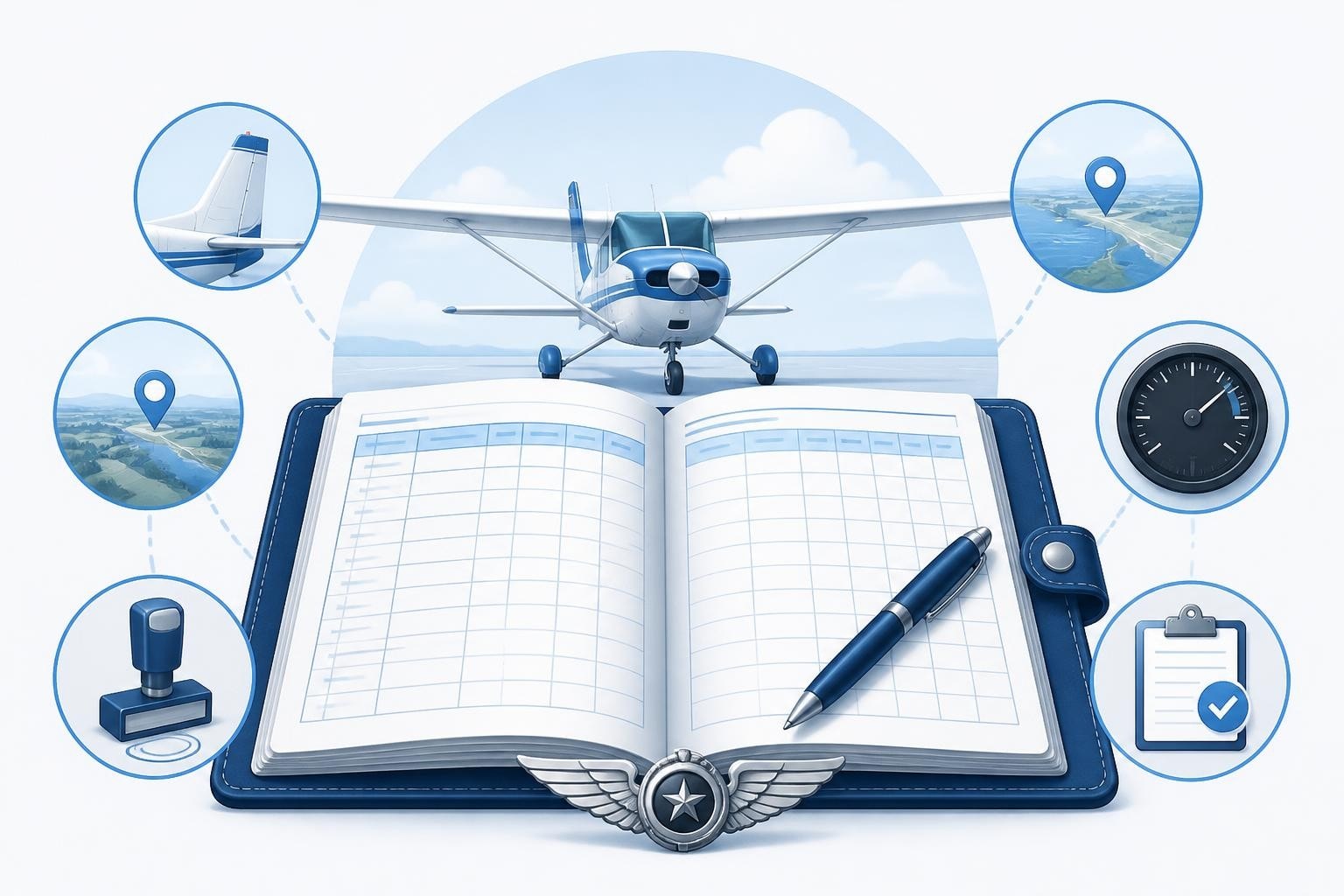
Your logbook is your professional record. Learning pilot logbook how to fill it out correctly ensures you can prove currency, meet licence requirements, and track career progress accurately. Every entry must be legible, complete, and compliant with regulations. The core principle is simple: record each flight with enough detail to demonstrate what you flew, when, where, and in what capacity. Rules vary by jurisdiction, but the fundamentals remain consistent across FAA, EASA, and CAA systems.
Why Accuracy Matters in Your Logbook
Your logbook serves three critical purposes: proving you meet regulatory requirements, tracking currency for insurance and employment, and documenting your career. When an examiner reviews your entries before a checkride or an airline asks for total time, every hour must be defensible.
14 CFR § 61.51 sets out FAA requirements for pilot logbooks, specifying mandatory entries and retention rules. The regulation requires you to record training and aeronautical experience used to meet requirements for a certificate, rating, or flight review. EASA Part-FCL and UK CAA rules impose similar obligations, with specific formats for logging PIC, dual, and solo time.
Key consequences of poor logging:
- Delayed applications when examiners question unclear entries
- Failed insurance claims if you cannot prove recent experience
- Lost hours when entries are illegible or incomplete
- Currency violations if you miscalculate 90-day or 28-day limits
Missing data creates gaps that are difficult to reconstruct months later. A complete entry takes 30 seconds. Fixing a disputed hour total takes hours of cross-referencing receipts, METAR archives, and witness statements.
Mandatory Columns and What Goes in Each
Understanding pilot logbook how to fill it out requires knowing which columns are essential and which are optional. Most logbooks follow a standard layout, but digital systems like Pilotlog offer customisable fields for specific needs.
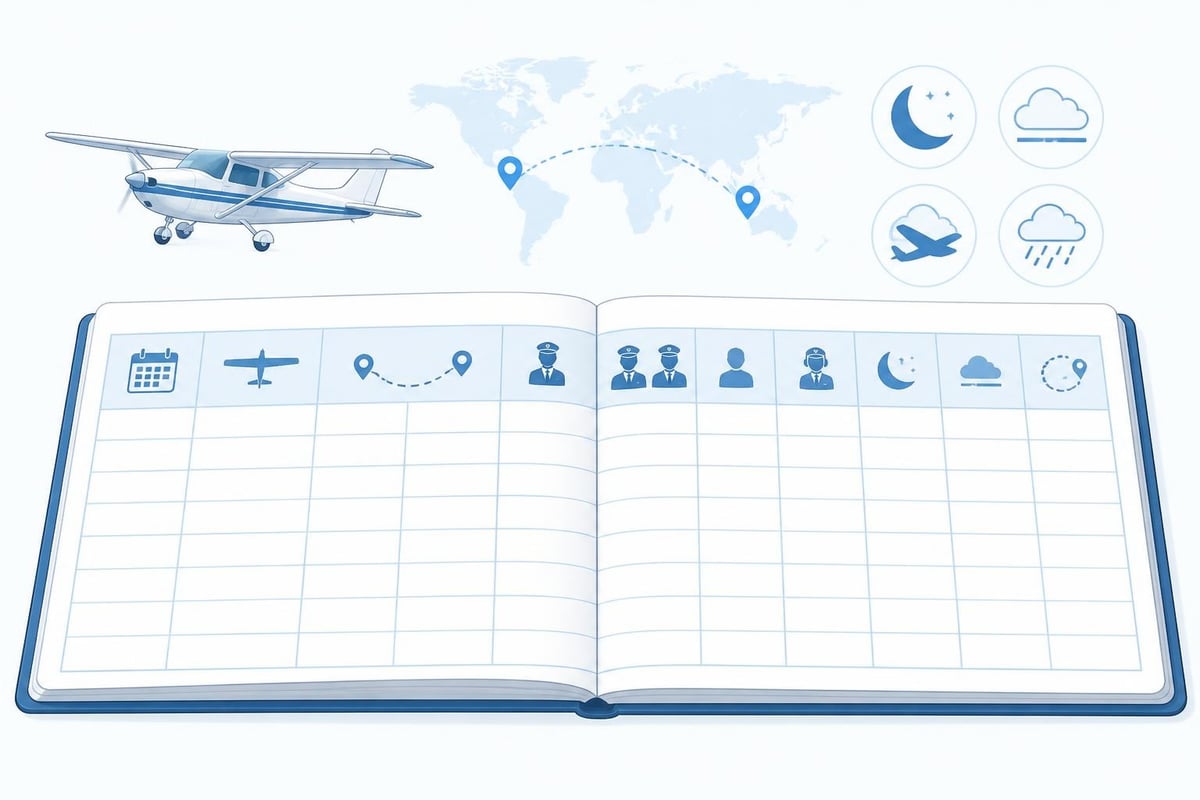
Date of Flight
Record the date the flight began in local time. For multi-day flights crossing midnight, use the departure date. This entry anchors every calculation for currency and expiry tracking. A simple DD/MM/YYYY format prevents ambiguity, especially when sharing records internationally.
Aircraft Make, Model, and Registration
List the full type (Cessna 172, PA-28-181, Boeing 737-800) and registration (G-ABCD, N12345). This proves you have experience in specific aircraft categories and classes. For type ratings, examiners verify these entries against your certificate requirements.
Never abbreviate unfamiliar types. "C172" is widely understood, but "SR22T" should be written as Cirrus SR22T for clarity. Registration numbers must match exactly as they appear on the aircraft documentation.
Departure and Arrival Points
Use ICAO codes (EGLL, KJFK) or full airport names. This data supports cross-country time claims and proves geographical experience for job applications. A flight from EGKK to EHAM clearly demonstrates international operations, while KSNA to KSAN shows coastal navigation.
For multi-leg flights, log each sector separately or list all points in sequence. Consistency matters more than the specific format you choose.
Flight Time Categories
This is where proper logging techniques become essential. Different hour types have different regulatory meanings.
| Time Category | Definition | When It Counts |
|---|---|---|
| Total Flight Time | Chocks off to chocks on (or engine start to shutdown) | Always record actual block time |
| PIC | Time you are sole manipulator or acting as PIC under 14 CFR 61.51(e) | Building command experience, insurance minimums |
| Dual Received | Instruction from an authorised instructor | Required training, flight reviews, IPCs |
| Solo | Time flown alone (student or qualified) | Student requirements, specific endorsements |
| Cross-Country | Flights meeting regulatory distance requirements | Licence requirements (FAA: >50nm with landing; EASA: varies by licence) |
Round to the nearest tenth of an hour (0.1 = 6 minutes). A 47-minute flight logs as 0.8 hours, not 0.78. Precision beyond tenths is unnecessary and clutters your record.
Conditions and Remarks
Log night time (FAA: one hour after sunset to one hour before sunrise), actual instrument time, and simulated instrument time separately. Night currency requires three takeoffs and landings to a full stop in the preceding 90 days under 14 CFR 61.57(b). Mixing day and night hours makes currency tracking impossible.
Actual instrument means flight solely by reference to instruments in IMC. Simulated instrument means hood or foggles with a safety pilot in VMC. Never claim actual when you flew simulated – it is both dishonest and dangerous to your currency calculations.
Use the remarks column for endorsements, unusual events, checkride outcomes, and specific training manoeuvres. A note like "Complex endorsement – CFI Smith" or "ILS CAT II training – 4 approaches" adds context examiners appreciate.
Working Through a Real Entry
Let's walk through logging a complete flight to show pilot logbook how to fill it out with actual numbers.
Scenario: You flew a Cessna 172S (G-BLUE) on 9 August 2026. Departed EGBJ at 09:15 local, performed instrument training under the hood with an instructor, shot two ILS approaches at EGTK, then returned to EGBJ, landing at 11:45. Total time: 2.5 hours. You were sole manipulator for 2.3 hours; 0.2 hours was instructor demonstration. All time was simulated instrument.
Your logbook entry:
| Date | Type | Reg | From | To | Total | PIC | Dual | Sim Inst | Remarks |
|---|---|---|---|---|---|---|---|---|---|
| 09/08/2026 | C172S | G-BLUE | EGBJ | EGBJ | 2.5 | 2.3 | 2.5 | 2.3 | 2x ILS EGTK. Instructor: J. Williams |
Why this works:
- Total time is chocks-off to chocks-on
- PIC time is 2.3 (you were sole manipulator, which counts as PIC under 14 CFR 61.51(e)(1)(i) even with an instructor aboard)
- Dual is 2.5 (all time with an authorised instructor)
- Simulated instrument is 2.3 (actual time under the hood)
- Remarks note specific training content and the instructor's name
This single entry supports your instrument currency (you now have 2 of the 6 required approaches in the preceding 6 months under 14 CFR 61.57(c)), adds to your total PIC time, and documents dual received for insurance purposes.
Common Mistakes and How to Avoid Them
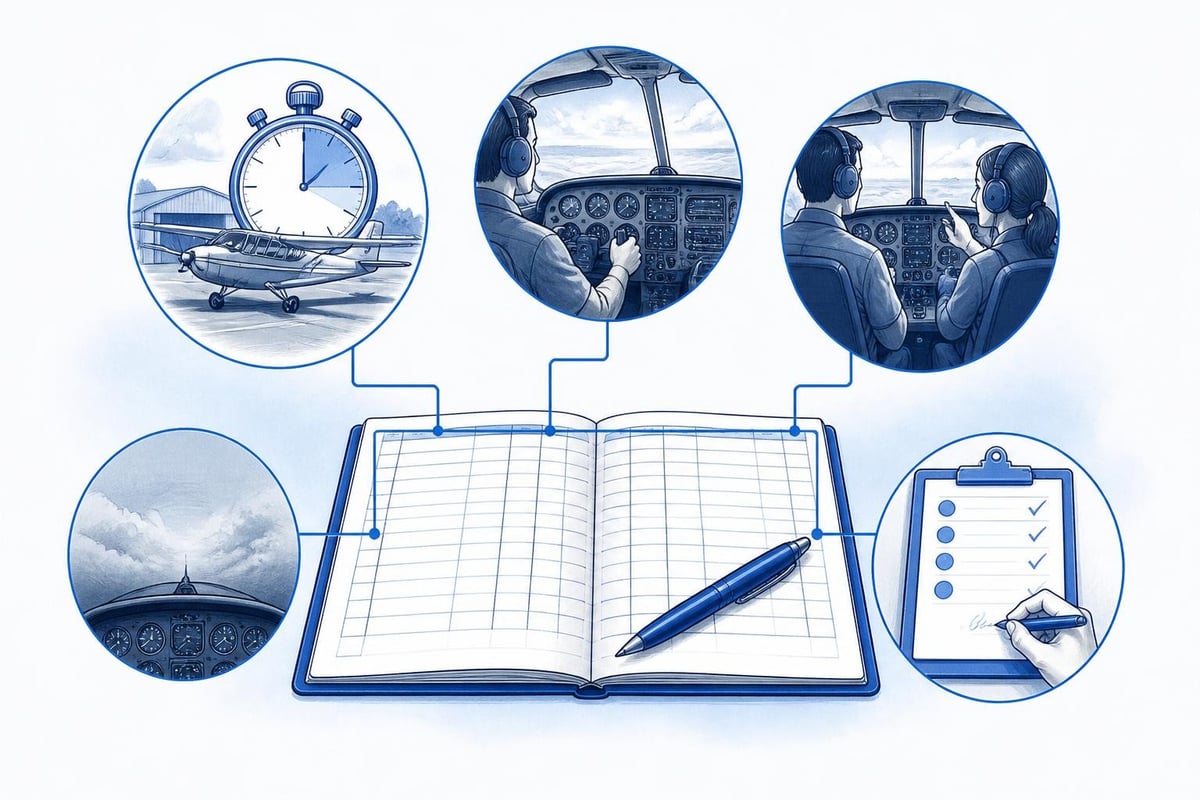
Even experienced pilots make logging errors. Knowing where mistakes cluster helps you maintain accurate aviation records.
Double-Counting Hours
Never add the same time to incompatible categories. A single flight hour cannot be both solo and dual. It can be both PIC and dual (if you're sole manipulator receiving instruction), but not PIC and SIC on the same leg unless you're acting as relief crew under specific multi-pilot operations.
Forgetting to Log Currency-Critical Events
Night landings, instrument approaches, and takeoffs each have specific currency requirements. A note like "3 T/O and ldg to full stop" in your remarks proves 90-day passenger currency under FAA rules. Without it, you must rely on memory months later when an examiner questions your currency.
EASA Part-FCL defines specific currency requirements: 3 takeoffs and landings in 90 days for SEP/TMG in FCL.060. If you fly multiple aircraft categories, track each separately.
Illegible Handwriting
If you cannot read your own entry six months later, an examiner or airline certainly cannot. Print clearly in permanent ink. Digital logbooks eliminate this issue entirely, which is one reason many pilots now choose electronic systems.
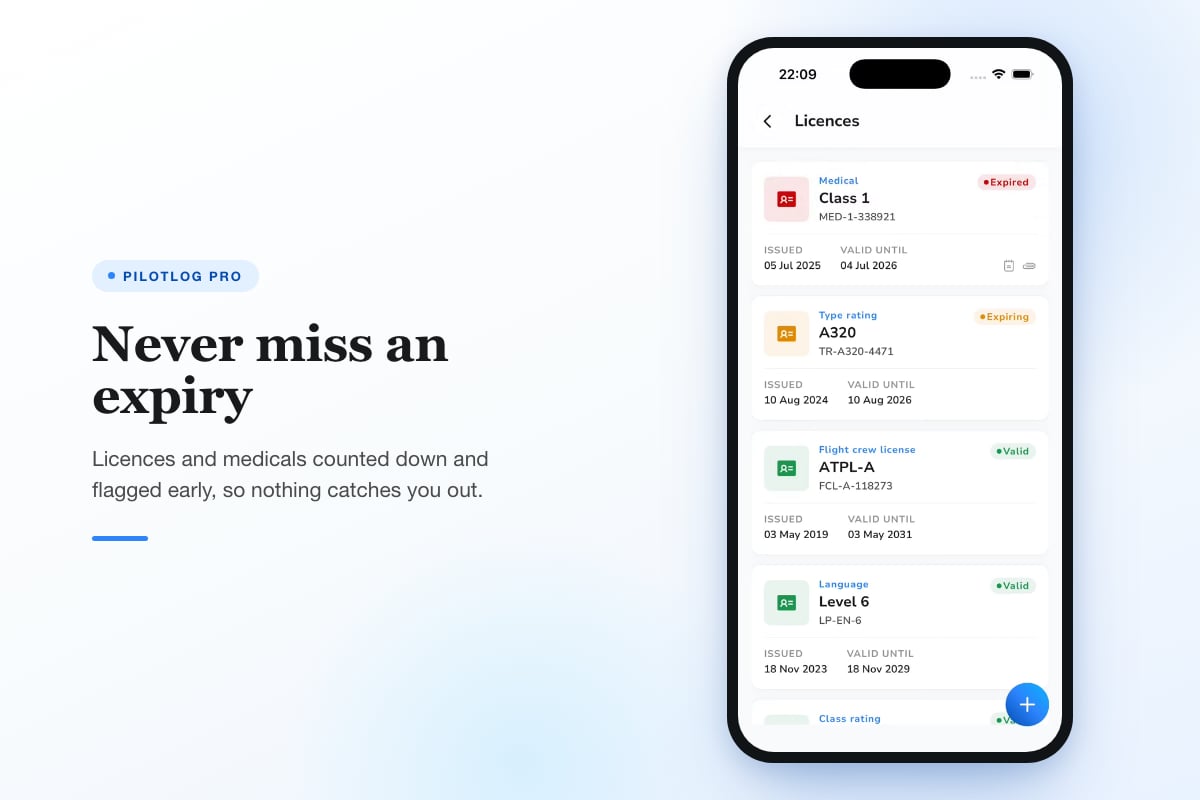
Pilotlog Pro automatically calculates rolling 28-day and 365-day limits, tracks passenger and night currency with lapse dates, and flags licence and medical expiries early. This removes manual calculation errors and ensures you always know your exact status.
Backdating Entries
Log flights promptly. Entering a week's worth of flights from memory invites errors in times, routes, and conditions. If you must backfill, cross-reference receipts, fuel logs, and ATC recordings to verify details.
Digital vs Paper: Regulatory Compliance
Both formats are legal under FAA, EASA, and CAA rules, provided they meet record-keeping requirements. 14 CFR § 61.51 does not mandate a specific medium, only that entries be reliable and verifiable.
Digital advantages:
- Automatic currency calculations
- Cloud backup protecting against loss
- Export capability for job applications
- Real-time alerts for expiring endorsements
- Search and filter by aircraft type, date range, or condition
Paper advantages:
- No reliance on battery or network
- Physical signatures from instructors
- Traditional format familiar to older examiners
- No subscription or software dependency
Many pilots maintain both: a digital master record for daily use and a printed backup for checkrides and interviews. This hybrid approach combines convenience with regulatory safety.
Whichever system you choose, ensure it captures all mandatory fields and survives long-term. A logbook you started in 2015 must remain accessible in 2035 when you apply for an ATPL or prove lifetime hours for retirement benefits.
Tracking Currency and Limits
Understanding pilot logbook how to fill it out extends beyond single entries to maintaining running totals. Currency is a rolling calculation, not a fixed snapshot.
Passenger Currency
FAA requires 3 takeoffs and landings in the preceding 90 days to carry passengers (14 CFR 61.57(a)). Night currency requires 3 takeoffs and full-stop landings between one hour after sunset and one hour before sunrise in the preceding 90 days (14 CFR 61.57(b)).
Your logbook must prove these counts. A simple tally in your remarks ("Total night landings: 127") helps, but calculating which occurred in the last 90 days requires reviewing individual entries.
Instrument Currency
FAA requires 6 instrument approaches, holding procedures, and intercepting and tracking courses in the preceding 6 months (14 CFR 61.57(c)). EASA Part-FCL requires a similar approach count under IR currency rules. Each approach must be logged with the type (ILS, VOR, RNAV) and location.
If currency lapses, you need an instrument proficiency check (IPC) from an authorised instructor. Your logbook must document this event clearly to reset your currency period.
Flight Time Limits
Commercial and airline pilots face strict 28-day and 365-day flight time limits. EASA Part-ORO defines these for commercial operations. Exceeding limits violates regulations and your licence. Manual tracking is error-prone when you fly frequently.
Advanced digital systems calculate these totals automatically, flagging approaching limits before you breach them. This proactive monitoring prevents the career consequences of inadvertent violations.
Correcting Mistakes Without Compromising Integrity
You will make errors. The correct response maintains your logbook's legal validity.
For paper logbooks:
- Draw a single line through the incorrect entry
- Write the correct information nearby
- Initial and date the correction
- Never use correction fluid or erase entries entirely
For digital logbooks:
- Edit the entry with a note explaining the change
- Preserve the original data in an audit log if possible
- Ensure the system timestamps all modifications
Large-scale corrections, such as discovering you miscalculated night time for a full year, may require a supplemental statement signed by an instructor or examiner. This validates the corrected totals and protects you from fraud allegations.
Endorsements and Instructor Signatures
Certain events require an instructor's signature and certificate number directly in your logbook. These include:
- Flight reviews (14 CFR 61.56)
- Instrument proficiency checks (14 CFR 61.57(d))
- High-performance endorsements (14 CFR 61.31(f))
- Complex aircraft endorsements (14 CFR 61.31(e))
- Tailwheel endorsements (14 CFR 61.31(i))
The signature must be legible, include the instructor's certificate number and expiry date, and clearly state what was accomplished. A rushed scrawl reading "flight review" without a date or certificate number is insufficient.
Proper endorsement format protects both you and the instructor. If your logbook lacks these signatures, you may be asked to repeat the training or obtain a written statement from the instructor years later.
Building Towards Certificates and Ratings
Your logbook is evidence for every certificate and rating application. Examiners verify you meet minimum hour requirements and experience mandates.
For a Private Pilot Licence (FAA):
- 40 hours total time (or more depending on Part 61 vs Part 141)
- 20 hours dual instruction
- 10 hours solo including 5 hours solo cross-country
- 3 hours night training including one cross-country over 100nm and 10 takeoffs and landings
Your logbook must clearly show these categories. Ambiguous entries delay your checkride while the examiner deciphers your records.
For an Instrument Rating (FAA):
- 50 hours cross-country PIC
- 40 hours actual or simulated instrument time
- 15 hours instrument instruction
Each cross-country flight must meet the regulatory definition: more than 50nm straight-line distance with a landing at another point. Logging a 48nm flight as cross-country because it felt long is incorrect and invalidates that hour for rating requirements.
EASA and UK CAA requirements differ in specific hour thresholds and category definitions. Always verify current regulatory standards for your jurisdiction before planning training.
Final Checks Before Every Entry
Develop a consistent routine to prevent errors:
- Verify aircraft details – Registration, make, model correct?
- Confirm times – Total matches individual category sums?
- Check conditions – Night, IFR, cross-country properly categorised?
- Review remarks – Approaches, landings, endorsements noted?
- Sign and date – Never leave an entry incomplete
These five steps take 20 seconds and prevent hours of correction work later. Treat each entry as a legal document, because that is exactly what it is.
Regulations evolve. Hour requirements change. Currency rules update. Always confirm current requirements against official FAA, EASA, or CAA publications before relying on any summary, including this guide.
Accurate logbook entries form the foundation of your aviation career, proving currency, supporting licence applications, and documenting every hour you have earned. Whether you choose paper or digital, the principles remain constant: record every flight completely, categorise time correctly, and maintain legibility for future verification. Pilotlog automates currency tracking, calculates rolling limits, and alerts you to expiring endorsements, ensuring nothing catches you by surprise. Log your next flight with confidence.
- logbook entries
- pilot logbook
- flight time logging
- cross-country time
- faa 61.51
A logbook that keeps itself.
Join the waitlist and be first in line when Pilotlog launches.
Free to join, no spam. Unsubscribe any time.