logten pro login
LogTen Pro Login: How to Access Your Pilot Logbook
14 Sep 2026 · 11 min read
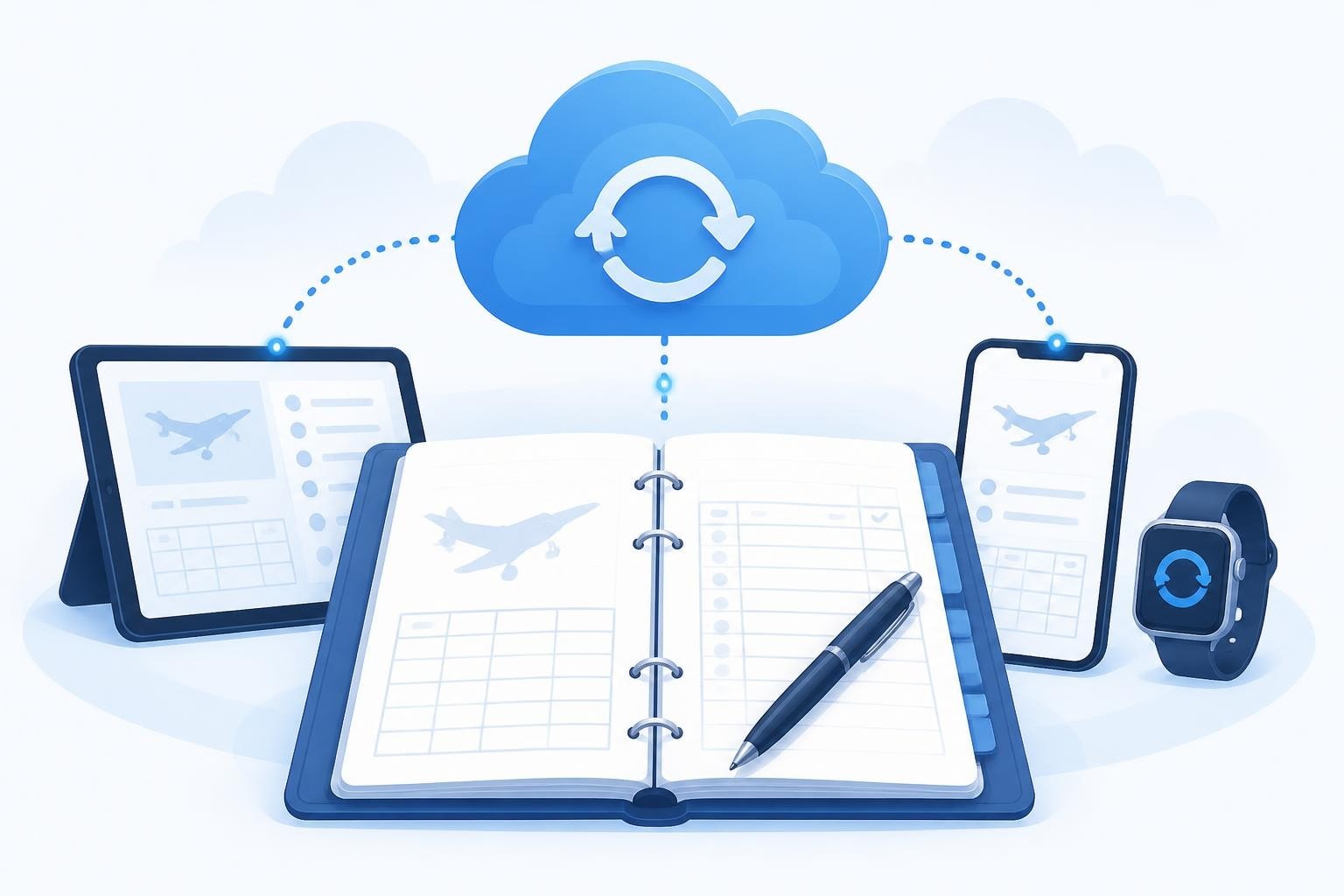
Managing your logten pro login is the gateway to accessing your digital flight records, currency tracking, and cloud backup. LogTen Pro, developed by Coradine Aviation Systems, requires a Coradine account to sync your logbook across devices and enable subscription features. The login process connects your local flight data to cloud storage, ensuring your hours, endorsements, and certificates remain accessible whether you fly from one airfield or operate across continents.
Understanding LogTen Pro Account Architecture
LogTen Pro uses a two-tier authentication model. You download the app from the App Store, then create or sign in to a Coradine account within the app. This account handles cloud sync, subscription verification, and backup of your flight records.
Your logten pro login credentials are separate from your Apple ID. While the app purchase and subscription may route through your Apple account, the Coradine credentials determine which logbook data syncs to the cloud. This separation matters when you replace devices or need to restore flight records after a hardware failure.
Account Creation Steps
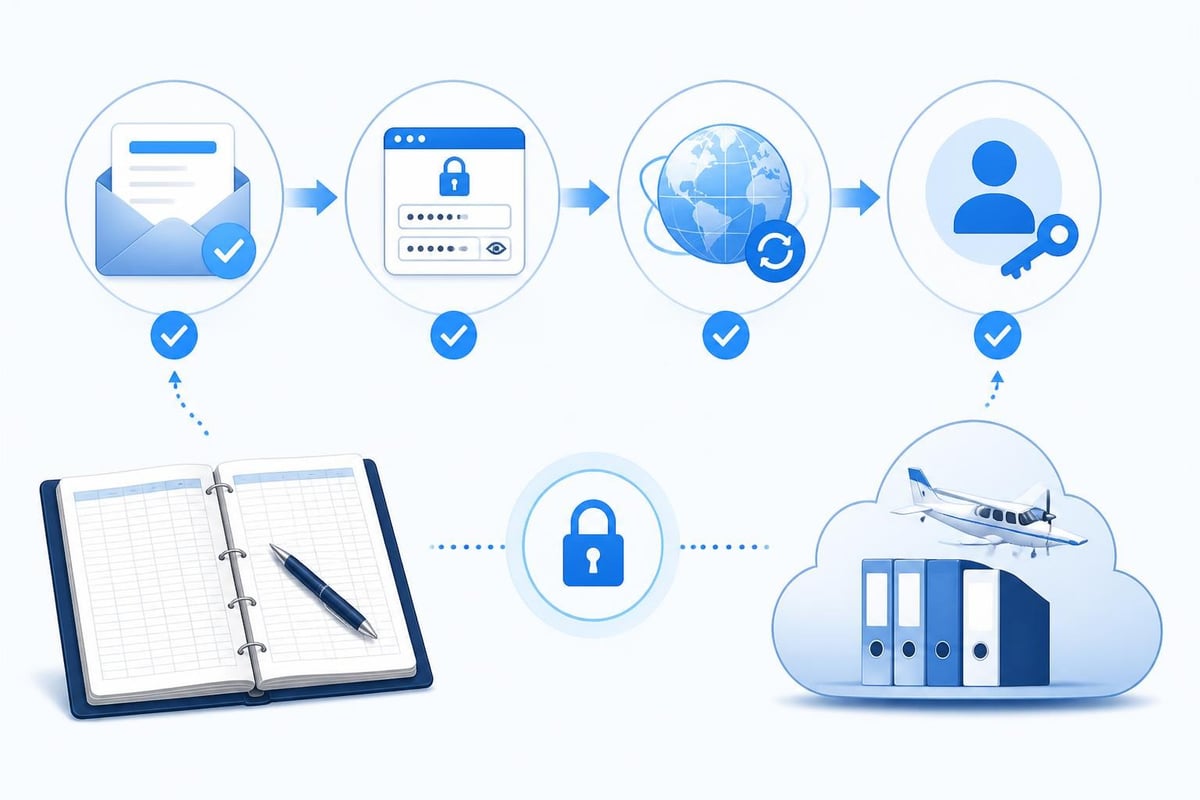
When you first open LogTen Pro, the app prompts you to create a Coradine account or sign in to an existing one. The process requires an email address and password. Coradine sends a verification email to confirm your address before enabling cloud sync.
- Download LogTen Pro from the App Store
- Launch the app and tap "Create Account"
- Enter your email and choose a password
- Check your inbox for the verification link
- Return to the app and sign in with your credentials
The Settings menu inside LogTen Pro displays your account status, sync settings, and subscription tier. This is where you manage your logten pro login sessions and configure which data syncs to Coradine's servers.
Sync Settings and Cloud Backup
After your initial logten pro login, the app begins syncing your flight entries, aircraft profiles, and currency settings to Coradine's cloud. This sync runs automatically when you have an internet connection, but you can pause or reset it from the Sync tab in Settings.
Key sync behaviours:
- New flights sync within minutes of logging them
- Currency calculations update across all signed-in devices
- Aircraft, airports, and crew profiles propagate to your other iPads or iPhones
- Document attachments (PDFs, photos) sync if you enable media backup
The Account tab in Settings shows your subscription status and expiry date. If you purchased LogTen Pro through the App Store, the subscription renews automatically and the app checks your entitlement each time you log in. Mismatches between your Apple ID and Coradine account can prevent the subscription from activating, which is covered in Coradine's subscription troubleshooting guide.
Manual Sync and Offline Use
You can log flights offline. LogTen Pro stores entries locally and queues them for upload the next time you have connectivity and complete a logten pro login session. This matters for pilots operating in remote areas or countries with limited mobile data.
To force a manual sync, open Settings, tap the Sync tab, and select "Sync Now." The app displays the last successful sync timestamp and any pending changes. If conflicts arise (the same flight edited on two devices), LogTen Pro flags the duplicate and prompts you to merge or discard one version.
Troubleshooting Common Login Issues
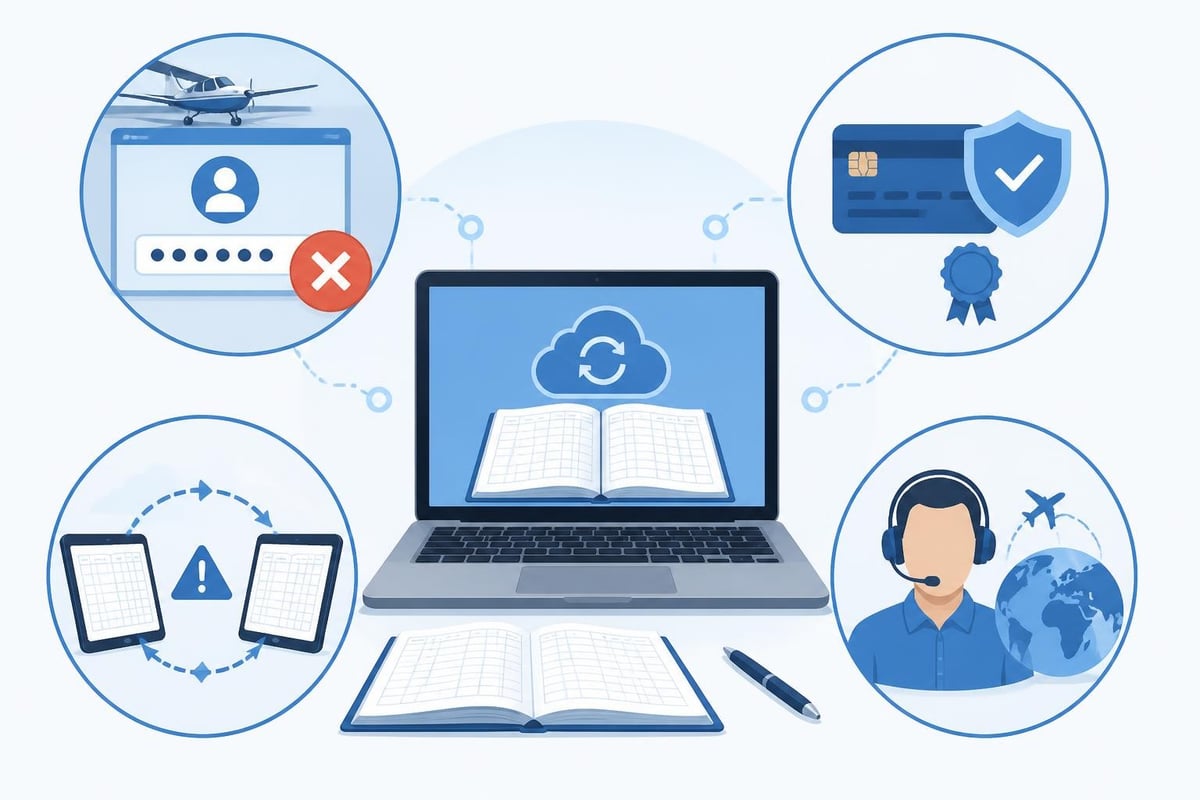
Login failures typically stem from incorrect credentials, subscription mismatches, or network problems. Coradine's support documentation addresses most cases, but understanding the underlying causes helps you resolve issues faster.
| Issue | Likely Cause | Solution |
|---|---|---|
| "Invalid email or password" | Typo or wrong account | Verify email spelling; use password reset if unsure |
| Subscription not recognised | Apple ID mismatch | Restore purchases from Account settings |
| Sync fails after login | Network timeout or server delay | Wait 10 minutes; try manual sync |
| Account locked | Multiple failed login attempts | Wait 30 minutes or contact Coradine support |
Password Reset Process
If you forget your logten pro login password, tap "Forgot Password?" on the login screen. Coradine emails a reset link valid for 24 hours. Click the link, enter a new password, and return to the app to sign in. The reset does not affect your flight data or subscription status.
Pilots who change email addresses must update their Coradine account before the old address becomes inaccessible. LogTen Pro does not allow duplicate accounts for the same person, so migrating to a new email requires contacting Coradine support to transfer your subscription and sync history.
Subscription and Purchase Verification
LogTen Pro subscriptions purchased through the App Store link to your Apple ID. If you sign in to LogTen Pro with a Coradine account that differs from the Apple ID used for purchase, the app cannot verify your subscription. The subscription troubleshooting article explains how to restore purchases and link the correct accounts.
To restore purchases, open Settings, tap Account, then select "Restore Purchases." The app queries the App Store for your subscription history and activates features if it finds a valid purchase. This process requires a live internet connection and may take several minutes.
Regulatory Context for Electronic Logbooks
Secure access to your digital logbook matters because regulations require pilots to produce accurate records on request. In the United States, 14 CFR § 61.51 mandates that pilots log training time, flight time, and endorsements in a reliable manner. Electronic logbooks meet this requirement provided the data remains accessible and tamper-evident.
The FAA does not prescribe a specific login mechanism, but it expects pilots to demonstrate they can retrieve their records. A logten pro login that fails during a ramp check or audit creates compliance risk. This is why cloud backup and offline access both matter: you need login credentials that work, and you need local copies in case connectivity fails.
Backup and Export Requirements
Electronic logbook providers, including LogTen Pro, typically offer export functions that produce CSV or PDF summaries of your flight time. These exports serve as backups and satisfy regulatory expectations for producing records. The FAA's BasicMed FAQ notes that documents attached to or stored with an electronic logbook must be accurate and available on request.
LogTen Pro allows exports from the app's main menu. After your logten pro login, navigate to Logbook, tap the share icon, and select your preferred format. The export includes all flights, totals, and currency calculations. Pilots moving to a different platform can use this export to import their history elsewhere, as outlined in guides on converting and transferring logbooks.
Comparing Login Models Across Digital Logbooks
Different electronic logbook systems use varying authentication approaches. LogTen Pro requires a Coradine account separate from your device credentials. Other apps tie login directly to Apple ID, Google account, or custom single sign-on solutions.
Authentication model comparison:
| Logbook | Login Method | Cloud Sync | Offline Access |
|---|---|---|---|
| LogTen Pro | Coradine account (email + password) | Yes | Yes (local storage) |
| Pilotlog | Device-based (iOS/Android account) | Yes | Yes (full offline mode) |
| MyFlightbook | Email or social login | Yes | Limited (web-based) |
| ForeFlight Logbook | ForeFlight account | Yes | Yes (integrated with EFB) |
Pilotlog simplifies the login process by using your device's native authentication. You log flights quickly without managing a separate username and password, and the app tracks currency, limits, and expiries automatically. This approach suits pilots who prioritise speed and prefer one less credential to remember. For pilots evaluating digital logbooks, the best digital logbook guide compares features, login flows, and platform support across current options.
API Access and Third-Party Integrations
LogTen Pro offers an external API for third-party integrations, documented in Coradine's GitHub repository. This API allows authorised applications to read flight data, import entries, and sync currency information without requiring repeated manual logten pro login steps. Airlines, flight schools, and scheduling systems use the API to automate logbook updates.
API authentication uses OAuth tokens separate from your regular login credentials. You authorise a third-party app once, and it receives a token valid for a defined period. This approach keeps your Coradine password secure while enabling automated imports from sources like Crew Portal, RosterBuster, or scheduling software.
Data Import and Migration
Pilots switching to LogTen Pro from paper or another electronic logbook need to import their flight history. Coradine offers import services for CSV, PDF, and scanned paper logbooks, accessible after your initial logten pro login. The import and pricing page describes supported formats and professional import assistance.
Importing a large logbook (500+ hours) takes time. Coradine's team reviews each entry for consistency, maps aircraft types, and verifies totals before uploading the data to your account. Once imported, the flights sync to all your devices the next time you sign in. This one-time process establishes a digital record that meets AOPA's guidelines for switching from paper to electronic logs.
Security Best Practices
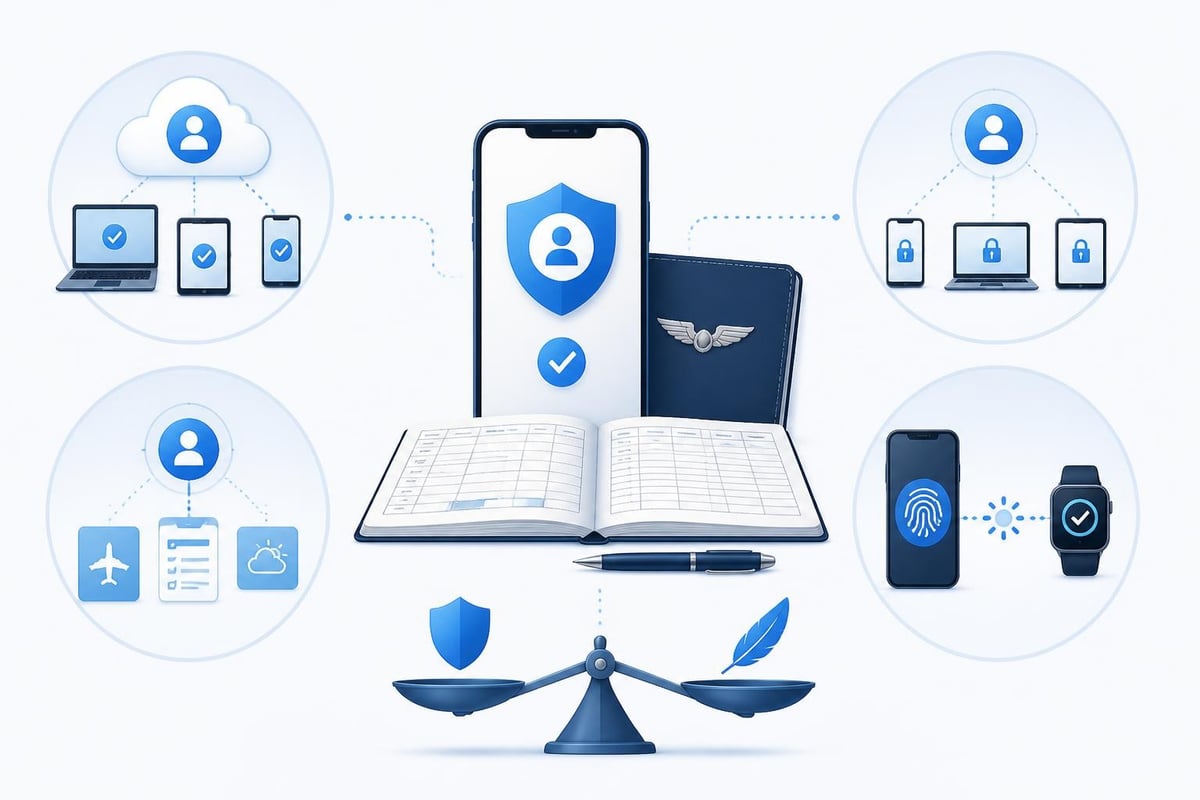
Protecting your logten pro login credentials is essential because your logbook contains personally identifiable information, flight history, and potentially sensitive employer or client data. Coradine encrypts data in transit and at rest, but account security depends on strong passwords and careful handling of login sessions.
Recommended security measures:
- Use a unique password not shared with other accounts
- Enable two-factor authentication if Coradine adds this feature in future updates
- Log out of shared or public devices after each session
- Review active sessions periodically from the Account settings
- Change your password immediately if you suspect unauthorised access
Pilots who share iPads in a flight school or club environment should either use separate Coradine accounts or log out after each session. Leaving an active logten pro login session on a shared device exposes your flight records and personal details to other users.
Currency Tracking After Login
Once signed in, LogTen Pro calculates currency automatically based on your flight entries. The app tracks passenger, night, and IFR currency per FAA or EASA rules, flagging lapse dates on the main dashboard. This currency tracking relies on accurate flight logging and proper category/class assignment for each entry.
For pilots managing complex currency rules, tools like Pilotlog's currency cheat sheet provide quick reference tables for common recency requirements. Similarly, dedicated articles on IFR currency explain the six-approach, holding, and tracking requirements that electronic logbooks must monitor. Accurate login and sync ensure these calculations reflect your latest flights across all devices.
Multi-Device and Family Sharing
A single logten pro login can authorise multiple devices under the same Coradine account. If you use both an iPad and an iPhone, sign in with the same credentials on each device. Your flights sync bidirectionally, so a sector logged on your iPhone appears on your iPad within minutes.
Family Sharing on iOS does not extend to LogTen Pro subscriptions in the standard manner. Each pilot requires a separate Coradine account and subscription, even if multiple family members share an Apple ID for app purchases. This separation ensures flight records remain distinct and compliant with logbook regulations that require individual pilot logs.
Corporate and Fleet Use
Flight schools and commercial operators sometimes purchase LogTen Pro subscriptions for multiple pilots. In these cases, each pilot receives their own logten pro login, and the organisation may use Coradine's API or bulk import tools to pre-populate aircraft and airport data. The central administrator does not access individual pilot logbooks unless the pilot explicitly shares export files.
This model respects privacy while enabling standardised aircraft profiles and currency rules across a fleet. Pilots retain ownership of their flight records and can export their logbook if they leave the organisation.
Future Login Enhancements
Coradine periodically updates LogTen Pro's authentication and sync infrastructure. Pilots should watch for announcements regarding biometric login (Face ID, Touch ID), passwordless authentication, or integration with aviation-specific identity providers like ICAO Digital Travel Credentials.
Enhanced login options would reduce friction for pilots accessing their logbook in the cockpit or during pre-flight planning. Biometric authentication, in particular, balances security with convenience by eliminating the need to type passwords on small screens in bumpy conditions.
Regulatory requirements may also evolve. As authorities like EASA and the FAA refine guidance on electronic logbooks, authentication standards could become more prescriptive. Pilots using LogTen Pro should review their logten pro login security annually and update credentials or enable new features as Coradine releases them.
Maintaining Logbook Integrity
Your logten pro login is the control point for data integrity. Each time you sign in, the app checks for sync conflicts, subscription status, and pending updates. Treating your login credentials with the same care you give to your pilot licence ensures your digital logbook remains a trustworthy legal record.
Paper logbooks have physical custody; electronic logbooks have authenticated access. The regulatory expectation is the same: pilots must produce accurate, complete records on demand. A secure login process, regular backups, and periodic exports combine to meet that standard.
For pilots building hours toward an ATP, tracking flight lesson costs and currency in a single platform simplifies career progression. The login becomes a daily habit, like checking NOTAMs or reviewing weather, integrating logbook maintenance into your normal workflow.
Secure access to your flight records starts with a reliable login process and consistent sync habits. LogTen Pro's Coradine account model keeps your logbook available across devices, but it depends on strong credentials and regular verification of your subscription status. If you want a digital logbook that simplifies currency tracking and removes the friction of multiple login steps, Pilotlog offers a streamlined approach. It tracks your hours, currency, and expiries automatically, with alerts for licences and medicals so nothing catches you by surprise.
- logten pro login
- coradine account
- pilot logbook app
- cloud sync
- subscription troubleshooting
A logbook that keeps itself.
Join the waitlist and be first in line when Pilotlog launches.
Free to join, no spam. Unsubscribe any time.