foreflight logbook
ForeFlight Logbook: Features, Limits & Alternatives
18 Oct 2026 · 11 min read
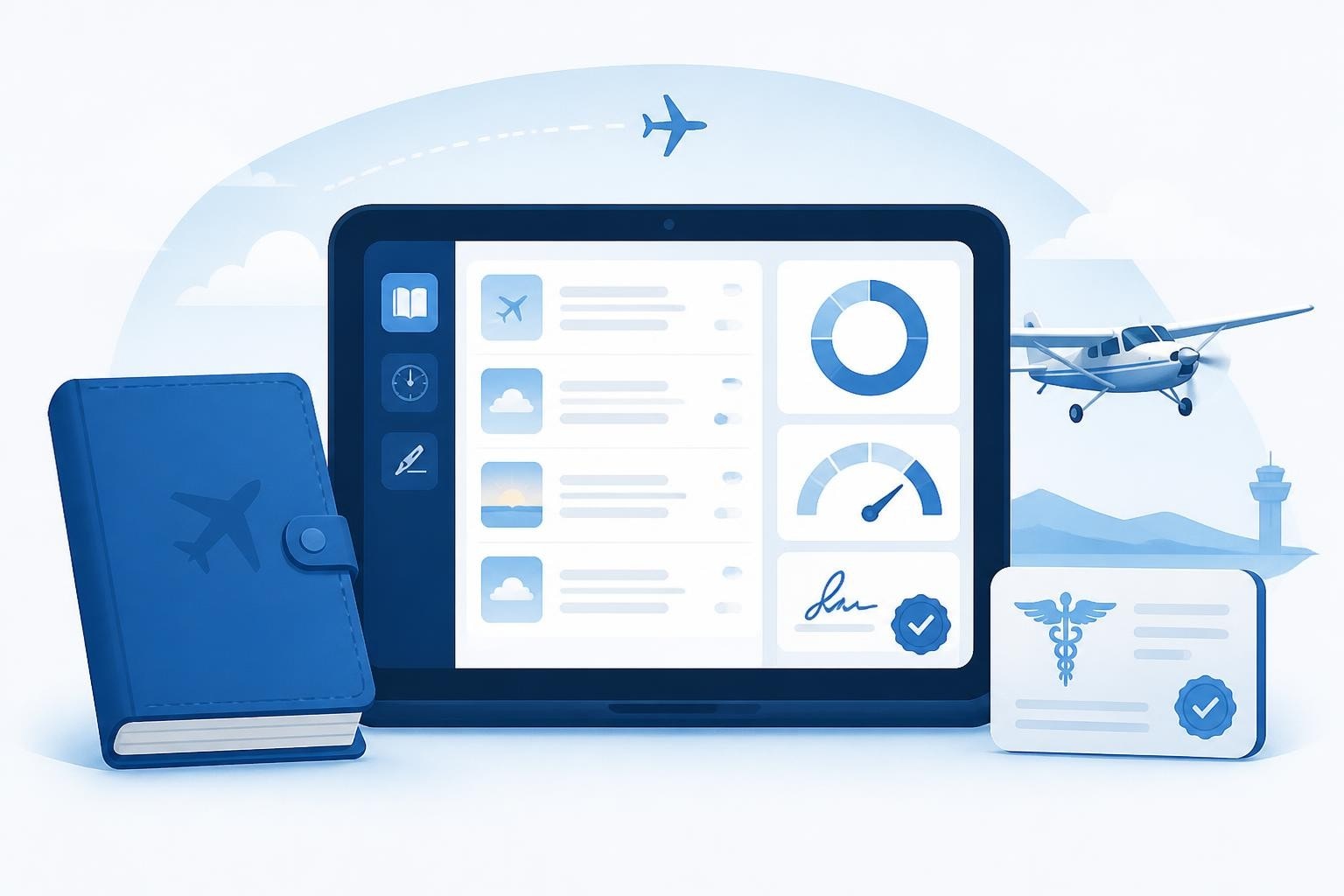
ForeFlight Logbook integrates digital flight logging directly into the app pilots already use for charts, weather, and flight planning. It automatically imports track logs, calculates totals, tracks currency, and generates reports required for checkrides, insurance, and job applications. The system meets FAA recordkeeping standards under 14 CFR §61.51 and Advisory Circular AC 120-78B, which governs electronic signatures and recordkeeping. For pilots evaluating whether ForeFlight's logbook suits their workflow, understanding its capabilities, limitations, and how it compares to alternatives is essential.
What ForeFlight Logbook Does Well
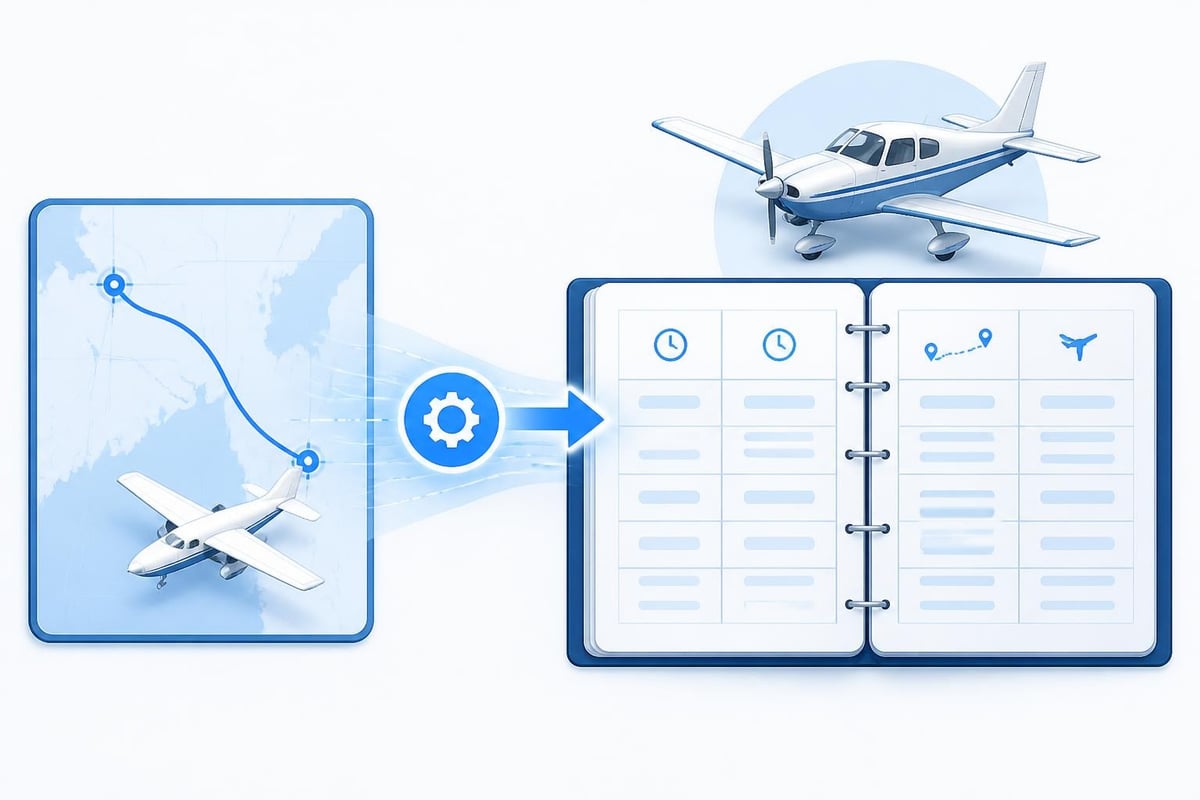
ForeFlight Logbook excels at eliminating manual data entry. When you fly with ForeFlight, the app records your track log. After landing, you review the flight, confirm details, and save the entry. The system fills departure and arrival times, route, and aircraft type automatically.
The ForeFlight Logbook product page highlights several core features that appeal to working pilots:
- Automatic track-log import from ForeFlight flights
- Currency tracking for passengers, night, and instrument ratings
- Digital endorsements from CFIs with electronic signatures
- Customizable reports by aircraft type, date range, or certificate requirements
- Sync across devices so your logbook follows you from iPad to iPhone
These features save time. A line pilot logging 78 of 100 monthly hours can capture every sector without opening a separate app or writing in a paper book. Endorsements appear in the logbook immediately after a CFI signs them digitally, and you can pull a tailored report for an airline interview in minutes.
Regulatory Compliance and Record Validity
The FAA recognises electronic logbooks under AC 120-78B, provided the system maintains data integrity, includes backups, and supports electronic signatures. ForeFlight Logbook meets these criteria. Entries sync to ForeFlight's cloud servers, and you can export the full logbook as a PDF or CSV for offline storage.
14 CFR §61.51 specifies what must be recorded: date, total flight time, location, aircraft type and identification, and the name of any safety pilot or instructor. ForeFlight Logbook captures all required fields. For European pilots, EASA guidance on electronic logbooks similarly accepts digital records if they are tamper-proof and exportable.
Pilots should confirm that their authority accepts electronic logs before abandoning paper entirely. Some smaller operators and vintage checkride examiners still prefer paper, and regulations can change. Always check current official sources before a checkride or renewal.
Feature Breakdown and Practical Use
ForeFlight Logbook organises flights by date, aircraft, and flight type. You can filter by PIC time, dual received, or cross-country hours. The app calculates rolling totals for the past 90 days, supporting the passenger-carrying currency requirement under §61.57(a). It also tracks the six-instrument-approach rule for IFR currency under §61.57(c).
| Feature | ForeFlight Logbook | Benefit |
|---|---|---|
| Track-log import | Automatic from ForeFlight flights | Eliminates manual entry |
| Currency warnings | Passenger, night, IFR | Prevents unwitting lapses |
| Endorsement library | CFI digital signatures | Instant, verifiable records |
| Report generation | Customisable by date, type, total | Fast prep for interviews |
| Cloud sync | iOS, web access | Access anywhere |
The endorsement feature is particularly valuable for students and CFIs. A flight instructor can sign a solo endorsement or high-performance checkout directly in the app. The student receives a timestamped, signed record that meets the regulatory definition of an endorsement. This workflow is faster than paper and harder to lose.
Limitations and Gaps
ForeFlight Logbook is tightly coupled to ForeFlight itself. If you fly without the app running, or if you fly in aircraft where ForeFlight is not installed, you must enter flights manually. Helicopter pilots, glider pilots, or those flying older aeroplanes without iPad mounts often find this friction point frustrating.
The logbook does not track duty time or flight-time limitations under Part 117 (for airline pilots) or EASA ORO.FTL. It calculates totals but offers no rolling 28-day or 365-day limit alerts. Pilots working under complex duty-time rules need a separate solution or manual tracking.
ForeFlight Logbook also lacks robust medical and licence expiry tracking. You can note your medical class and expiry date, but the app does not send alerts 14 or 30 days before expiry. For pilots juggling multiple certificates, ratings, and medicals, this is a missed opportunity.
Importing from Paper and Other Logbooks
Transitioning from paper to digital is a common pain point. ForeFlight supports CSV and spreadsheet imports, and the ForeFlight Logbook Guide provides detailed field mappings. You export your old logbook (if digital) or manually type key totals into a spreadsheet, then upload the file.
The ForeFlight blog on importing paper logs recommends entering summary totals (total time, PIC, cross-country, night, instrument) rather than every single flight from a 20-year career. This approach preserves your totals while keeping the new logbook manageable.
Steps to import historical data:
- Decide on a cutoff date (e.g., past 24 months of line-by-line entries, summary totals for earlier years)
- Export or type data into a CSV with columns matching ForeFlight's template
- Upload the CSV via the ForeFlight web interface
- Review imported flights for accuracy and fill missing fields
- Archive your paper logbook as a backup but continue logging digitally going forward
Many pilots maintain a hybrid approach. They keep the original paper logbook in a safe place and use ForeFlight Logbook for current operations. This strategy provides redundancy and satisfies examiners who ask to see "the original."
Comparing ForeFlight Logbook to Alternatives
ForeFlight Logbook is not the only option. Dedicated logbook apps offer features ForeFlight lacks, and understanding how to fill out a pilot logbook helps you assess what matters for your workflow.
Pilotlog, for example, tracks duty time, rolling limits, and sends alerts for licence and medical expiries. It supports multiple aircraft types, rosters, and airline-style operations. The Pro tier calculates 28-day and 365-day totals automatically, a critical feature for commercial pilots under EASA or FAA Part 117 rules. If you fly helicopters, jets, and single-engine pistons, Pilotlog handles all three in one unified logbook.
MyFlightbook is a free, open-source alternative. It runs on iOS, Android, and the web, and it supports a wide range of aircraft and custom properties. It lacks the polish of ForeFlight's interface but offers deep customisation for pilots with unusual logging needs.
Jeppesen logbooks remain popular in traditional training environments. The paper format is simple, reliable, and accepted everywhere. Some pilots prefer the tactile experience and the certainty that a logbook cannot crash or lose sync.
| Feature | ForeFlight Logbook | Pilotlog | MyFlightbook | Paper (Jeppesen) |
|---|---|---|---|---|
| Track-log import | Yes (ForeFlight only) | Manual or import | Manual or import | Manual |
| Duty-time tracking | No | Yes | No | Manual |
| Medical/licence alerts | Basic | Yes, with advance warnings | No | Manual |
| Cost | Included with ForeFlight | Paid Pro tier | Free | £10-20 once |
| Platform | iOS, web | iOS, Android | iOS, Android, web | Paper |
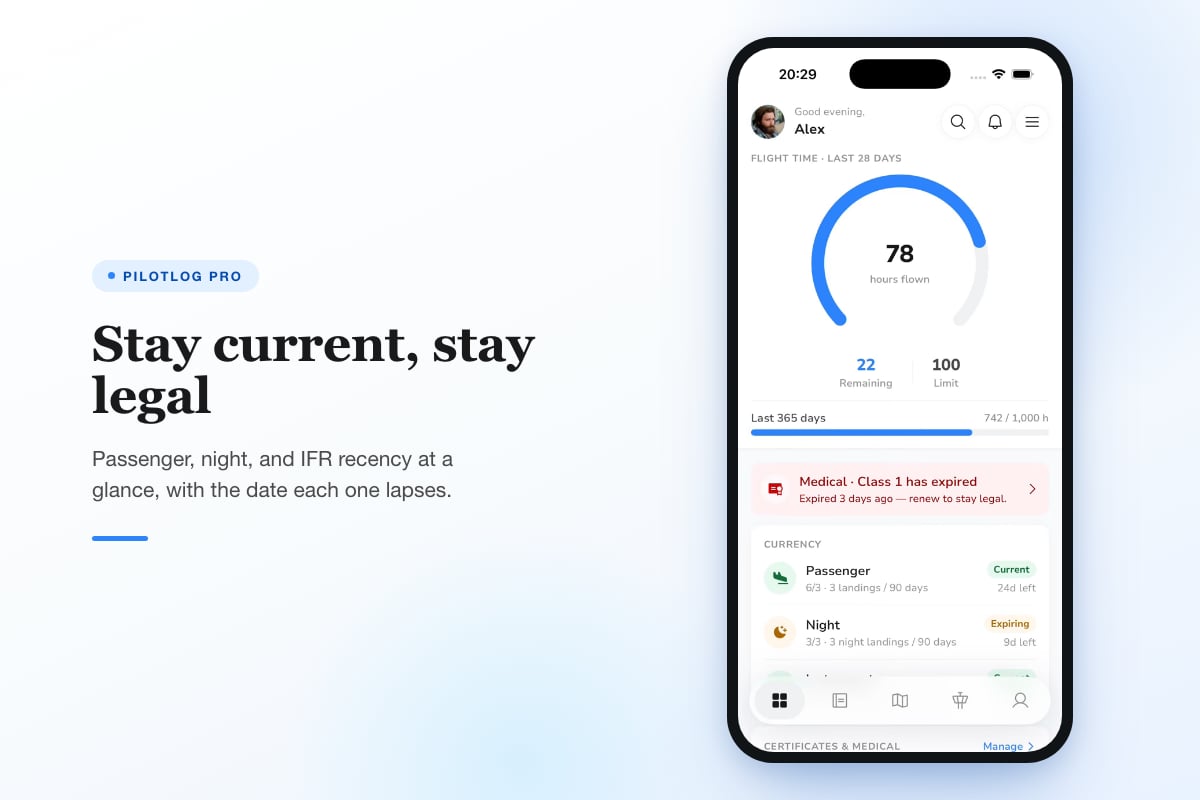
Pilotlog Pro tracks rolling duty limits, flags upcoming licence and medical expiries, and offers full logbook export. It is built for pilots across the career spectrum, from students to airline crew, and it complements or replaces ForeFlight Logbook for those who need deeper regulatory and currency tracking.
Real-World Workflow: A Week of Flying
Consider a charter pilot flying a Citation Mustang. Monday: two legs, KBOS to KTEB to KPHL. ForeFlight records the track logs. After shutdown at KPHL, you open the logbook, confirm times, and save both entries. Total time so far: 2.4 hours, all PIC.
Wednesday: a positioning flight from KPHL to KMMU, then a client leg to KBOS. You repeat the process. Rolling 90-day totals now show 12 takeoffs and landings, keeping passenger currency current.
Friday: you notice your Class 1 medical expires in 14 days. ForeFlight Logbook does not alert you. You set a phone reminder manually. A dedicated logbook with expiry tracking would have flagged this two weeks earlier.
Saturday: you fly a friend's Bonanza VFR. ForeFlight is not running. You manually enter the flight: date, route, aircraft, 1.2 hours, 3 landings. The manual entry takes two minutes, longer than the automatic import but still faster than writing in a paper book.
This workflow shows ForeFlight Logbook's strengths (automatic import, quick review) and weaknesses (no proactive alerts, manual fallback for non-ForeFlight flights). For pilots who fly exclusively with ForeFlight and do not need duty-time tracking, it is efficient. For those juggling multiple aircraft types, operators, or regulatory regimes, gaps appear.
Currency Tracking and IFR Recency
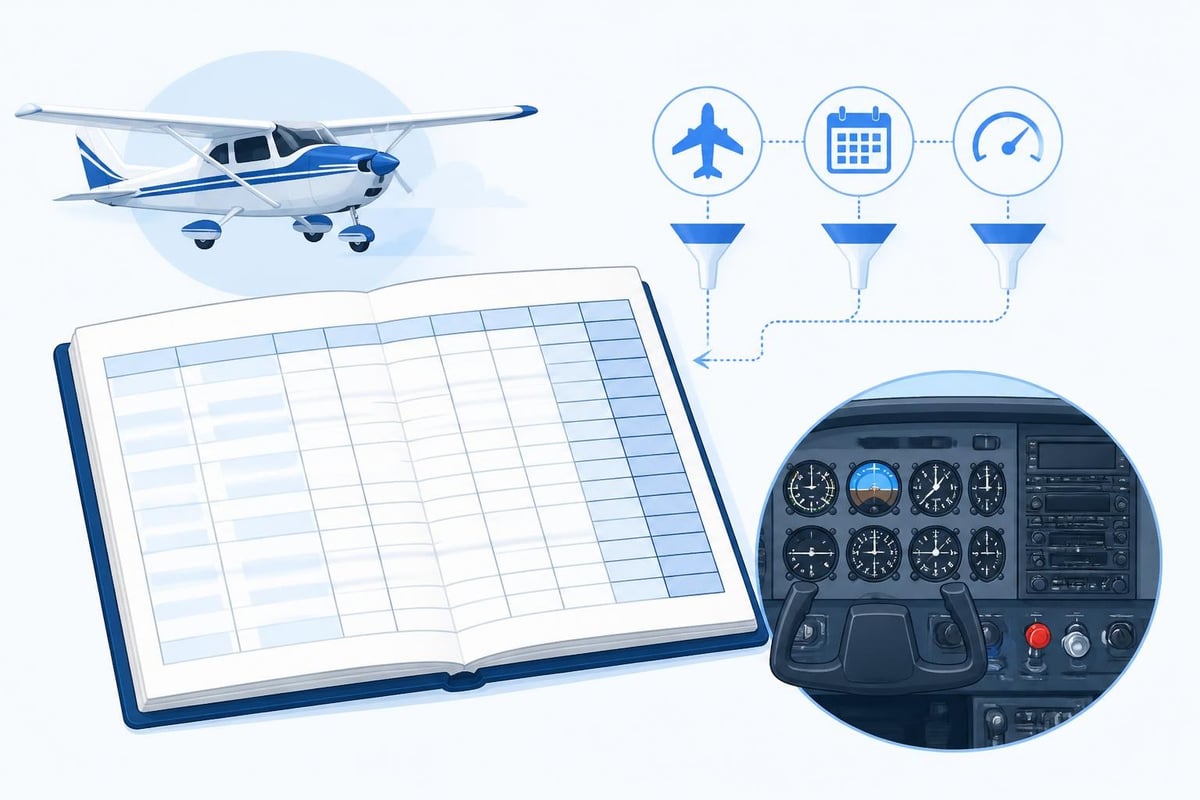
ForeFlight Logbook highlights currency in a dedicated tab. It counts takeoffs and landings in the past 90 days for passenger currency under §61.57(a). It also tracks six instrument approaches, holding, and intercepting/tracking courses in the past six months for IFR currency under §61.57(c).
If you fall below the thresholds, the app shows how many approaches or landings you need. This visibility helps you plan a currency flight before the lapse. However, the app does not send push notifications or emails. You must open the logbook and check manually.
For night currency (three full-stop landings one hour after sunset to one hour before sunrise in the past 90 days), ForeFlight Logbook tracks the requirement if you log the landings as "night." The app uses the aircraft's GPS position and the date to determine whether the landing qualifies. This automation is accurate but depends on you logging the landing type correctly.
Data Export and Backup Strategy
The AOPA article on electronic logbooks stresses the importance of backups. Digital logbooks are convenient until a server fails or an account is locked. ForeFlight syncs data to the cloud, and you can export your logbook as a PDF or CSV at any time.
Best practices for backup:
- Export a PDF quarterly and save it to cloud storage (Dropbox, iCloud, Google Drive)
- Export a CSV annually for portability to other apps
- Print a summary of totals and recent flights for insurance or checkride use
- Keep your paper logbook until you have at least 12 months of digital entries and verified backups
The ForeFlight Logbook Guide describes export formats in detail. CSV exports include every field, making it straightforward to import into another app if you switch platforms. PDF exports create a readable, printable record suitable for FAA or EASA inspections.
Integration with the Broader ForeFlight Ecosystem
ForeFlight Logbook's value increases when you use other ForeFlight features. Weight and balance, flight planning, and weather briefings all feed into the logbook. After a flight, the logbook inherits the route, weather conditions, and remarks from your flight plan.
This tight integration reduces duplication. You file a flight plan in ForeFlight, fly the route, land, and the logbook entry is 80 percent complete. You confirm the Hobbs time, add remarks, and save. For pilots flying daily, this workflow saves 10 to 15 minutes per day compared to manual entry in a standalone logbook.
However, this integration creates lock-in. If you switch to another EFB or stop subscribing to ForeFlight, the logbook's automatic features disappear. You can export your data, but you lose the seamless track-log import and ecosystem benefits. Pilots should weigh convenience against long-term flexibility.
Practical Considerations for Students and Instructors
Student pilots benefit from ForeFlight Logbook's endorsement feature. A CFI can sign off on solo, cross-country, or checkride endorsements directly in the app. The student receives an instantly verifiable record that satisfies §61.189 and §61.195 requirements for instructor signatures.
Flight schools using ForeFlight across their fleet can standardise on the logbook, simplifying training records. Instructors review student progress in the app, and students see their totals and currency in real time. This transparency helps students plan their training and avoid surprises when approaching checkride minimums.
For instructors, ForeFlight Logbook tracks dual given and endorsements issued. You can generate reports showing total instruction given by aircraft type, useful for FSDO inspections or insurance renewals. The endorsement library includes templates for common sign-offs, reducing the risk of missing required language.
Despite these benefits, some flight schools still prefer paper. Recreational pilot training and smaller Part 61 operations often use physical logbooks for simplicity and tradition. Instructors should confirm that their school and designated examiner accept electronic logs before relying solely on ForeFlight Logbook.
ForeFlight Logbook in 2026 and Beyond
As of 2026, ForeFlight continues to refine Logbook based on user feedback. Recent updates improved currency calculations and added more endorsement templates. The company has not announced plans for duty-time tracking or advanced expiry alerts, suggesting those features remain outside ForeFlight's core mission as an EFB and flight-planning platform.
Pilots who need those features should consider dedicated logbook apps. Pilotlog, for instance, offers rolling 28-day and 365-day totals, licence and medical expiry alerts, and support for complex rosters. It complements ForeFlight by handling regulatory tracking while ForeFlight handles charts and weather.
The regulatory landscape also continues to evolve. The NTSB 2024 Annual Report and recent Federal Register entries discuss recordkeeping and safety oversight. Electronic logbooks must adapt to new rules, and pilots should stay informed through FAA Advisory Circulars and industry publications.
Rules change, and pilots should confirm requirements against current official sources before relying on any logbook system for regulatory compliance.
ForeFlight Logbook delivers automatic logging and currency tracking for pilots already using ForeFlight for flight planning and charts. It excels at eliminating manual entry and integrating endorsements, but it lacks duty-time tracking and proactive expiry alerts. Pilotlog fills those gaps with rolling limits, medical and licence alerts, and support for complex operations, keeping you current, legal, and ready without surprises.
- foreflight logbook
- electronic logbook
- digital flight logging
- pilot currency tracking
- logbook alternatives
A logbook that keeps itself.
Join the waitlist and be first in line when Pilotlog launches.
Free to join, no spam. Unsubscribe any time.