pilot logbook app
Best Pilot Logbook App to Track Hours and Currency
11 Nov 2026 · 6 min read
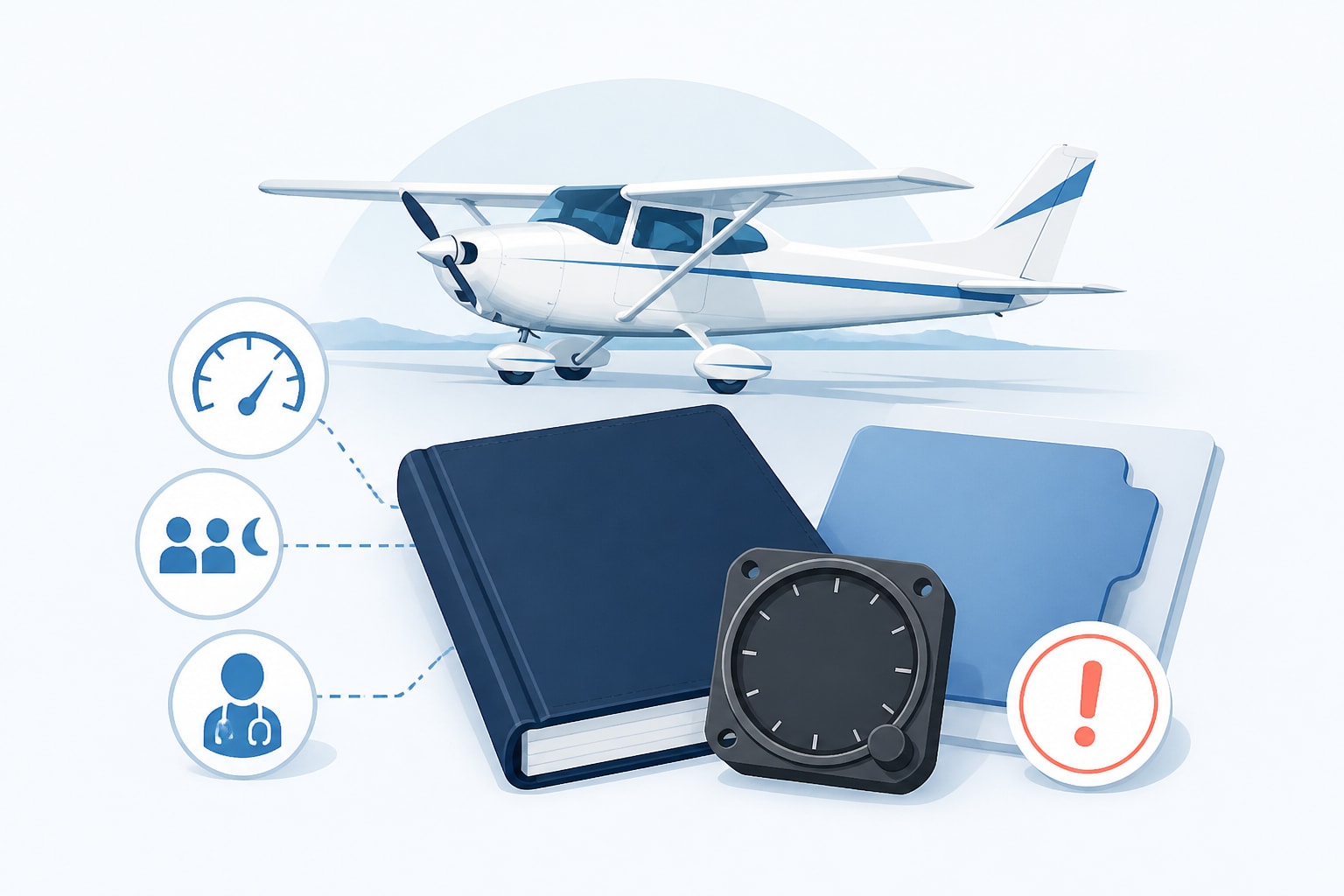
The best app for logbook entries is one that logs a flight in a few taps, totals your hours automatically and shows when each currency lapses. For pilots, that means tracking recency and expiries under the rules of your own authority, not just storing flights. This article uses EASA Part-FCL and UK CAA rules by default, and 14 CFR only where it says FAA.
What a pilot logbook app must do
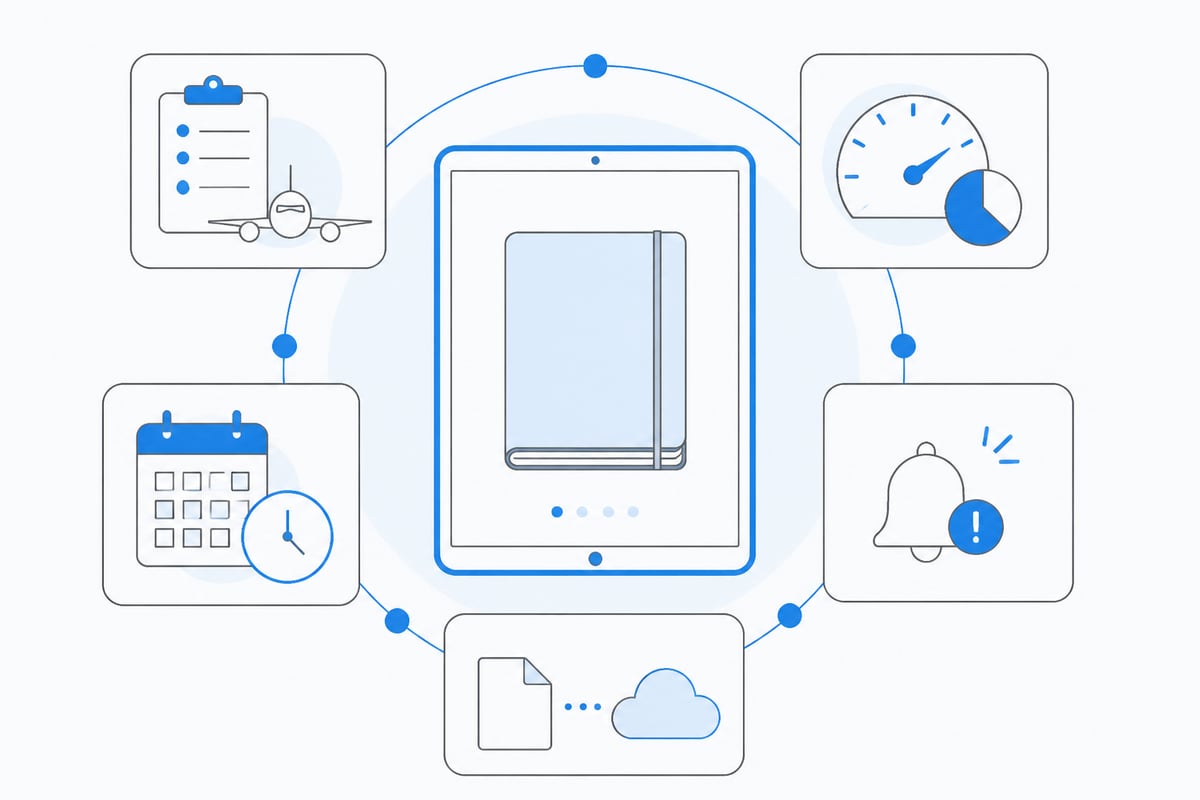
A pilot logbook app must record every required detail of a flight, total your experience correctly and warn you before anything lapses.
Under the FAA, 14 CFR § 61.51 requires you to record training and aeronautical experience used for certificates, ratings, flight reviews and recent-flight-experience requirements. For each flight or lesson, the required general details include the date, total time, departure and arrival locations, and aircraft or training-device type and identification. EASA and UK CAA pilots follow their own record-keeping rules, so check which set applies to your licence.
A useful app covers these points:
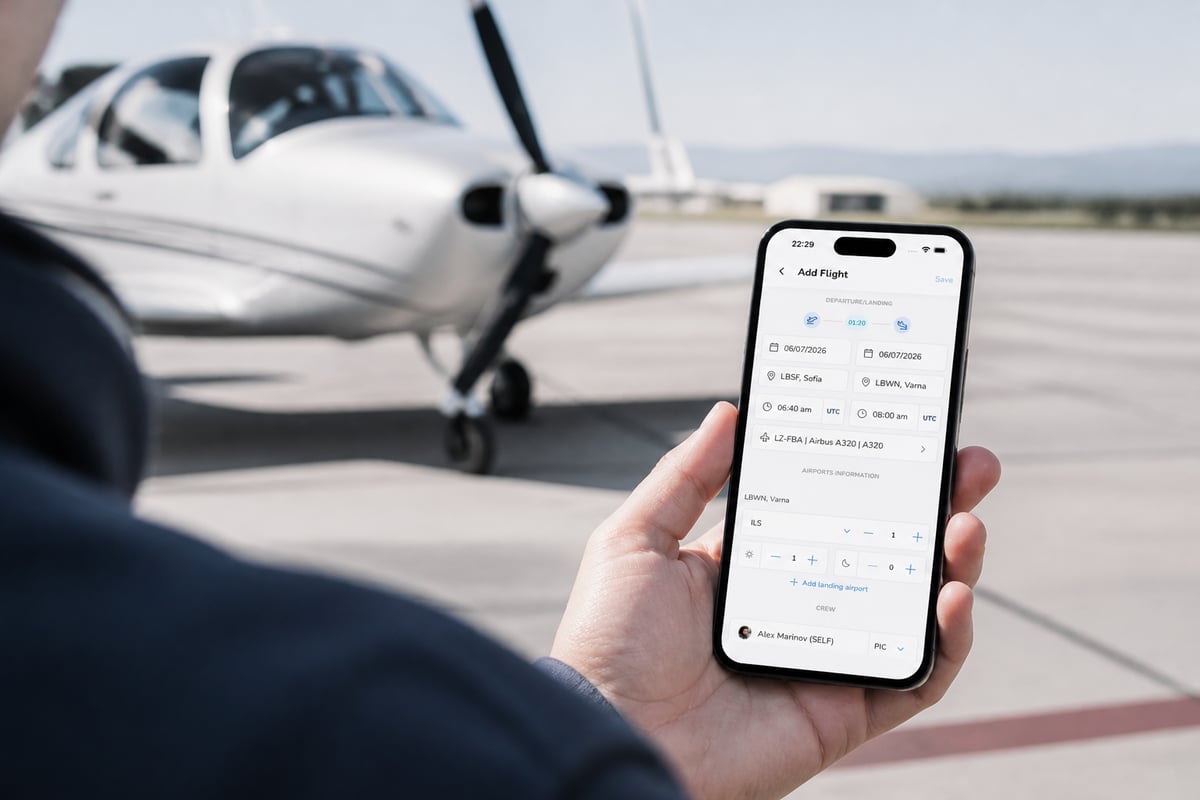
- Fast entry after landing: route, block times, crew, landings
- Automatic totals by category (PIC, dual, night, IFR, multi-pilot)
- Currency tracking with the date each privilege lapses
- Expiry alerts for licence, medical, ratings and class or type rating
- Export, so your records are never locked in
Paper, spreadsheet or app for logbook entries
Paper and spreadsheets both work legally, but an app does the arithmetic you would otherwise repeat after every flight.
The format is your choice. The risk is in the sums. A spreadsheet will not tell you that your passenger-carrying privileges lapse in nine days, and a paper page will not flag a medical that expires next month.
The common failure points are predictable:
- Column totals that drift after a manual carry-forward
- Night landings counted in the wrong period
- A medical or rating expiry noticed only at the next check
How to track currency in your logbook app
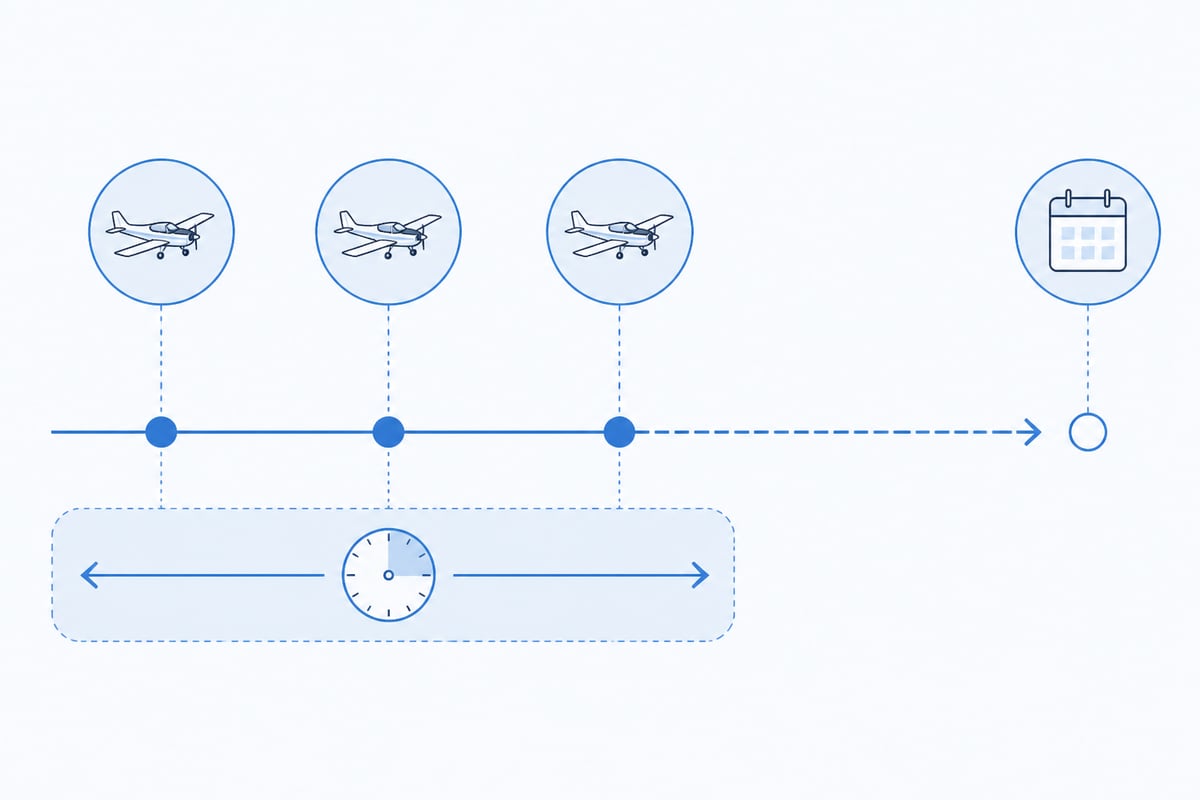
Currency tracking means the app counts the right events inside the right window for each privilege and shows the date it lapses.
For EASA pilots, passenger carriage requires recent take-offs and landings in the preceding period, as the pilot flying, in the same class or type. The night extension and the instrument rating revalidation have their own criteria. UK CAA pilots work to the UK equivalent, and the numbers can differ, so read your own authority's text.
Worked example: passenger currency (EASA, FCL.060(b))
Say today is November 10, 2026, and your last three take-offs and landings were on these dates:
| Landing | Date |
|---|---|
| 1 | August 20, 2026 |
| 2 | September 14, 2026 |
| 3 | October 5, 2026 |
The 90-day window counts back from the day you want to fly. The oldest of your three landings is August 20, so you stay current until 90 days after that date.
- August 20 to August 31: 11 days
- September: 30 days (running total 41)
- October: 31 days (running total 72)
- November 1 to 18: 18 days (running total 90)
Your passenger currency lapses after November 18, 2026. The window is a rolling one, so the oldest landing drops out first. If you fly two more circuits on November 12, the oldest remaining landing in your three becomes September 14, and the date moves out accordingly. An app does this recalculation after every logged flight.
Tracking hours, limits and ATPL progress
For career pilots, the app should total hours by the categories your licence and employer care about, and keep running figures for flight-time limits.
Student and private pilots mostly need accurate totals toward a licence, a rating or a flight review. Commercial pilots also need cumulative flight-time and duty figures over rolling periods, and a clear picture of progress toward the experience required for an ATPL. The exact requirements come from your authority. EASA applicants check Part-FCL, UK applicants check the CAA's licensing documents, and operators apply their own approved flight-time limitation scheme.
What to check in an app:
- Multi-pilot and PIC time logged separately, with correct treatment of PICUS or similar where your authority allows it
- Rolling totals for periods such as 28 days and 12 months
- Category splits that match your licence application forms
- Audit-friendly entries you can reproduce if an examiner or employer asks
Expiry alerts: medicals, licences and ratings
An alert system should warn you early enough to book the appointment, not on the day the document lapses.
Class 1 medicals, Class 2 medicals, SEP and MEP ratings, type ratings, language proficiency endorsements and flight reviews all run on different cycles. Validity periods depend on your authority, your age and the certificate class, so enter the dates from your own documents and do not rely on a remembered figure. A good app stores each expiry once and counts down, for example "Class 1 medical expires in 14 days".

Where Pilotlog Pro fits
If you want currency and expiries calculated for you, Pilotlog Pro is the paid tier of the Pilotlog digital logbook. You log a flight in a few taps after landing, with route, times, crew and landings, and the app totals hours, limits and expiries from each entry. It shows passenger, night and IFR recency at a glance with the date each lapses, and it warns you about licence, medical and rating expiries before they catch you out. It runs on iOS and Android.
Quick summary
- A pilot logbook app should record the required flight details, total your hours and track currency.
- Paper, electronic or both are acceptable formats. Accuracy is the real test.
- Currency windows roll. The oldest qualifying event drops out first.
- In the worked example, three landings with the oldest on August 20, 2026 keep you current through November 18, 2026 (90 days).
- Store every expiry date once and let alerts count down.
Rules change, so confirm figures against current official sources such as EASA, the UK CAA or the FAA before you rely on them.
FAQ
What is the best logbook app for pilots?
The best one logs quickly, totals automatically and shows currency lapse dates and expiries under your own authority's rules. Test it with your last three landings and check that its lapse date matches your own arithmetic.
How do I get a digital pilot logbook?
Choose an app, enter your existing totals as a carry-forward line, then log each new flight after landing. Keep a backup export of your records.
Is a digital logbook accepted instead of paper?
Many authorities allow electronic records. Confirm with your authority and any examiner or employer who will inspect it.
Open your logbook today, find your last three landings and count 90 days forward from the oldest to see when your passenger currency actually lapses. If you would rather have that date, plus your medical and rating expiries, calculated after every flight, try Pilotlog Pro and join the waitlist for Pilotlog to get a digital logbook that keeps you current, legal and ready to fly.
- pilot logbook app
- currency tracking
- easa part-fcl
- expiry alerts
- flight hours tracking
A logbook that keeps itself.
Join the waitlist and be first in line when Pilotlog launches.
Free to join. We’ll email you about the launch and Pilotlog news. Unsubscribe any time. Privacy policy