pilot logbook
How to Fill Out a Pilot Logbook: Complete Guide 2026
4 Aug 2026 · 11 min read
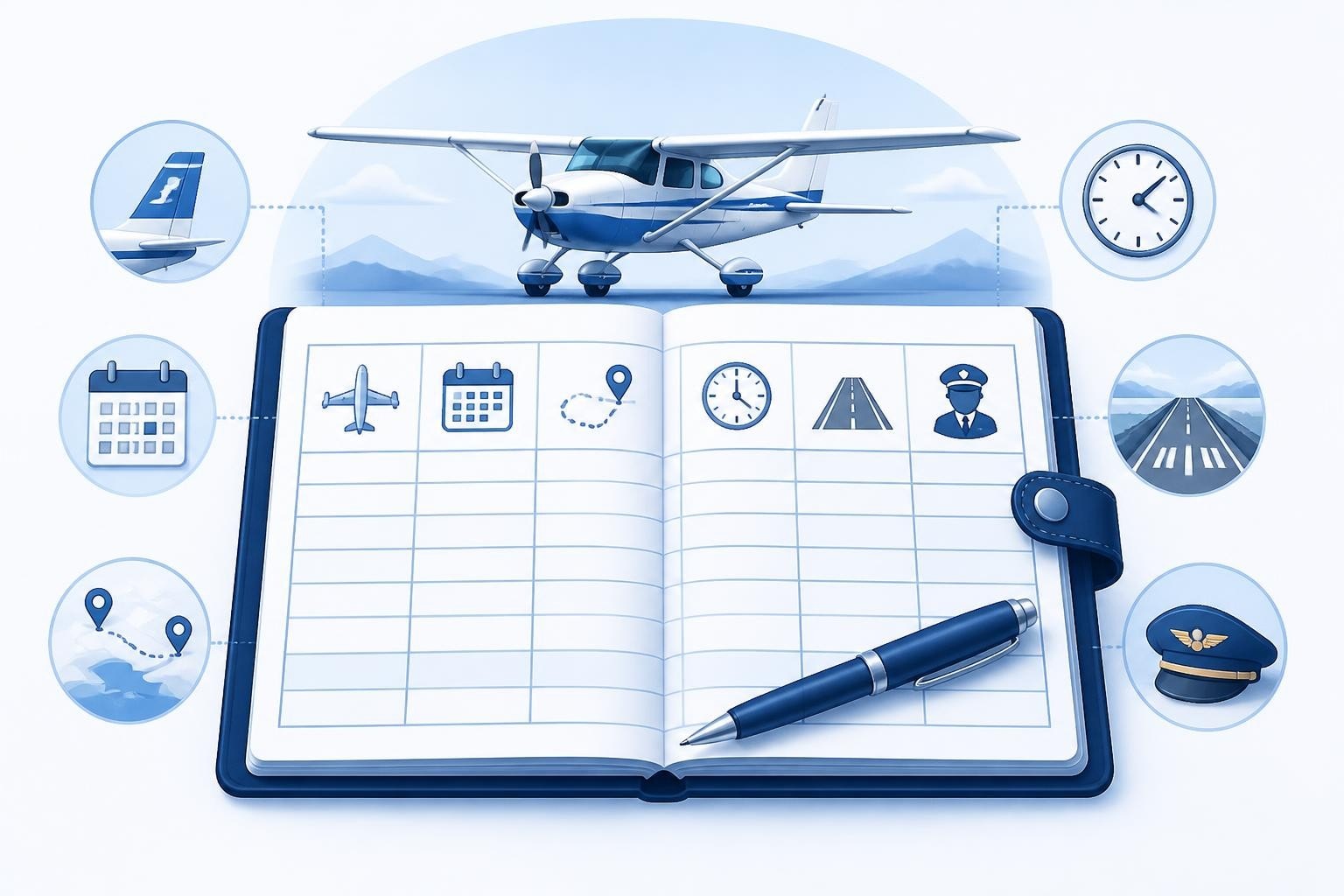
Learning how to fill out a pilot logbook correctly is one of the first professional habits you develop as a pilot. Every entry you make serves as legal proof of your experience, currency, and qualifications. A properly maintained logbook documents your progress from student pilot through every rating and hour of command time, and it becomes the foundation for meeting regulatory requirements throughout your career.
Understanding What Must Be Logged
The core requirements for pilot logbooks come from civil aviation authorities. Under FAA regulations, 14 CFR 61.51 details what must be recorded for each flight: date, total flight time, location of departure and arrival, type and identification of aircraft, and the name of a safety pilot if required. For EASA operations, Part-FCL AMC1 FCL.050 sets out similar requirements with specific provisions for different licence types.
Each entry needs enough detail to demonstrate you met the requirements for certificates, ratings, and currency. That means recording:
- Date of flight (day, month, year)
- Aircraft type and registration (C172, G-ABCD or N12345)
- Departure and arrival points (ICAO codes or airport names)
- Total flight time (block-to-block or Hobbs)
- Pilot-in-command (PIC) time when you were sole manipulator or acting as PIC
- Dual instruction received with instructor signature
- Conditions of flight (day, night, actual or simulated instrument)
- Landings by type (day, night, full-stop)
Recording Flight Time Accurately
Total flight time means the time from when the aircraft first moves under its own power for the purpose of flight until it comes to rest at the end of the flight. For aeroplanes, most pilots use block time (chocks off to chocks on) or Hobbs meter time. Helicopter pilots typically record rotor-engaged time.
When learning how to fill out a pilot logbook, new pilots sometimes confuse different time categories. PIC time can be logged when you are the sole manipulator of the controls in an aircraft for which you are rated, even during dual instruction. Under FAA rules, a student pilot may log PIC time when they are the sole occupant or when an instructor is on board for training towards a certificate.

Essential Columns and How to Complete Them
A standard logbook page contains between 10 and 20 columns depending on the format. Understanding which columns apply to each flight keeps your records accurate and audit-ready.
Aircraft Details
Record the aircraft type using the manufacturer designation (PA28, C172, A320) and the full registration. If you fly multiple variants, be specific: a C172S differs from a C172N in equipment and certification. For type-rated aircraft, always use the exact type designation that matches your rating.
Route Information
The departure and arrival fields should contain enough detail to reconstruct the flight. ICAO four-letter codes work best (EGLL, KJFK, LFPG). If you flew a local training flight and returned to the same airport, write that airport in both columns or note "local" in the arrival field.
Flight Time Breakdown
Total flight time goes in one column. Then break that time into applicable categories:
| Time Category | When to Log | Example |
|---|---|---|
| PIC | Sole manipulator, rated in aircraft | 1.2 |
| Second in Command (SIC) | Required crew member, type-rated | 1.2 |
| Dual Received | Instructor on board, training | 1.2 |
| Solo | Alone in aircraft | 1.2 |
| Cross-Country | >50nm from departure (FAA) or per EASA rules | 1.2 |
| Night | Period between end of evening civil twilight and beginning of morning civil twilight | 0.8 |
| Instrument | Actual or simulated IMC | 0.6 |
A single 1.2-hour flight might contribute to multiple columns if it was a dual instruction flight that included instrument training and night flying.
Landings and Approaches
Log the number of landings in separate columns for day and night. Full-stop landings often get their own column because many currency requirements specify full-stop rather than touch-and-go. For instrument currency, record the number and type of approaches (ILS, RNAV, VOR) along with the location.
Recording Endorsements and Checkrides
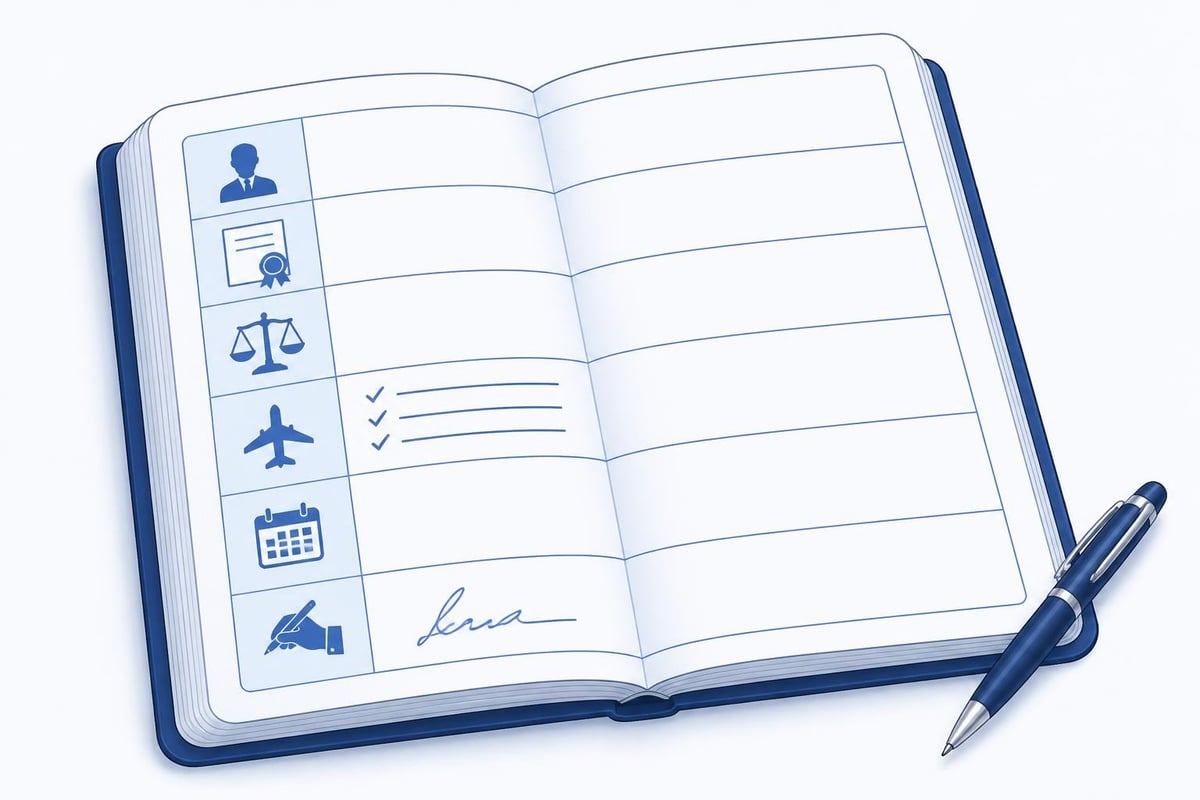
When you complete a proficiency check, rating, or receive an instructor endorsement, that entry requires special attention. The instructor or examiner must sign the logbook with their certificate number, expiry date, and a clear statement of what was accomplished.
For a checkride, record:
- Date of the check
- Examiner name and certificate number
- Type of check (PPL skill test, IR revalidation, OPC)
- Result (pass/fail)
- Examiner signature
Student pilots need endorsements for solo flight, cross-country flights, and to take practical tests. Each endorsement must reference the specific regulation it addresses (14 CFR 61.87 for solo, for example) and include an expiry date if applicable. Keep these endorsement pages pristine because they form part of your permanent record.
Cross-Country Time Rules
Cross-country definitions vary by regulation and purpose. Under FAA rules, you can log cross-country time for any flight with a landing at a point other than the departure airport. However, cross-country time for certificates and ratings requires a landing at least 50 nautical miles from the original departure point, and that landing must include a full-stop.
EASA rules define cross-country as a flight between two points using standard navigation procedures. The key difference in digital logbook requirements centres on how you track these qualifying flights for licence requirements versus the broader definition for general logging.
When learning how to fill out a pilot logbook for cross-country flights, create a habit of recording:
- Full route with all landing points
- Distance from departure (50nm, 78nm, etc.)
- Whether landings were full-stop
- Any instructor signature if required
Night Flying and Currency Requirements
Night flight logging depends on the regulatory definition of night. FAA defines it as the period from the end of evening civil twilight to the beginning of morning civil twilight. EASA defines night as the period between the end of evening civil twilight and the beginning of morning civil twilight, or from sunset to sunrise plus 30 minutes, whichever is later.
To maintain night currency under FAA rules (14 CFR 61.57), you must make three takeoffs and landings to a full stop during the night period within the preceding 90 days. That means your logbook must clearly show the date, number of night landings, and that they were full-stop. Tracking IFR currency requires similar precision with approach types and dates.
Instrument Time Logging
Actual instrument time can only be logged when you fly by reference to instruments in IMC. Simulated instrument time requires a safety pilot and counts towards currency but not towards total instrument flight time for rating requirements.
In your logbook, separate columns track:
- Actual Instrument (clouds, IMC)
- Simulated Instrument (foggles, hood)
- Ground Trainer (AATD, FTD, simulator time)
For instrument currency under 14 CFR 61.57(c), you need six approaches, holding procedures, and intercepting and tracking courses within the preceding six months. Your logbook must show the date of each approach, the type (ILS, RNAV, VOR), and the location.
Common Mistakes to Avoid
Pilots make predictable errors when learning how to fill out a pilot logbook. The most frequent is double-counting time. If you log 1.5 hours total time, your PIC, SIC, or dual time cannot exceed 1.5 hours. The columns must add logically.
Rounding errors accumulate over hundreds of flights. Use decimal hours (1.3, 0.8) rather than minutes, and carry calculations to at least one decimal place. Some pilots round each flight to the nearest 0.1, which creates discrepancies over time.
Missing signatures invalidate training flights. Every dual instruction flight requires an instructor signature. Every solo flight as a student pilot should reference the authorising endorsement. When you return for an audit or certificate application, these missing signatures cannot be retroactively added.
Vague remarks reduce the value of your logbook. Instead of "practice," write "steep turns, stalls, slow flight per PPL ACS." Instead of "XC," write "VOR navigation, pilotage, flight planning EGKK-EGHH-EGKK." Specific remarks help you demonstrate you met training requirements.
| Mistake | Problem | Correction |
|---|---|---|
| Logging 1.5 PIC + 1.5 dual from same 1.5-hour flight | Double-counts time | Choose one category per flight segment |
| Recording approaches without location | Cannot prove currency | Note airport: "2×ILS KLAX, 1×RNAV KSAN" |
| Missing instructor signature | Dual time not valid | Get signature before instructor leaves |
| No endorsement date | Cannot determine validity | Always include date and expiry |
Digital Versus Paper Logbooks
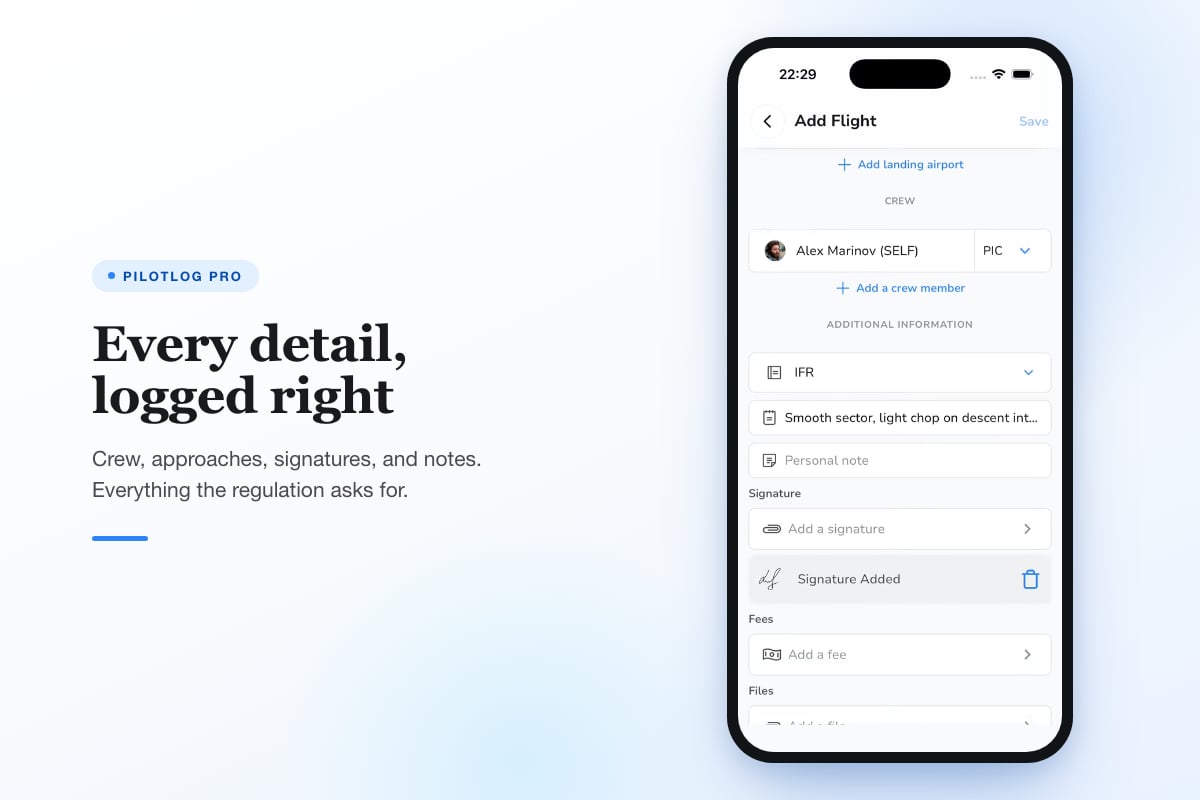
The choice between paper and digital logbooks affects how you record flights, but the content requirements remain identical. Digital pilot logbooks offer automatic calculations, currency tracking, and backup capabilities that reduce errors and save time. Many pilots maintain both a digital primary logbook and a backup paper record.
Pilotlog Pro tracks rolling 28-day and 365-day limits automatically, monitors passenger, night, and IFR currency, and flags licence and medical expiries before they lapse. That systematic tracking removes the manual calculation burden and ensures you catch currency lapses 14 or 30 days ahead.
Whether you use paper or digital, the recording principle stays the same: log every required detail immediately after the flight while the information is fresh. Reconstructing flight details days or weeks later introduces errors.
Building Professional Logbook Habits
Professional pilots treat logbook entries as permanent legal records. That means using permanent ink (blue or black) for paper logbooks, making corrections by drawing a single line through errors (never using correction fluid), and initialising any correction.
Develop these habits from your first student flight:
- Log the same day while details are accurate
- Verify totals by adding forward and cross-checking
- Keep endorsements organised in dedicated sections
- Back up digital logbooks to multiple locations
- Review periodically for currency and upcoming expiries
Student pilots should establish good logging practices from the beginning because habits formed during training persist throughout a career. Airline transport pilots still follow the same careful recording methods they learned on their first dual instruction flight.
Carrying Forward Totals
Each logbook page ends with column totals showing cumulative experience. When you turn the page or start a new logbook, carry those totals forward to the top of the new page. Double-check the arithmetic: the carried-forward total should match the final total on the previous page exactly.
Every 10-20 pages, cross-check your totals against the individual flight entries. Add up the PIC column from scratch and verify it matches your running total. This catches arithmetic errors before they compound.
When you fill a complete logbook and start a new one, photocopy or scan the final totals page. Store that record separately from the logbook itself. If the physical logbook is lost, you have proof of your total time to that date.
Demonstrating Currency and Experience
Your logbook is the primary evidence that you meet currency requirements and qualify for certificates or ratings. FAA regulations specify exact currency requirements for carrying passengers, flying at night, and operating under IFR.
When an examiner or employer reviews your logbook, they look for:
- Clear endorsements from instructors and examiners
- Logical progression of training and experience
- Accurate arithmetic in all totals
- Proper signatures on all dual instruction
- Complete details (dates, aircraft, conditions)
A well-maintained logbook tells the story of your development as a pilot. From your first 0.8-hour introductory flight to your most recent proficiency check, each entry contributes to the permanent record of your qualifications.
Special Entries and Situations
Some flights require special notation. Ferry flights, test flights after maintenance, formation flying, and aerobatic manoeuvres should be clearly marked in the remarks section. If you're logging time as a flight engineer or observer (not acting as pilot), note that in a way that makes clear you were not PIC or required crew.
Type rating training and checking in simulators count towards specific experience requirements but may not count as flight time depending on the device approval. Note the simulator type (FFS Level D, FTD, AATD) and the certificate number. EASA pilots must distinguish between FSTDs (flight simulation training devices) at different levels.
Time flown in military aircraft or experimental amateur-built aircraft may or may not count towards civilian certificates depending on the category and your role. Consult the relevant regulations before logging this time towards civilian certificate requirements.
Audit and Verification
Before any checkride or job application, audit your logbook. Verify that totals match page-by-page arithmetic. Confirm that required endorsements are present and current. Check that experience requirements are met with proper documentation.
Many pilots use a checkride audit checklist to ensure their logbook is ready for examiner review. This systematic review catches missing signatures, unclear endorsements, or calculation errors that could delay a checkride.
Employers may verify logbook entries by requesting supporting documents (training records, flight plans, or instructor verification). Keep these supporting documents organised and accessible. If you claim 2,800 hours turbine PIC time, you should be able to produce aircraft journey logs or employer records that support that claim.
Regulations change and interpretations evolve, so pilots should confirm logging requirements against current official guidance from their civil aviation authority. The principles of how to fill out a pilot logbook remain consistent: record accurately, sign appropriately, and maintain your logbook as the professional legal record it is.
Accurate logbook entries protect your licence and prove your qualifications throughout your career. Building these careful recording habits now saves time and prevents problems when you need to demonstrate currency or apply for new ratings. Pilotlog handles the calculations, currency tracking, and expiry alerts automatically, letting you focus on flying while it keeps you current, legal, and ready for every flight.
- pilot logbook
- logbook entries
- flight time logging
- cross-country time
- pilot endorsements
A logbook that keeps itself.
Join the waitlist and be first in line when Pilotlog launches.
Free to join, no spam. Unsubscribe any time.