electronic logbook
Electronic Logbook Pilot: Track Hours, Currency & Compliance
23 Jul 2026 · 13 min read
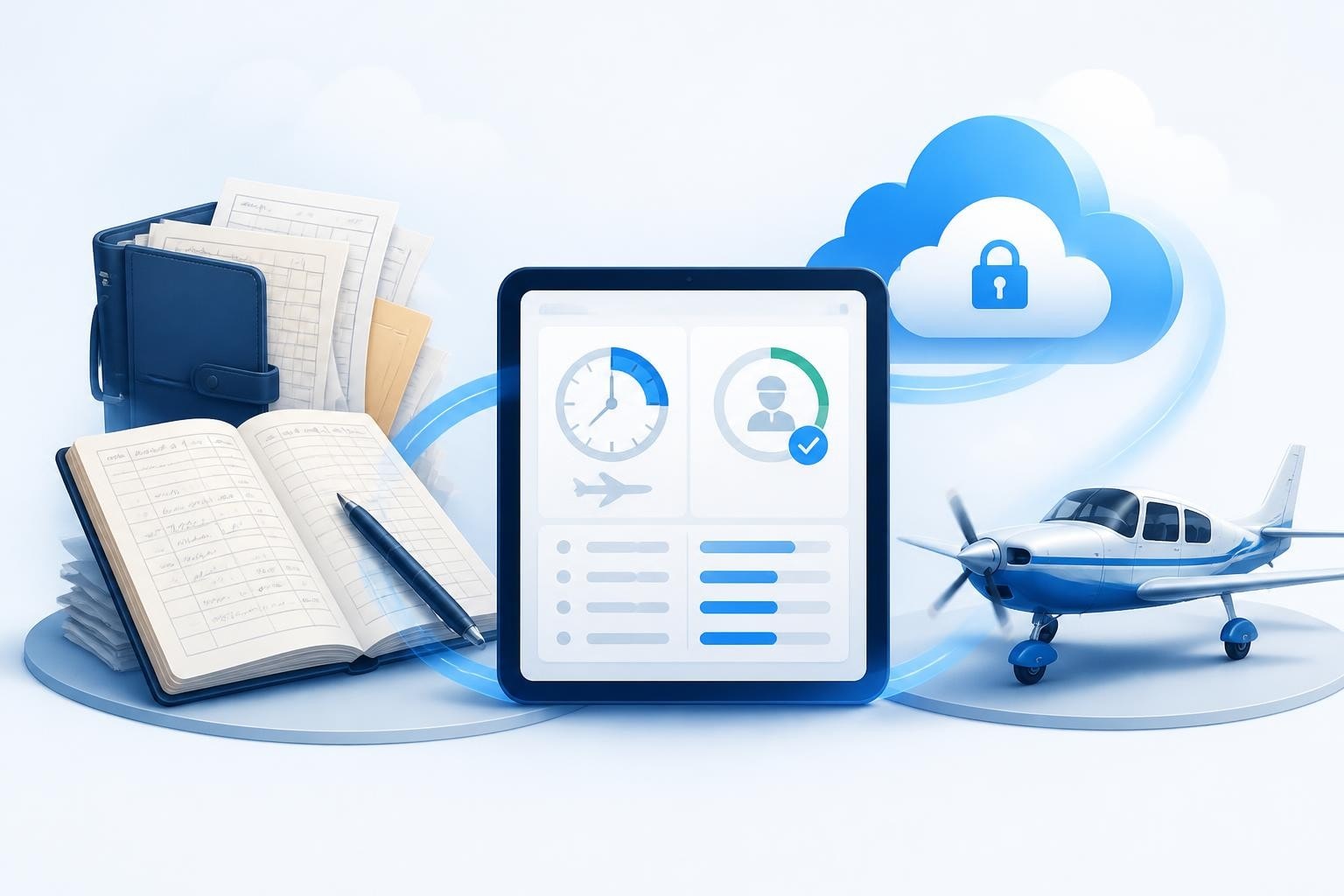
An electronic logbook pilot solution replaces paper records with digital tracking for flight hours, currency, and licence expiries. Both the FAA and EASA accept electronic logbooks provided they meet accessibility, backup, and retention requirements outlined in 14 CFR § 61.51 and related guidance. Moving to digital means faster entries, automatic calculations, and alerts that keep you legal without manual arithmetic.
What Makes an Electronic Logbook Legal
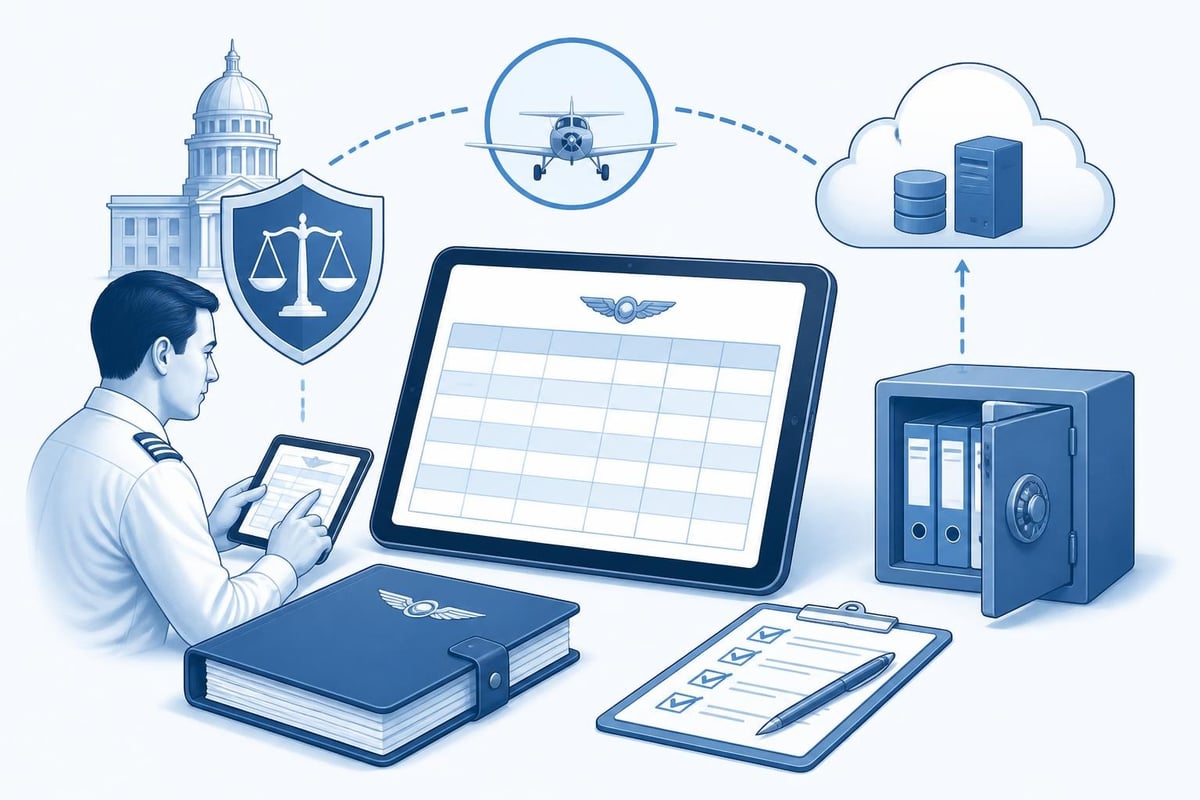
The FAA permits electronic logbooks under AC 120-78B, which sets standards for electronic signatures and recordkeeping. Your electronic logbook pilot system must allow you to make entries promptly, maintain data integrity, and provide access for inspection by the FAA or an examiner.
Core Regulatory Requirements
14 CFR § 61.51 lists what every logbook entry must include: date, total flight time, departure and arrival locations, aircraft type and registration, and the nature of the flight (PIC, dual, solo). Electronic formats must capture all these fields and preserve them reliably.
Key compliance points:
- Accessibility: You must be able to present the logbook to an inspector or examiner immediately, either on a device or as a printed copy.
- Backup: Maintain at least one off-device copy (cloud sync or regular export) to guard against loss.
- Retention: Flight records must be kept for the period required by regulation, often the duration of your flying career.
- Accuracy: Entries should be tamper-evident; many electronic logbook pilot apps timestamp and lock entries after creation.
EASA Part-FCL does not prescribe a specific format but requires pilots to maintain accurate records of flight time, training, and proficiency checks. EASA accepts electronic records provided they are auditable and protected against unauthorised alteration.
Benefits of Switching to an Electronic Logbook Pilot System
Manual logbooks demand careful arithmetic and regular review to track currency and totals. An electronic logbook pilot platform automates these tasks and surfaces the numbers you need without opening a calculator.
Automatic Hour Calculations
Enter a flight once and the app updates totals across categories: PIC, dual received, cross-country, night, instrument. If you log 1.2 hours of night dual in a Cessna 172, the system increments night time, dual received, single-engine land, and total flight time in real time.
Time saved per month:
| Task | Paper Logbook | Electronic Logbook |
|---|---|---|
| Entry and arithmetic | 45 minutes | 10 minutes |
| Currency calculations | 30 minutes | Automatic |
| Total hours by category | 20 minutes | Automatic |
| Preparing résumé totals | 60 minutes | 5 minutes (export) |
Currency and Recency Tracking
Regulations like the FAA's 90-day passenger currency (three takeoffs and landings in the preceding 90 days per 14 CFR 61.57) or the EASA 90-day rule (FCL.060: three takeoffs and landings in 90 days) require rolling date windows. Flying Magazine's comparison highlights how electronic logbooks monitor these windows continuously and alert you before currency lapses.
An electronic logbook pilot app counts your recent landings, night currency, and instrument approaches without you opening a spreadsheet. If you logged your last night landing on April 10, 2026, the app flags that your night passenger currency expires on July 9, 2026, giving you advance warning.
Typical currency alerts:
- Passenger day/night currency (90 days)
- IFR currency: six approaches, holding, and tracking in six months (FAA 61.57) or 12 months for single-pilot operations under EASA FCL.625
- Flight review or proficiency check due dates
- Instrument proficiency check (IPC) expiry
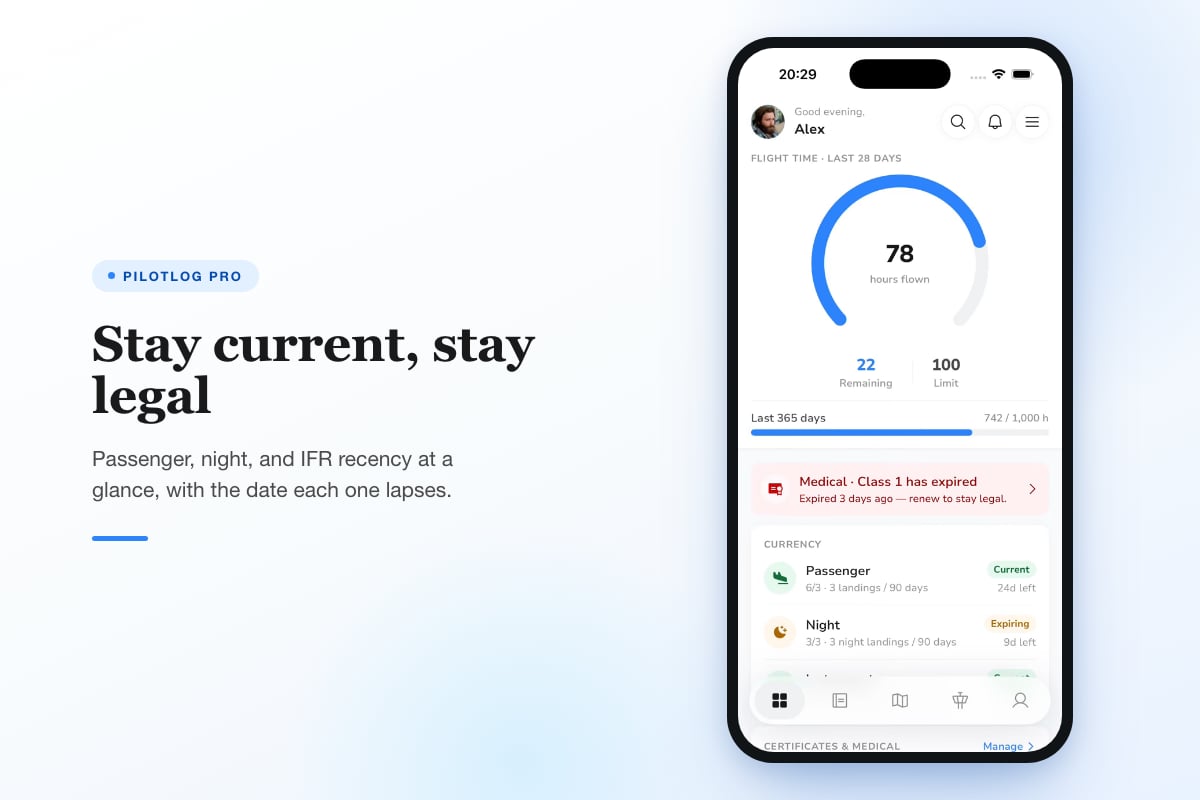
Pilotlog Pro takes currency tracking further by monitoring rolling 28-day and 365-day flight-time and duty limits, flagging licence and medical expiries early, and delivering career stats, trends, and milestones alongside full logbook export capabilities.
Licence and Medical Expiry Management
A Class 1 medical valid for 12 months if you are under 40 or six months if over 60 (EASA Part-MED) can slip past if you rely on memory. An electronic logbook pilot system stores expiry dates and sends push notifications weeks before deadlines, ensuring you book renewals in time.
You can also track:
- Licence revalidation dates (e.g., SEP revalidation every 24 months under EASA FCL.740)
- Rating expiries (multi-engine, instrument)
- Recurrent training or competency checks
- Passport and visa validity for international operations
Choosing the Right Electronic Logbook Pilot Platform
Not all electronic logbook pilot apps offer the same depth. Evaluate platforms on data security, regulatory compliance, and the specific tracking features you need for your flying profile.
Feature Comparison
| Feature | Essential | Nice to Have | For Professionals Only |
|---|---|---|---|
| Flight entry and totals | ✓ | ||
| Currency tracking (pax, IFR) | ✓ | ||
| Licence/medical alerts | ✓ | ||
| Cloud backup | ✓ | ||
| Offline mode | ✓ | ||
| Duty-time and FTL monitoring | ✓ | ||
| Export (PDF, CSV, EASA format) | ✓ | ||
| Flight scheduling and rostering | ✓ |
Data Security and Backup
Your logbook is a legal record and a career document. Look for platforms that encrypt data in transit and at rest, sync across devices automatically, and allow manual exports. This guide on electronic logbook legality emphasises maintaining multiple backups: cloud sync plus periodic PDF or spreadsheet exports stored in separate locations.
If the app ceases operation or your account is locked, you should be able to retrieve a complete, readable copy of your logbook within minutes.
Platform Compatibility
Choose an electronic logbook pilot app available on iOS and Android if you switch devices or share data with an instructor who uses a different platform. Web access is useful for detailed reports or printing pages for an interview, but mobile entry is where speed matters.
Transitioning from Paper to Electronic
Moving decades of paper entries into an electronic logbook pilot system takes time but pays dividends in accuracy and accessibility. Plan the migration in stages rather than attempting a single marathon session.
Step-by-Step Migration Process
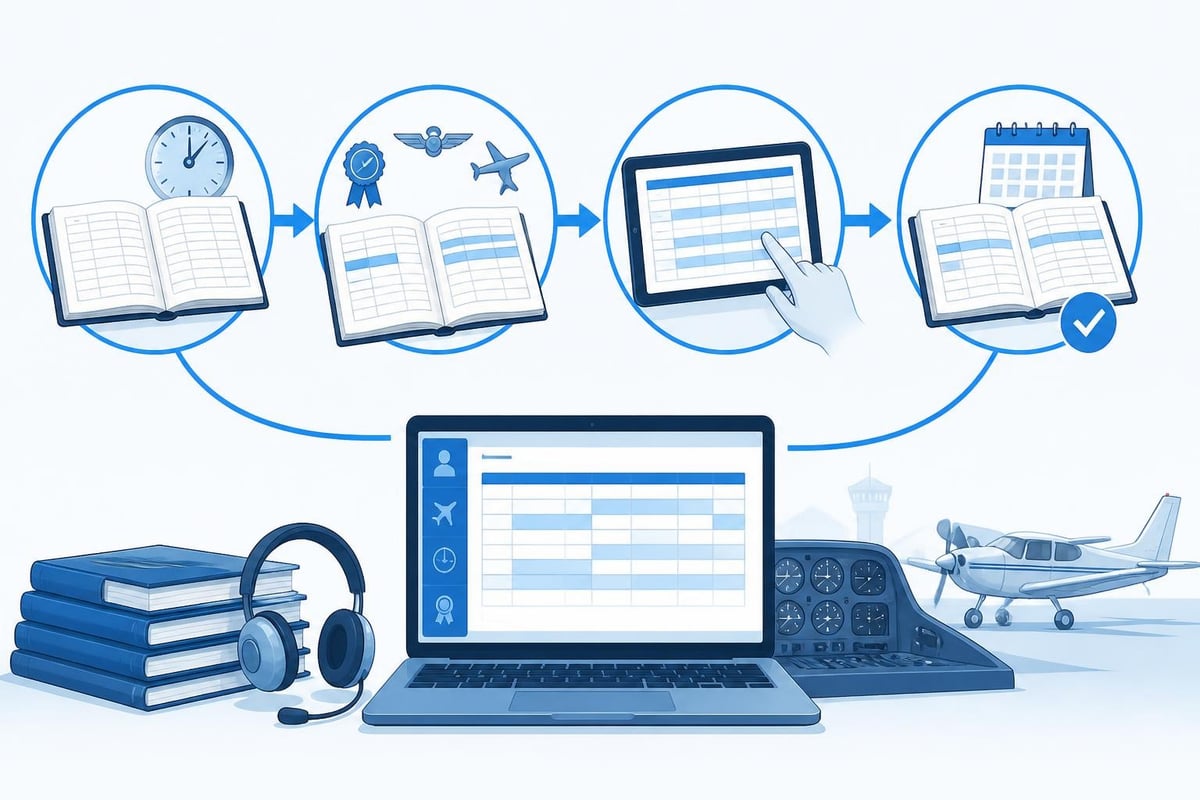
- Start with totals: Enter your current totals (total flight time, PIC, dual, night, instrument, cross-country) as a baseline. Many apps let you add a "logbook opening balance" without entering every historical flight.
- Add key flights: Input checkrides, type ratings, endorsements, and any flight required for licence revalidation. These are the entries you will reference most often.
- Go forward from a clean date: From today, log every flight electronically. Paper logbooks can remain as the legal record of past flights while your electronic logbook pilot app handles new entries.
- Backfill selectively: If time permits, enter the last 90 days or the last 12 months to populate recent currency windows. Complete historical backfill is optional unless you need every flight for an airline application.
Maintaining Dual Records
Some pilots keep both paper and electronic logbooks during a transition period. This redundancy adds safety but doubles the workload. Legal guidance on FAA logbook requirements confirms that you only need one official logbook, provided it meets regulatory standards.
If you prefer dual records initially, commit to a cutover date (e.g., January 1, 2027) after which the electronic logbook pilot system becomes your sole record. Archive the paper logbook as a backup but stop duplicating entries.
Practical Examples: How Electronic Logbooks Save Time
Numbers matter. Here is a worked example showing how an electronic logbook pilot tool transforms routine tasks.
Scenario: Commercial Pilot Building Cross-Country Time
You hold a UK commercial pilot licence and need to demonstrate 300 hours cross-country PIC for an airline application. Your logbook spans four years and 680 total hours.
Paper logbook:
- Skim every page, identify flights where you landed at a point more than 50 nautical miles from departure (cross-country definition per EASA FCL.010).
- Sum PIC hours for those flights manually.
- Double-check arithmetic.
- Time required: approximately 90 minutes.
Electronic logbook pilot app:
- Apply a filter: "Cross-country = Yes, PIC > 0".
- The app displays total cross-country PIC instantly: 312.4 hours.
- Export a PDF report showing each flight, date, route, and hours for the airline HR department.
- Time required: 2 minutes.
Scenario: Tracking Instrument Currency
FAA regulation 61.57(c) requires six instrument approaches, holding procedures, and intercepting/tracking courses in the preceding six months to act as PIC under IFR. EASA FCL.625 sets 12-month validity windows for single-pilot IFR revalidation.
Paper logbook:
- Count approaches logged in the last six months.
- Check if you completed holding and tracking.
- Mark the expiry date on a calendar.
- Time required: 15 minutes per review.
Electronic logbook pilot app:
- Dashboard shows "IFR currency: current, expires September 15, 2026" with a countdown.
- Drill into details: 8 approaches logged (6 required), holding on May 3, tracking on June 12.
- Receive a push notification 30 days before expiry.
- Time required: 10 seconds.
Common Mistakes and How to Avoid Them
Even with automation, errors creep in if you do not follow disciplined entry habits. Here are pitfalls pilots encounter with electronic logbook pilot systems and how to prevent them.
Forgetting to Log Dual Received or Endorsements
Electronic apps may default to PIC for every flight if you do not adjust the role. When you fly with an instructor, explicitly mark the flight as dual received and note the instructor's name and licence number. Some apps have an "endorsement" field for sign-offs required under 14 CFR 61.31 or EASA Part-FCL, such as tailwheel or high-performance aircraft.
Best practice: Review each entry immediately after landing. Check that the flight role, aircraft type, and special conditions (night, IFR, cross-country) are correct before saving.
Neglecting Backups
Cloud sync is convenient but not infallible. Internet outages, account issues, or service interruptions can delay access. Export your logbook to PDF or CSV at least monthly and store the file in a separate location (email, USB drive, cloud storage).
This post on digital logbook benefits recommends quarterly exports and annual printed copies as a third layer of redundancy.
Over-Relying on Auto-Fill
Many electronic logbook pilot apps import data from flight scheduling systems or ADS-B tracking. Verify auto-filled entries before accepting them. A scheduled departure time is not the same as actual block time, and tracking data may miss short taxi delays or unplanned diversions.
Always confirm:
- Actual takeoff and landing times
- Route flown (not just planned route)
- Total flight time (Hobbs or tach, not scheduled duration)
Advanced Features for Professional Pilots
Airline and charter pilots face additional recordkeeping demands beyond basic flight hours. An electronic logbook pilot platform with flight-time limitation (FTL) monitoring and duty tracking meets these needs.
Flight and Duty Time Limits
EASA Subpart FTL (EU-OPS) and FAA Part 117 set maximum flight duty periods, rest requirements, and rolling time limits (e.g., 100 flight hours in 28 consecutive days, 1,000 hours in 365 days). Manual tracking requires spreadsheets and daily updates.
Advanced electronic logbook pilot apps calculate rolling totals automatically and flag when you approach limits. If you have logged 92 hours in the past 28 days and are scheduled for a 9-hour duty tomorrow, the app alerts you to a potential breach.
Key FTL metrics tracked:
- 28-day and 365-day flight time
- Duty periods and rest intervals
- Cumulative duty hours in rolling windows
- Standby, positioning, and simulator time
Multi-Crew and Type Rating Tracking
Airline pilots fly multiple aircraft types and log PIC, SIC, and PICUS time. Your electronic logbook pilot app should support per-type totals and flag type rating revalidations. For example, if your A320 type rating expires on November 30, 2026, the app reminds you to schedule a proficiency check in advance.
Integration with Other Pilot Tools
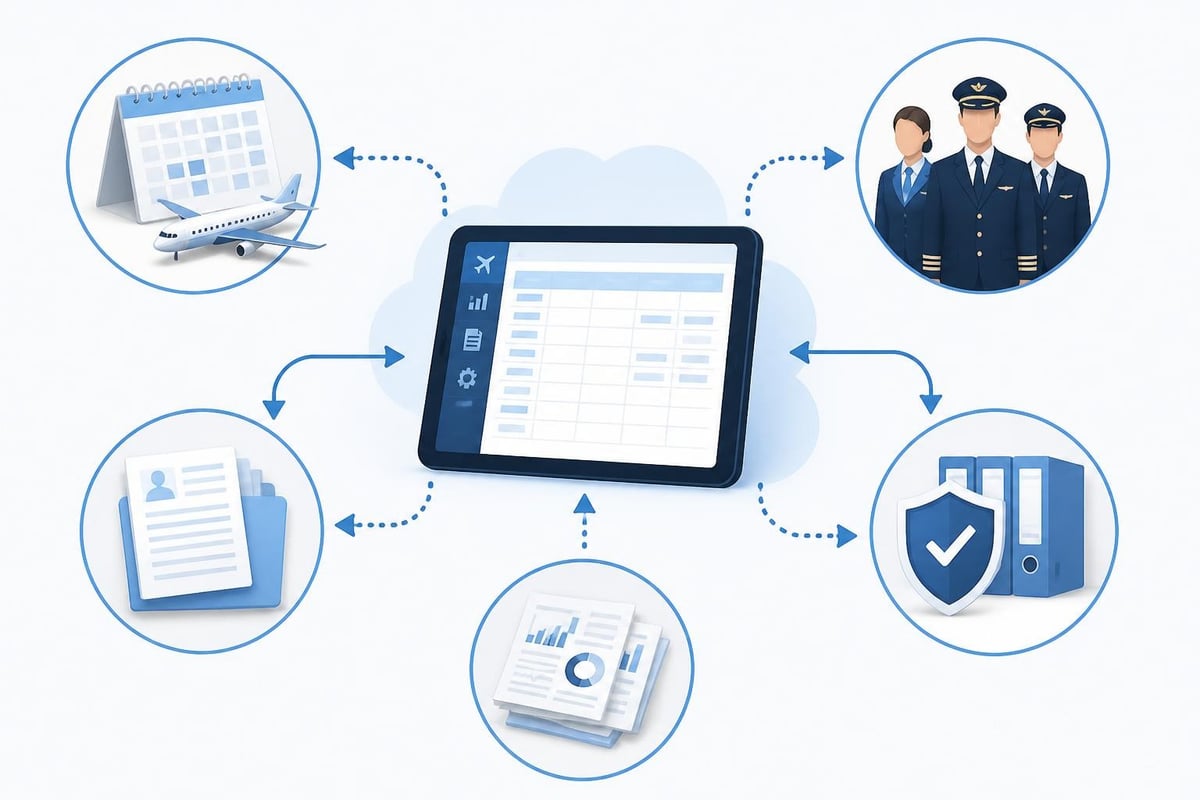
An electronic logbook pilot system works best when it connects to the rest of your workflow: scheduling, weather, flight planning, and compliance checks.
Sync with Scheduling and Roster Apps
Some airlines and flight schools use rostering platforms that export flight data. Electronic logbooks can import these files, saving you from manual entry. Confirm that imported times match actual block times before finalising entries.
Export for Interviews and Applications
Airlines request logbook summaries in specific formats: total hours, PIC time, turbine time, hours on type, night, instrument, and cross-country. An electronic logbook pilot app should generate these reports in seconds, formatted to match application requirements.
You can also review your logbook entries to ensure consistency before exporting for an interview or checkride.
Staying Current with Regulatory Changes
Aviation regulations evolve. The FAA and EASA periodically update flight-time limitations, currency requirements, and medical standards. Your electronic logbook pilot app should adapt to these changes, but you remain responsible for confirming current rules.
Recommended practice:
- Check the latest 14 CFR Part 61 or EASA Part-FCL annually.
- Subscribe to FAA and EASA notices for regulatory updates.
- Use Pilotlog's currency cheat sheet as a quick reference for common requirements.
Regulations change, and pilots should confirm requirements against current official sources before relying on any summary.
How Electronic Logbooks Support Career Progression
From student pilot to airline captain, an electronic logbook pilot tool adapts to your changing needs and provides a continuous record of experience and qualifications.
Student Pilots
Track dual received, solo time, and endorsements. Monitor progress toward the 40 hours (FAA Part 61) or 45 hours (EASA PPL) required for a private pilot licence. Review best digital logbook options to find a platform that grows with you.
Commercial and CFI Pilots
Log multi-engine, instrument, and complex aircraft time. Track flight instructor endorsements and student solo sign-offs. Monitor currency for multiple ratings and aircraft types.
Airline and Charter Pilots
Manage FTL compliance, multi-crew operations, and recurrent training. Export logbooks for annual proficiency checks and application to new positions. Use expiry and checkride audit tools to ensure nothing lapses.
Practical Tips for Daily Use
An electronic logbook pilot app is only as good as the data you enter. Develop habits that keep your logbook accurate and up to date.
Daily habits:
- Log flights the same day, ideally within an hour of landing.
- Double-check aircraft registration, route, and times before saving.
- Review currency dashboards weekly to spot approaching expiries.
- Export backups monthly and store them securely.
Monthly reviews:
- Reconcile logbook totals with aircraft records or scheduling systems.
- Verify that all endorsements, checkrides, and proficiency checks are recorded.
- Update licence and medical expiry dates if you completed renewals.
Annual actions:
- Print or export a full logbook summary for your records.
- Audit flight time against tax records or employment documentation.
- Confirm that cloud backups are intact and accessible.
An electronic logbook pilot solution transforms flight recordkeeping from a manual chore into an automated system that tracks hours, currency, and compliance in real time. Whether you are building toward a commercial licence or managing multi-crew airline operations, digital tools save time, reduce errors, and keep you ready for the next flight. Pilotlog helps you log flights in seconds, tracks rolling currency and duty limits, and alerts you to licence and medical expiries before they catch you by surprise, available on iOS and Android for pilots at every stage of their career.
- electronic logbook
- pilot logbook app
- flight currency tracking
- faa 61.51
- easa part-fcl
A logbook that keeps itself.
Join the waitlist and be first in line when Pilotlog launches.
Free to join. We’ll email you about the launch and Pilotlog news. Unsubscribe any time. Privacy policy