logten pro
LogTen Pro: A Pilot's Guide to Features & Migration
13 Oct 2026 · 11 min read
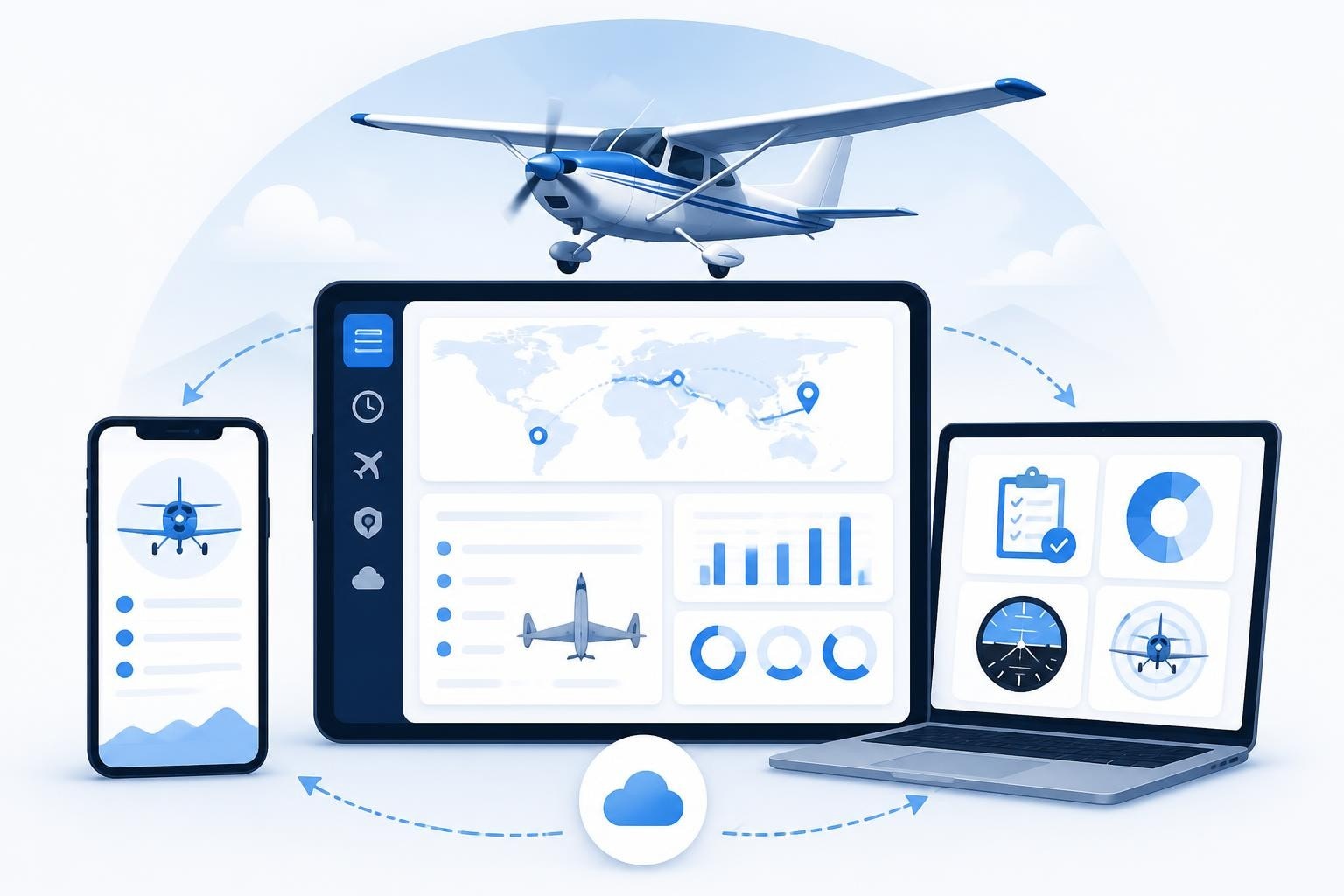
LogTen Pro remains one of the most established electronic flight logbook platforms available to pilots in 2026. Originally developed by Coradine Aviation Systems, the software has evolved through multiple versions to serve private, commercial, and airline pilots across iOS, macOS, and Windows platforms. Whether you're migrating from paper records or evaluating digital logbook options, understanding what LogTen Pro offers and how it handles your data is essential before committing to any platform.
What LogTen Pro Does for Pilots
LogTen Pro is a comprehensive digital logbook that replaces paper records with structured electronic entries. You log each flight by entering departure and arrival airports, aircraft type, flight times, and operational details. The software then calculates totals, tracks currency requirements, and maintains a searchable archive of every flight you've logged.
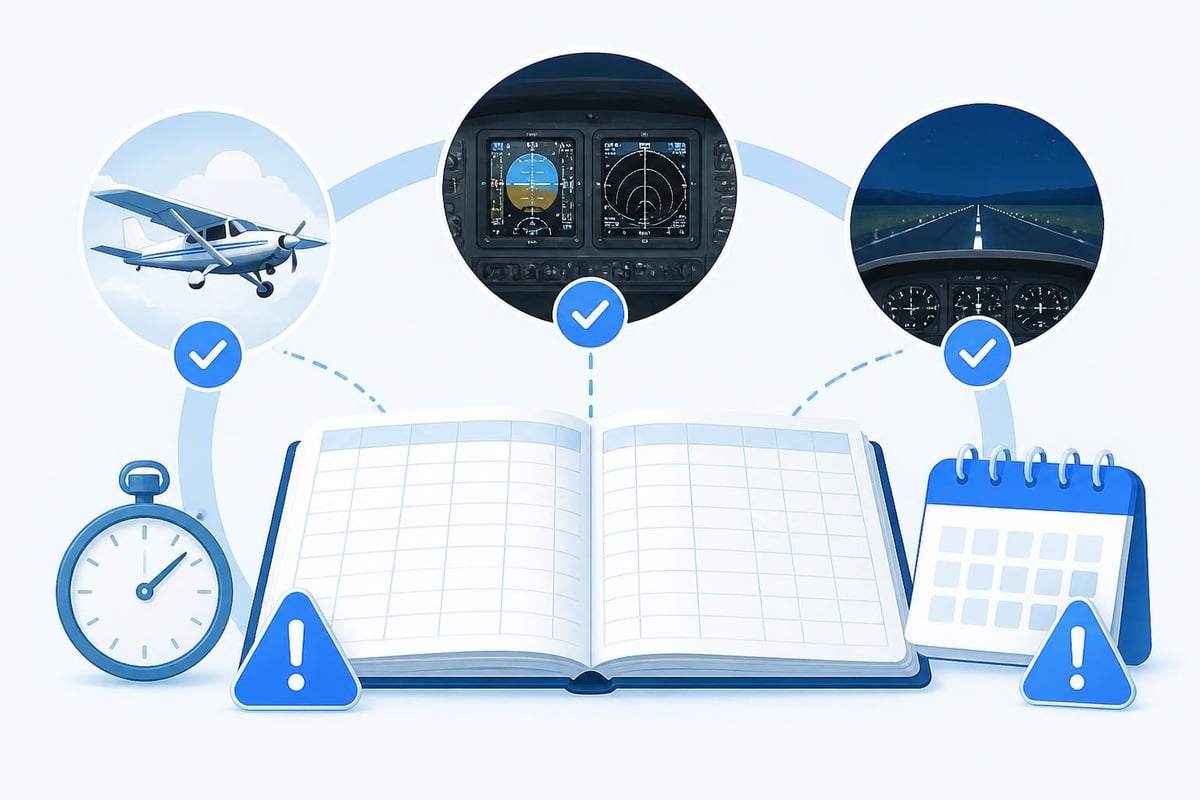
The platform automatically computes rolling currency windows. For example, if you need three takeoffs and landings in the preceding 90 days to carry passengers (under FAA 14 CFR 61.57), LogTen Pro counts those operations and flags when your currency will lapse. The same logic applies to instrument currency, night operations, and type-specific recency requirements.
Platform Support and Sync
LogTen Pro runs natively on iOS (iPhone and iPad), macOS, and Windows. Data syncs across devices using Coradine's cloud infrastructure, so a flight logged on your iPhone appears immediately in the desktop app. This cross-platform sync is critical for pilots who plan trips on a laptop but log flights on a mobile device at the end of each sector.
The official troubleshooting hub provides step-by-step guides for resolving sync conflicts, recovering from backup files, and managing multiple devices. Cloud sync requires an active subscription, and offline mode allows you to enter flights without connectivity, then push changes when you reconnect.
Core Features and Data Fields
LogTen Pro's strength lies in its depth of fields and customisability. Beyond basic flight times, you can log:
- Aircraft details: registration, type, class, category, complex/high-performance endorsements
- Route: departure, destination, via points, distance
- Flight times: total time, PIC, SIC, dual received, dual given, solo, cross-country
- Landings: day, night, full-stop, touch-and-go
- Instrument operations: actual IMC, simulated, approaches by type (ILS, RNAV, NDB, VOR)
- Crew and passengers: names, roles, billing
- Remarks: free text, linked images, PDFs
Each field maps to a column in the logbook grid, and you can show or hide columns to match your operational focus. Airline pilots often enable duty time and rest-period fields, while instructors track dual given and endorsements.
Custom Fields and Templates
You can define custom fields to capture data beyond the standard set. For example, if you fly survey missions and need to log camera-on time, create a custom numeric field and include it in your flight-entry template. Templates speed up data entry by pre-filling common values (aircraft, route, flight type) for repetitive sectors.
LogTen Pro supports multiple templates, so you might have one for training flights (with instructor, dual received, and manoeuvres) and another for solo cross-countries (with route waypoints and distance). Switching templates takes one tap.
Currency and Limit Tracking
Currency tracking is where LogTen Pro automates much of the manual arithmetic pilots otherwise do with paper logbooks. The software monitors rolling windows and counts qualifying events.
| Currency Type | Typical Rule | LogTen Pro Behaviour |
|---|---|---|
| Passenger (day) | 3 T/O & L/D in preceding 90 days | Counts day landings, shows lapse date |
| Passenger (night) | 3 T/O & L/D at night in preceding 90 days | Counts night landings (1 hr after sunset) |
| Instrument (FAA) | 6 approaches, hold, intercept in preceding 6 cal. months | Counts approaches by type, flags expiry |
| Flight review | Every 24 calendar months (FAA) | Alerts 60 days before due |
Rules vary by jurisdiction. EASA Part-FCL requires pilots to complete 12 hours and 12 takeoffs/landings in the preceding 12 months to revalidate a single-engine piston class rating (FCL.740.A), plus a one-hour proficiency check with an examiner if you lapse. LogTen Pro's rule engine can be configured for EASA, FAA, Transport Canada, and other authorities, but you must verify the settings match your licence and operating rules.
The Coradine logging FAQ explains how different flight times (PIC, SIC, dual) contribute to currency calculations. For example, dual received does not count toward passenger-carrying currency under FAA rules, but solo or PIC time does.
Duty and Flight-Time Limits
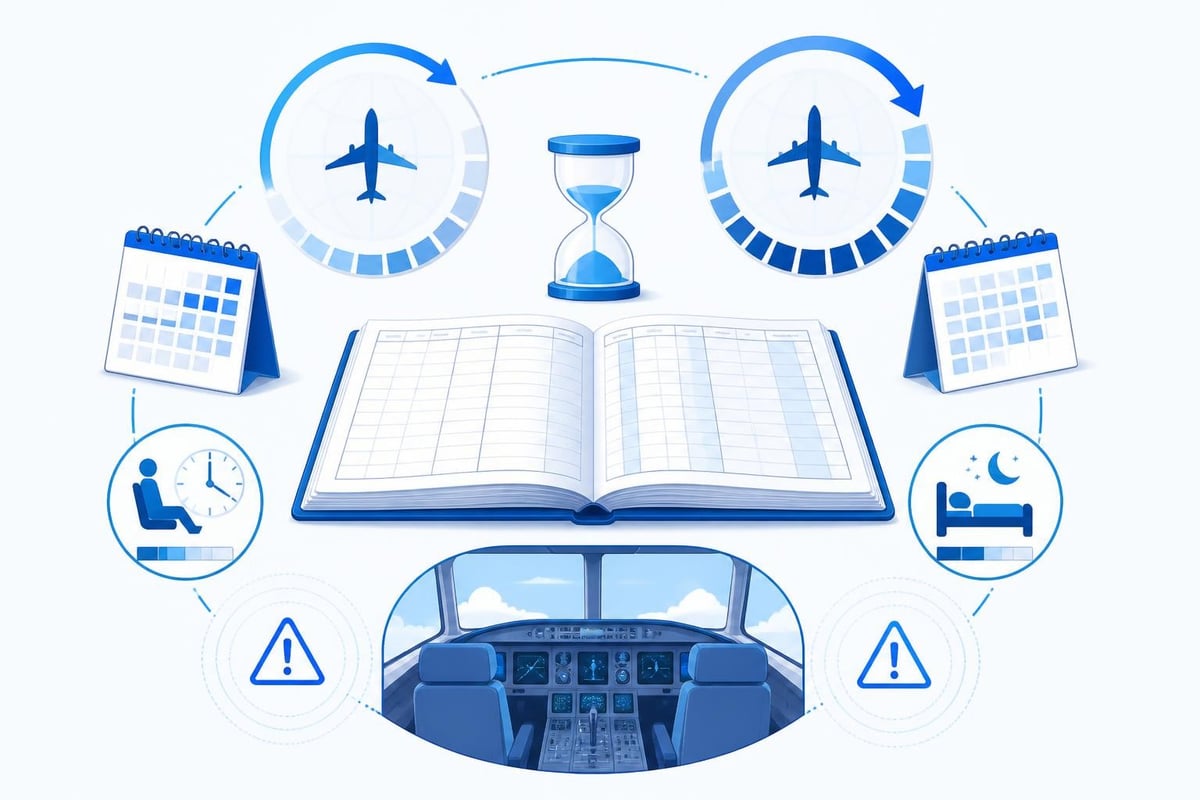
Commercial and airline pilots face strict flight-time and duty-time limits. Under FAA Part 117, flight crew operating under 14 CFR 121 must not exceed 100 hours of flight time in any consecutive 672-hour (28-day) period, and 1,000 hours in any 365 consecutive days. EASA ORO.FTL.210 sets similar limits: 100 hours per 28 days, 900 hours per calendar year, and 1,000 hours in any 12 consecutive months.
LogTen Pro calculates rolling totals for these windows. When you log a flight, the software adds the block time to your running totals and warns you as you approach regulatory thresholds. You can define custom limits for your operator's specific rules, which may be more restrictive than regulatory minima.
Importing and Exporting Data
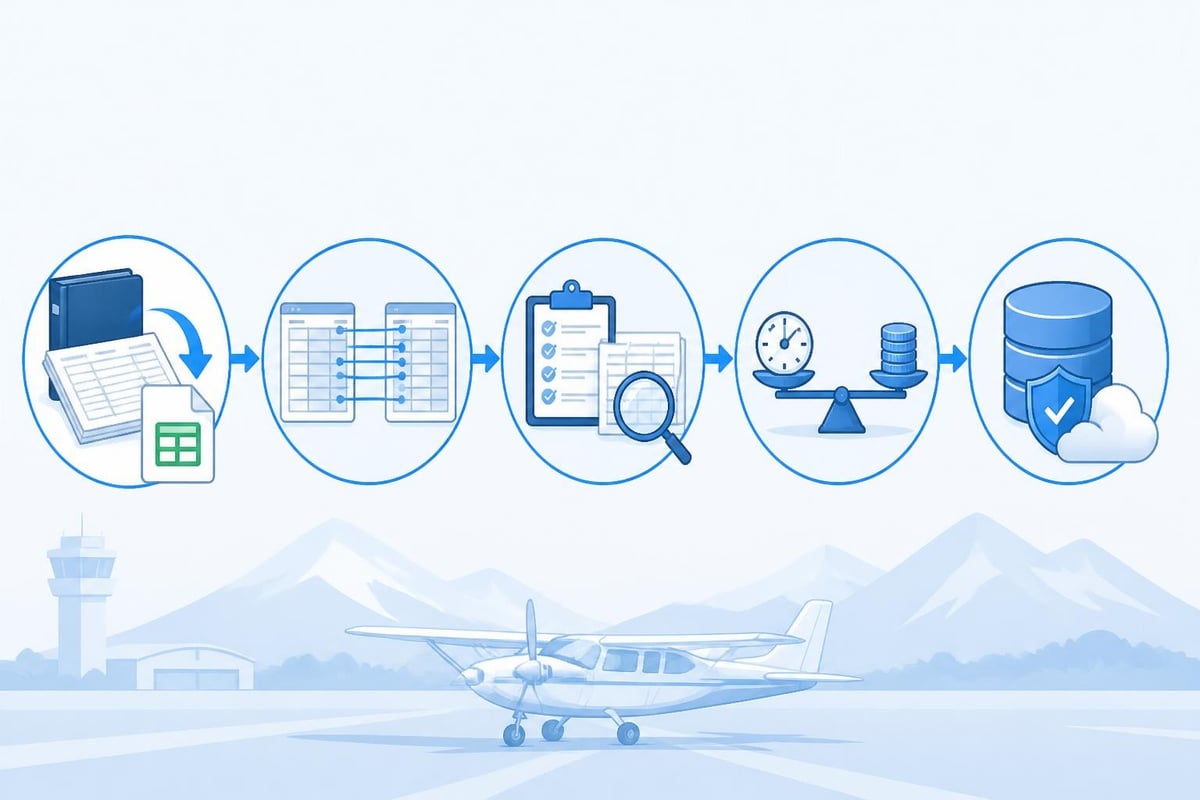
Most pilots come to LogTen Pro with an existing logbook, either paper or from another electronic platform. LogTen Pro supports CSV import, allowing you to map columns from a spreadsheet to the software's fields. The import wizard guides you through matching date formats, time fields, and aircraft identifiers.
Common import scenarios include:
- Paper logbook transcription: Manually enter old flights or hire a service to digitise your paper pages into a CSV file, then import.
- Migration from another app: Export your old logbook to CSV (most apps support this), clean up column headers, and import into LogTen Pro.
- Bulk aircraft updates: Export your aircraft list to CSV, edit registrations or types in Excel, re-import.
Export works the same way. You can generate a full logbook CSV, filter by date range or aircraft type, and export a subset. This is useful for job applications (many airlines request a logbook summary) or compliance audits.
The FAA advisory circular AC 120-78B provides guidance on electronic signatures and recordkeeping, clarifying that electronic logbooks are acceptable for meeting regulatory requirements provided they include safeguards against loss and tampering. Regular backups and audit trails (who entered or edited each record) are recommended practices.
Backup and Data Security
LogTen Pro stores your data in a local SQLite database on each device, synced to Coradine's cloud servers. You retain full ownership of your logbook data, and Coradine's privacy notice details how data are encrypted in transit and at rest.
Backups happen automatically to the cloud, but you should also export periodic local backups (CSV or native LogTen format) to an external drive or secure cloud storage under your control. If you cancel your subscription, you lose cloud sync, but you can still open the desktop app and access locally stored data. Exporting before cancellation ensures you have a portable copy.
Comparing LogTen Pro to Other Digital Logbooks
LogTen Pro competes with platforms like ForeFlight Logbook, MyFlightbook, and others. Each has trade-offs in features, platform support, and pricing.
| Feature | LogTen Pro | Typical Alternative |
|---|---|---|
| Platforms | iOS, macOS, Windows | iOS, Android, web |
| Cloud sync | Yes (subscription) | Varies |
| Currency tracking | Extensive, customisable | Basic to moderate |
| Duty-time limits | Yes, with rolling windows | Often absent |
| Import/export | CSV, native format | CSV, PDF |
| Custom fields | Yes | Limited or paid tier |
For pilots comparing platforms, the decision often comes down to whether you need advanced duty-tracking and customisation (favouring LogTen Pro) or prefer simplicity and cross-platform web access (favouring lighter tools). If you're evaluating options, the best digital logbook for pilots article walks through criteria and alternatives.
Practical Workflow for LogTen Pro
Here's how a typical pilot uses LogTen Pro day to day:
- Before flight: Check currency alerts on the app. If you're within 14 days of a medical or licence expiry, you'll see a notification.
- After shutdown: Open LogTen Pro, start a new flight entry, and tap the aircraft registration (auto-fills type and category). Enter departure and arrival, times (OUT, OFF, ON, IN), and landings.
- Review totals: The app instantly updates your total time, PIC, and currency counters. If you've just regained night currency, the alert clears.
- End of month: Export a CSV for your records or run a built-in report showing hours by aircraft type, useful for insurance renewals or club billing.
Students and instructors benefit from templates that include lesson topics and manoeuvres. After each flight, the instructor logs dual given, the student logs dual received, and both entries link to the same flight record for audit purposes.
Regulatory Compliance and Record-Keeping
Under FAA 14 CFR 61.51, pilots must document flight time, and the logbook must be available for inspection by the FAA. Electronic logbooks meet this requirement if they are reliable, tamper-evident, and backed up. The FAA Pilot Records Database (PRD) allows employers to query a pilot's records, and many operators now request electronic logbook exports as part of hiring.
EASA Part-FCL does not mandate a specific logbook format but requires pilots to maintain accurate records of flight time for licence and rating revalidation. Electronic logbooks are widely accepted across EASA member states, provided the data can be exported and presented in a readable format.
Pilots should verify that any electronic logbook they use can generate a complete, chronological export (CSV or PDF) that includes all required fields: date, aircraft, departure/arrival, flight time, and PIC/dual/solo breakdown. LogTen Pro meets these criteria and includes digital signature fields for instructor endorsements.
Academic and Research Use of Logbook Data
Pilot logbook data, when aggregated and anonymised, offer valuable insights for safety research and training analysis. A methodological paper on reporting best practices describes standards for handling pilot-contributed data, emphasising data quality, consent, and reproducibility. If you participate in research studies that request logbook exports, ensure the requesting institution follows these principles and that you understand how your data will be used.
Migration Tips and Common Pitfalls
Switching to LogTen Pro from another platform or from paper requires careful planning. Common pitfalls include:
- Date format mismatches: Ensure your CSV uses the date format LogTen Pro expects (usually YYYY-MM-DD).
- Aircraft type codes: LogTen Pro's aircraft database uses ICAO type codes (e.g., C172, PA28). If your old logbook used informal names ("Skyhawk"), you'll need to map them.
- Total-time discrepancies: After import, run a report and compare total hours to your old logbook. Small differences may arise from rounding, but large gaps indicate a mapping error.
- Lost remarks: Free-text remarks may not import cleanly. Review high-value entries (checkrides, endorsements) manually.
The troubleshooting guides include step-by-step instructions for CSV preparation and import validation. Allocating a few hours to this process up front prevents months of confusion later.
Why Some Pilots Choose Alternatives
LogTen Pro is powerful but not the right fit for everyone. Criticisms include:
- Cost: Subscription pricing can add up over a career. Some pilots prefer one-time purchases or free alternatives.
- Platform lock-in: No native Android app (though Windows covers some users). Pilots who prefer Android for mobile logging must use alternatives.
- Complexity: The depth of fields and settings can overwhelm pilots who just want to log date, route, and time.
If your needs are straightforward (logging flights, tracking basic currency, and exporting a summary for job applications), a simpler tool may serve you better. Pilotlog offers a streamlined alternative with iOS and Android support, automated currency tracking, and no steep learning curve, making it a strong option for pilots who want clarity without sacrificing essential features.
Pilots who fly for airlines or manage complex multi-type operations often value LogTen Pro's depth, while students and private pilots may find lighter tools more approachable. The logbook aviation article explores the broader landscape of digital and paper options.
Staying Current with Changing Rules
Aviation regulations evolve. EASA updated Part-FCL recency rules in recent years, and the FAA periodically revises Part 117 rest requirements. No software can automatically track every jurisdiction's latest amendments, so you remain responsible for confirming that your logbook's currency calculations match current official sources.
Check the CAA (UK), EASA, FAA, or your national authority's website at least annually, and update your LogTen Pro currency settings if rules change. The currency cheat sheet from Pilotlog summarises common currency rules and is a useful quick reference, though it should not replace official guidance.
LogTen Pro offers deep functionality for pilots who need detailed records, rolling duty limits, and customisable currency tracking, but its complexity and platform choices may not suit every operation. If you want a logbook that handles the essentials without the learning curve, Pilotlog tracks your hours, currency, and expiries on both iOS and Android, alerts you before licences and medicals lapse, and keeps you current, legal, and ready to fly.
- logten pro
- electronic flight logbook
- pilot logbook app
- logbook migration
- currency tracking
A logbook that keeps itself.
Join the waitlist and be first in line when Pilotlog launches.
Free to join, no spam. Unsubscribe any time.