pilot logbook app
Pilot Logbook Apps: A Guide to Choosing the Right One
8 Nov 2026 · 7 min read

The best log book apps for pilots record each flight in a few taps, total your hours without spreadsheets, and show when your currency, medical and ratings lapse. Pick by what you must prove to your authority (EASA, UK CAA or FAA), how the app handles recency, and whether you can export your data.
What a pilot logbook app must record
A pilot logbook app must capture every detail your regulator requires for each flight. Under the FAA, 14 CFR 61.51 requires a logbook entry for each flight or lesson logged, with the required details specified in the regulation. Under EASA Part-FCL and the UK CAA, you log date, aircraft type and registration, times, function (PIC, dual, co-pilot), conditions of flight and landings.
Check that the app records:
- Date, departure and arrival, block or flight times
- Aircraft type and registration, single or multi-engine
- PIC, dual, instructor and co-pilot time
- Day and night landings, IFR time and approaches
- Simulator and FSTD sessions, kept separate from aircraft time
The authority matters. EASA and UK CAA use different recency rules from the FAA, so an app built around one set of figures can mislead you under another. Confirm which authority the app's currency logic follows before you trust it.
Is a digital logbook legal?
A digital logbook is generally acceptable, but the answer depends on your authority and on who may ask to see it. AOPA's July 2025 guidance says pilots may keep relevant records in a logbook or separate document, in paper or electronic form. It recommends retaining records for at least three years and backing up digital records.
For operators, the FAA's AC 120-78B, issued December 11, 2024, describes an acceptable but not exclusive means for certificate holders to use electronic signatures and recordkeeping systems.
Two practical points follow. Instructor sign-offs and training endorsements may carry their own signature requirements, so ask your ATO or flight school how they accept electronic entries. And licence applications can require a printed or exported record, so test the export before you need it.
How should an app track recency and currency?
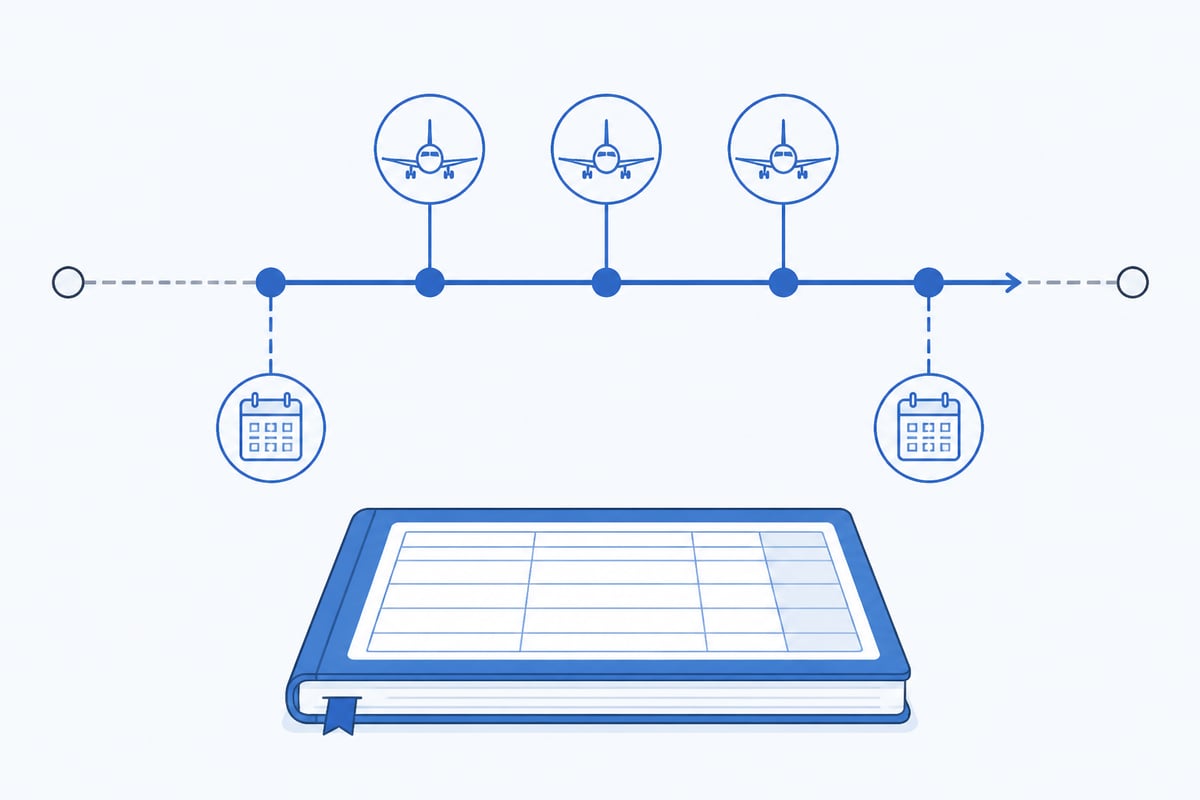
A good app calculates recency from your logged flights and shows the date each privilege lapses. This is the feature that separates a logbook from a spreadsheet.
Take passenger carrying under EASA. Passenger-carrying currency requires take-offs and landings in the preceding 90 days as pilot of the same type or class before you carry passengers. The app should count only qualifying landings, in the right class, inside a rolling window.
Worked example: 90-day passenger currency (EASA, FCL.060(b))
You hold a single-engine piston class rating. Your logged landings:
| Date | Landings |
|---|---|
| 14 August 2026 | 2 |
| 29 August 2026 | 1 |
| 19 September 2026 | 2 |
- Count back 90 days from today, 8 November 2026. Day 90 is 10 August 2026 (8 November minus 90 days).
- All three flights fall inside the window: 2 + 1 + 2 = 5 landings, which meets the minimum of 3.
- Find the lapse date. You need 3 landings still inside the window, and your latest three are 29 August (1) and 19 September (2). The 29 August landing drops out 90 days later, on 27 November 2026, leaving 2 landings. Your passenger currency therefore lapses around 27 November 2026 unless you fly again.
An app that shows 27 November as the lapse date, and updates it after each flight, does the arithmetic you would otherwise do by hand. Always check the figures against your own authority's current rules.
Which licence, medical and rating alerts matter?
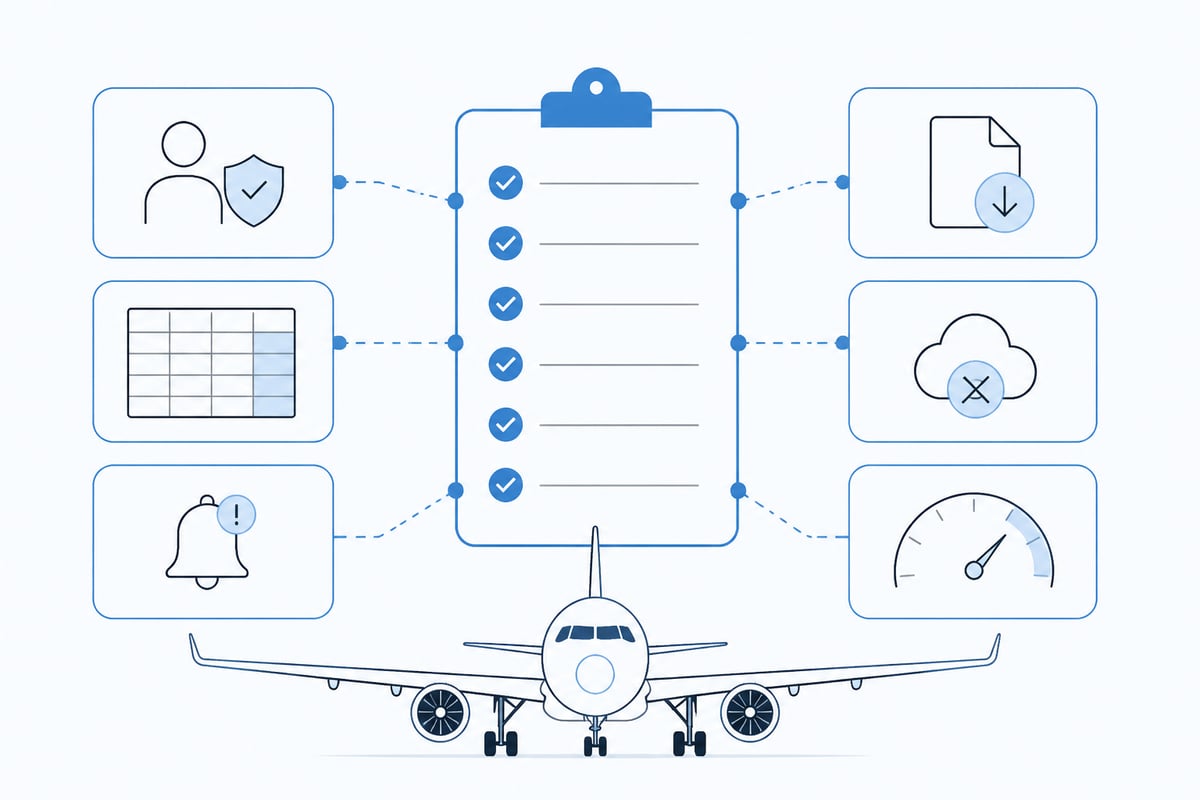
The alerts that matter are the ones tied to documents that can ground you: medical certificate, licence or rating validity, and any class or type rating revalidation. Set each expiry date once and let the app warn you ahead of time.
Look for:
- Medical expiry with an early warning, for example Class 1 or Class 2 dates
- Rating and licence revalidation dates, including class and type ratings
- Currency lapses for night, IFR and passenger carrying
- Rolling flight-time and duty totals if you fly commercially
Airline and commercial pilots also need cumulative totals. Rolling 28-day and 365-day flight-time figures, and progress toward ATPL hour requirements, belong in the same view as your recency, not in a separate sheet.
What to compare before you choose
Compare apps on the same short list of attributes, and weigh the ones that affect your licence most heavily.
| Attribute | Why it matters |
|---|---|
| Authority support | EASA, UK CAA or FAA recency logic must match your licence |
| Auto-totals | Hours, landings and limits update from each entry |
| Expiry alerts | Medicals, ratings and currency flagged before lapse |
| Export | Full export for audits, applications and backup |
| Offline entry | You can log in the hangar or after landing without signal |
| Speed | A flight should take a few taps, not a form |
Export deserves extra attention. Your logbook is a legal and career record, so you should be able to leave with all of it. Check the export format and test it with a sample flight before you commit years of data.
Where Pilotlog fits
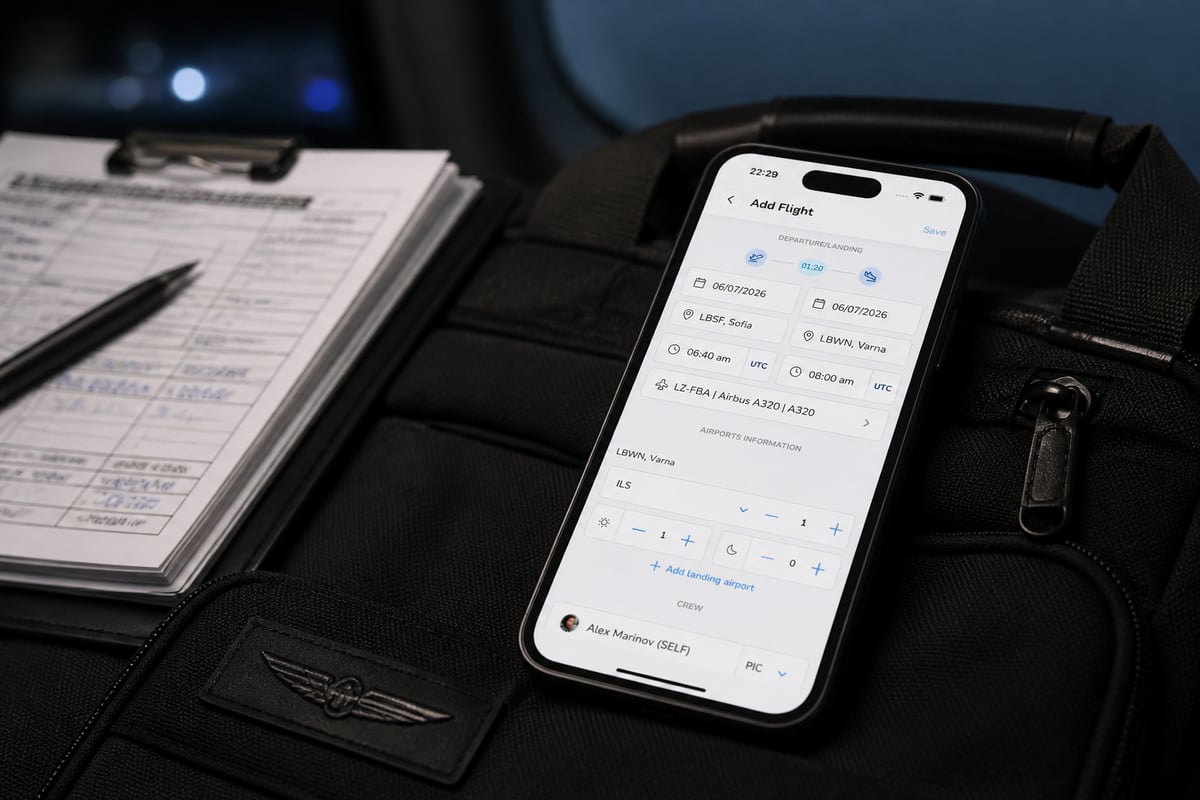
Pilotlog is a digital pilot logbook built to keep you current, legal and ready. You log a flight quickly after landing, and it totals hours, currency, limits and expiries from each entry. It allows you to track your hours, currency and expiries, and it sends alerts for licences and medicals so nothing catches you by surprise. It is available on iOS and Android.
The paid tier, Pilotlog Pro, adds rolling 28-day and 365-day flight-time tracking and full logbook export. That suits a student building hours and an airline pilot tracking limits alike.
How to move from paper or spreadsheets
Moving to an app is safest when you keep your paper logbook intact and treat the import as a second copy. Work through it in order:
- Total your paper logbook and record the carry-forward figures by category.
- Enter those totals as an opening balance, then log new flights in the app.
- Reconcile the first month against your paper entries.
- Back up the app data and keep the paper book as the record until your authority or ATO confirms electronic acceptance.

Summary
- Match the app's recency logic to your authority: EASA Part-FCL, UK CAA or FAA.
- Log every field your regulator requires, with simulator time kept separate.
- Rely on rolling-window calculations, not manual counting.
- Set medical, rating and licence expiries once and use early alerts.
- Test export before you commit, and keep a backup.
- Rules change, so check current official sources such as EASA, the UK CAA and the FAA.
FAQ
Do I still need a paper logbook?
Often not, but it depends on your authority, your ATO and any signatures you need. AOPA's 2025 guidance says records may be paper or electronic, so confirm acceptance with your flight school or examiner before you stop using paper.
Can a log book app replace my medical and licence reminders?
It can supplement them, but you remain responsible for validity. Use the app's alerts as an early warning and verify dates against the documents themselves.
What happens to my data if I change apps?
You keep it if the app offers a full export. Test the export now, and store a backup, so a switch never means retyping years of flights.
Today, total your logbook by category and write down the date your medical and each recency lapse, so you know what any app needs to track. Pilotlog keeps those dates in view and warns you before they lapse, and you can join the waitlist through the same page.
- pilot logbook app
- digital logbook
- flight currency
- easa recency
- logbook export
A logbook that keeps itself.
Join the waitlist and be first in line when Pilotlog launches.
Free to join. We’ll email you about the launch and Pilotlog news. Unsubscribe any time. Privacy policy