pilot logbook app
Best Pilot Logbook: A Guide to Choosing One in 2026
15 Nov 2026 · 6 min read
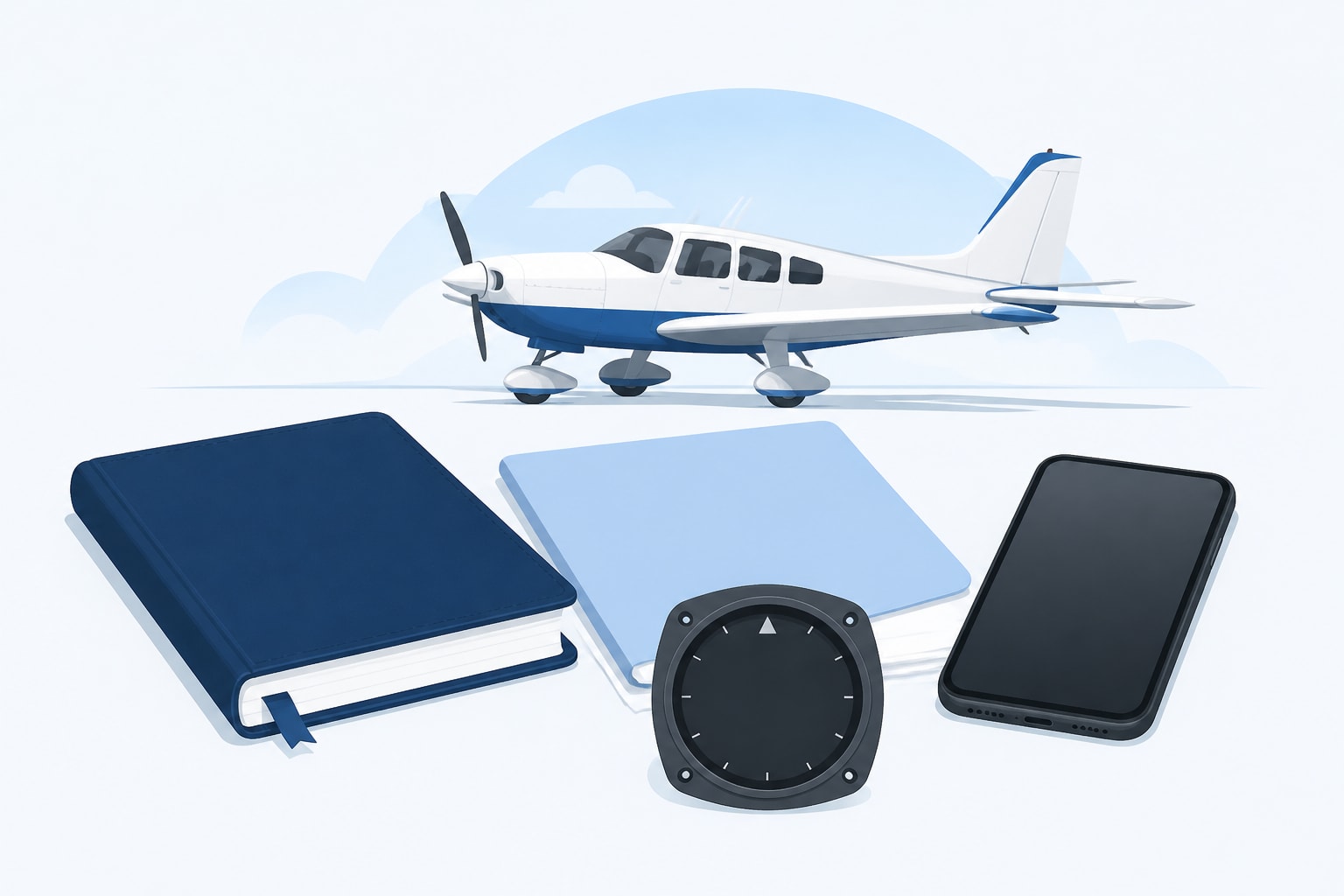
The best pilot logbook is the one that records every entry your authority requires, totals your hours without arithmetic errors, and shows your currency and expiry dates before they lapse. Paper satisfies the rules if you keep it accurate. A digital logbook does the same job and adds automatic totals and alerts. Which one suits you depends on how much you fly and how many limits you track.
What a Logbook Has to Record
A compliant logbook records the date, times, aircraft, crew and conditions for each flight, and the exact fields depend on your authority.
Under EASA Part-FCL and the UK CAA, the record must support licence issue, revalidation and renewal. Hours are kept as flight time, PIC, co-pilot, dual, instructor, night, IFR and simulator time, with take-offs and landings counted separately. Check the current Part-FCL text on the EASA and UK CAA sites for the exact column layout.
FAA pilots work to a different rule. 14 CFR § 61.51 requires you to record training and aeronautical experience used for certificates, ratings, flight reviews and recent-flight-experience requirements. Each entry needs the date, total time, departure and arrival locations, aircraft or training-device type and identification, and the safety pilot's name when one is required. It also separates solo, PIC, SIC, instructor training, and day, night, actual-instrument and simulated-instrument conditions.
Do not mix the two. FAA figures apply to FAA certificates only.
Paper or Digital: Which Fits Your Flying
Paper suits low-volume flying and digital suits anyone tracking several limits at once.
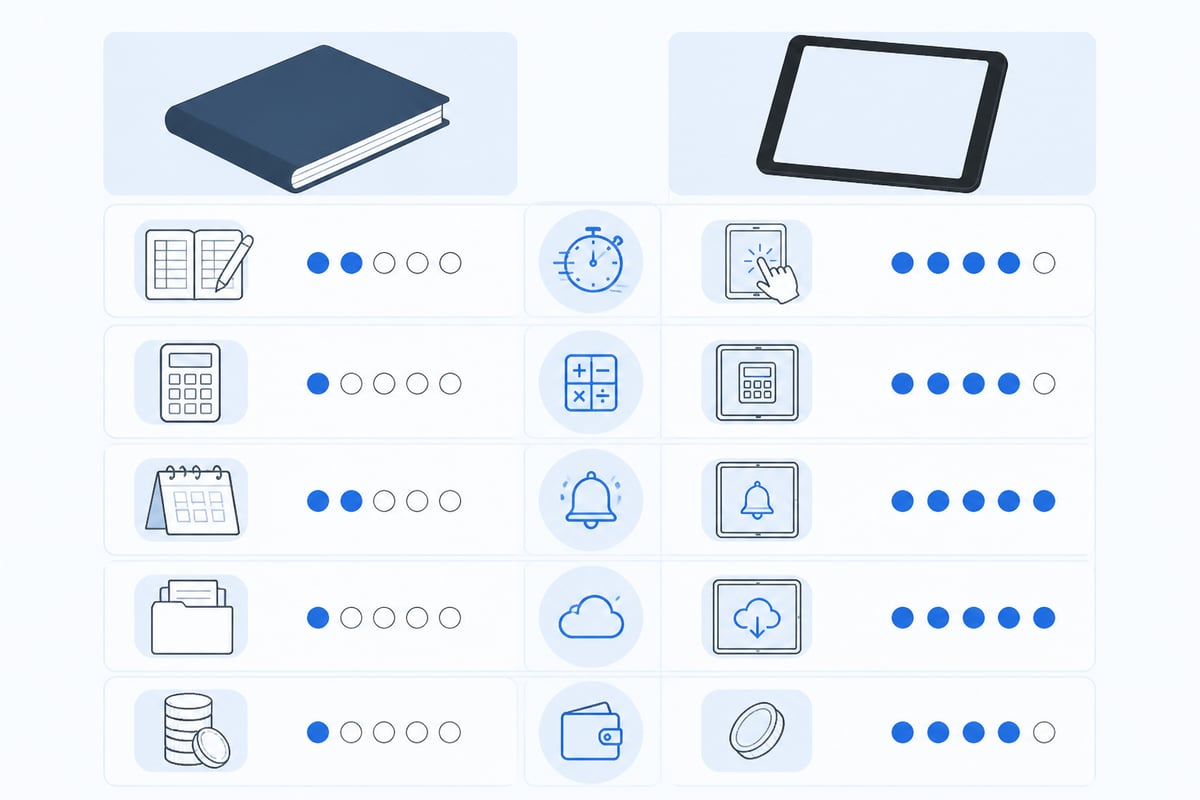
Paper has no battery, no subscription and no software risk. Its weakness is arithmetic. A carried-forward total that is wrong on page 12 stays wrong on page 40, and you only find out at a licence check. Paper also tells you nothing about what is about to lapse.
Digital removes the totals problem and adds reminders. The trade-off is backup discipline. Export your logbook regularly, and keep a second copy somewhere other than your phone.
A hybrid is common among students: a paper book signed by the instructor, plus a digital record for totals and expiries. Confirm with your authority or ATO whether a signed paper record is required for your training.
What the Best Pilot Logbook App Should Do
The best pilot logbook app logs a flight fast, totals automatically and warns you before something expires.
Use this checklist when you compare options:
- Fast entry. Route, times, crew and landings should take a few taps after landing.
- Automatic totals. Hours, limits and currency should update from each flight, with no manual carry-forward.
- Currency with dates. Passenger, night and IFR recency should show the date each one lapses.
- Expiry alerts. Licence, medical and rating dates should warn you early.
- Full export. You should be able to take your complete logbook with you.
- Both platforms. It should work on iOS and Android.
Pilotlog covers these points. It totals hours, currency, limits and expiries from each logged flight, shows passenger, night and IFR recency at a glance, and warns about licence, medical and rating expiries. Pilotlog Pro adds flight-time and duty limit tracking, career stats and full logbook export, which matters if you fly for an operator. Check Pilotlog Pro for current plan details.
Worked Example: Checking Passenger Currency
Passenger currency under EASA Part-FCL requires recent take-offs and landings as pilot of the same type or class, and the exact number and window should be confirmed against the current Part-FCL text.
Say you want to carry a passenger on 14 November 2026. The 90-day window runs back to 16 August 2026.
- Count 90 days back from 14 November: 14 days in November, 31 in October, 30 in September, and 15 more in August (31 minus 16), giving 14 + 31 + 30 + 15 = 90.
- Pull every landing on or after 16 August in the same type or class.
- Logged: 2 landings on 3 September and 1 landing on 20 October gives 2 + 1 = 3.
Three landings in the window meet the example requirement. If one of the 3 September landings had instead been dated 12 August, it would fall outside the window and the count would drop accordingly.
This arithmetic is exactly what a digital logbook does for you, and each rule has its own window, so doing it by hand across night, IFR and passenger recency is where errors creep in.

Student and Private Pilots
If you are training, your logbook is evidence for your licence skill test, so completeness matters more than speed.

Record dual, solo and PIC time separately from the first lesson. Log cross-country legs, night time and instrument time in their own columns. Get instructor signatures where your ATO or authority requires them. Medical expiry matters here too. A lapsed medical grounds you regardless of how many hours you hold.
Commercial and Airline Pilots
Career pilots need a logbook that tracks cumulative limits and progress toward an ATPL, not just flight totals.
Operator flight time limitation rules under EASA are cumulative, and your operator's scheme will set the rolling periods it tracks. Confirm the figures in your operator's approved FTL scheme and the current regulation. Beyond limits, you need to see how your PIC, co-pilot, night and IFR hours build toward ATPL theory credit and flight-time requirements. Keep type ratings, proficiency checks and medical dates in the same place as your flight record.
Summary
- Choose the logbook that records every field your authority requires.
- Paper works if you check your totals; digital removes the arithmetic risk.
- Currency windows differ by rule, so track the lapse date for each.
- Export and back up your logbook whichever format you use.
- Rules change. Check current official sources before you rely on any figure here.
FAQ
What is the best app for aviation logbooks?
The best app is the one that logs fast, totals automatically, and warns you about currency and expiries. Look for iOS and Android support and a full export. Test it against your own flying before you commit.
What do you need to log in a pilot logbook entry?
Record the date, total time, departure and arrival, aircraft type and identification, and your role and conditions. FAA pilots follow 14 CFR § 61.51; EASA and UK CAA pilots follow Part-FCL. Check your authority for the full list.
Can I use a digital logbook for my licence?
Authorities generally accept electronic records if they are accurate and can be produced on request. Confirm with your authority or ATO for your specific licence or check ride.
Open your logbook today and add up your landings in the last 90 days, then note your medical and licence expiry dates. If you want those totals and dates tracked for you, Pilotlog Pro, available through Pilotlog Pro, handles currency, limits and expiry alerts from each flight you log. Join the waitlist to get a digital logbook on iOS and Android that keeps you current, legal and ready to fly.
- pilot logbook app
- easa part-fcl
- faa 61.51
- passenger currency
- digital logbook
A logbook that keeps itself.
Join the waitlist and be first in line when Pilotlog launches.
Free to join. We’ll email you about the launch and Pilotlog news. Unsubscribe any time. Privacy policy