flight time tracking
Flight Time Tracking: Logging Hours Legally and Accurately
15 Jul 2026 · 12 min read
Flight time tracking is the systematic recording of all flight hours, duty periods, and related experience to maintain regulatory compliance, currency, and career records. Pilots must log specific details for each flight including dates, aircraft type, departure and arrival points, flight time, and the nature of the operation. Accurate tracking ensures you meet licence requirements, stay within duty limits, and prove your experience when moving to the next role.
Why Flight Time Tracking Matters for Every Pilot
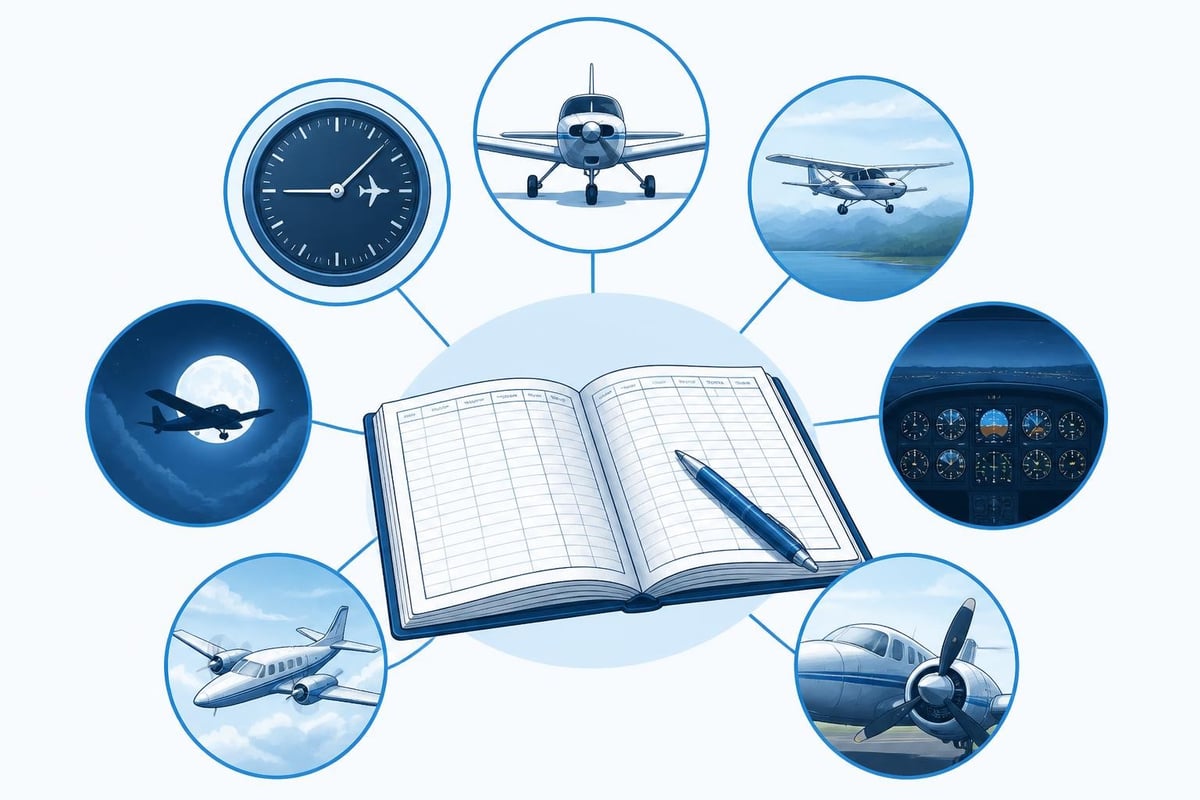
Your logbook is both a legal document and a career record. Regulations require you to track flight time to prove you meet minimum experience requirements for ratings, demonstrate currency for carrying passengers or flying under instrument conditions, and verify compliance with duty-time limits.
The FAA mandates specific logbook entries under 14 CFR § 61.51, which details what flight time must be logged and how to record it. EASA pilots follow Part-FCL requirements that similarly require comprehensive records. Both frameworks treat your logbook as the primary evidence of your qualifications.
Beyond compliance, flight time tracking serves practical purposes:
- Career progression: Airlines and commercial operators verify total hours, pilot-in-command time, multi-engine experience, and instrument hours before hiring
- Insurance requirements: Many policies require minimum recent experience in type
- Currency monitoring: Tracking helps you stay ahead of 90-day passenger currency (FAR 61.57) or the 90-day rule for single-pilot operations under EASA Part-FCL
- Safety awareness: Reviewing your own patterns can reveal fatigue trends or skill gaps
What Flight Time You Must Track
Regulatory minimums define what you must record, but most pilots track more. Start with the mandatory fields and build from there.
FAA Requirements
Under 14 CFR § 61.51, you must log:
- Date of flight
- Total flight time or lesson time
- Location of departure and arrival (or, for training flights, the location where the training occurred)
- Type and identification of aircraft
- Name of safety pilot, if required
- Conditions of flight (day, night, actual instrument, simulated instrument)
You also must log the aeronautical experience required to meet recent flight experience or currency requirements. This includes specific landings for passenger currency, instrument approaches for IFR currency, and flight reviews.
EASA Requirements
EASA Part-FCL requires similar detail with some differences. You must record:
- Name of pilot-in-command
- Date, departure and arrival times, and places
- Type and registration of aircraft or simulator
- Total time of flight or simulator session
- Nature of flight (such as VFR, IFR, training, or commercial operation)
- Remarks including route flown and any unusual occurrences
Both systems require you to separate pilot-in-command time, solo time, dual instruction received, and simulator time. Many pilots also track cross-country, multi-engine, turbine, and specific aircraft types even when not strictly required.
How to Track Flight Time Accurately
Accurate flight time tracking starts with consistent habits. Record each flight as soon as practical after landing while details are fresh.
Recording Block and Flight Time
Block time runs from the moment the aircraft first moves under its own power until it stops at the destination gate or parking spot. Flight time (also called airborne time or Hobbs time) runs from takeoff to landing. Airlines and commercial operators typically log block time because 14 CFR § 121.481 bases duty limits on block-to-block time.
Private pilots usually log flight time based on when the aircraft leaves the surface. FAR 61.51 defines it as "time that commences when an aircraft moves under its own power for the purpose of flight and ends when the aircraft comes to rest after landing." For helicopters, this means from the time the rotors first lift the helicopter clear of the surface.
Record times in decimal hours (1.5 for 90 minutes) or hours and minutes (1:30) depending on your logbook system. Be consistent across all entries.
Tracking Currency and Recency
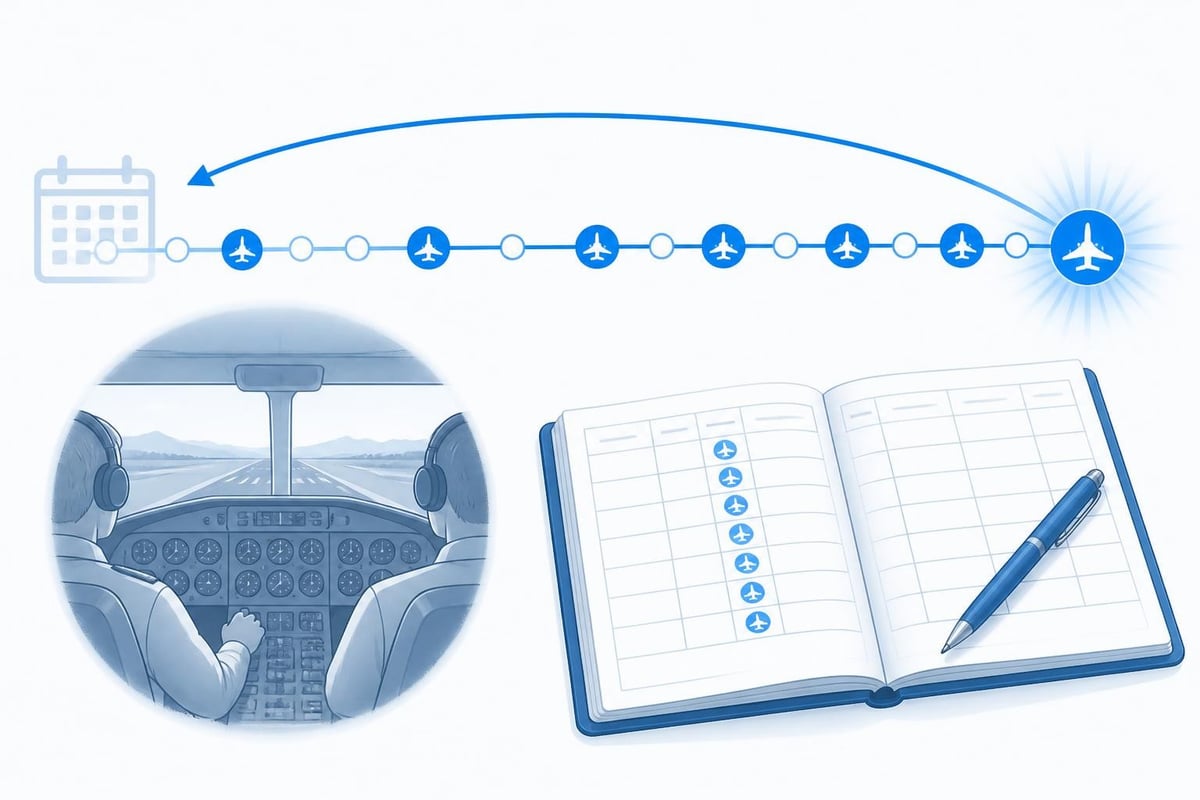
Currency tracking requires rolling calculations across specific periods. For passenger currency, you need three takeoffs and landings in the same category and class within the preceding 90 days. Night currency requires three takeoffs and landings to a full stop between one hour after sunset and one hour before sunrise in the same 90-day window.
Most pilots mark currency-qualifying landings in a dedicated column or note section. When you complete a qualifying landing, note whether it counts for day, night, or both. This makes it easier to calculate your currency window later.
| Currency Type | Requirement | Lookback Period |
|---|---|---|
| Passenger (day) | 3 takeoffs and landings | 90 days |
| Passenger (night) | 3 full-stop landings (1 hour after sunset to 1 hour before sunrise) | 90 days |
| IFR (FAA) | 6 approaches, holding, intercepting/tracking | 6 months (with 6-month grace) |
| IFR (EASA FCL.060) | 6 approaches, holding, intercepting/tracking | 12 months |
Logging Different Flight Types
Different operations require different detail levels. A cross-country flight under FAA rules must include a landing at a point more than 50 nautical miles from the original departure (or more than 25 nm for recreational and sport pilots seeking a solo cross-country endorsement). For instrument rating purposes, the distance must exceed 50 nm in a straight line, and the flight must involve navigation by reference to instruments.
Night flight requires logging the time between the end of evening civil twilight and the beginning of morning civil twilight as published in the Air Almanac. For currency purposes, night is defined more narrowly (one hour after sunset to one hour before sunrise), so many pilots note both periods.
Instrument time divides into actual instrument conditions (flight solely by reference to instruments in IMC) and simulated instrument time (under a hood or similar device in VMC). Only actual and simulated time under instruction or with a safety pilot counts toward currency and rating requirements.
Flight Time Tracking for Commercial Operations
Commercial pilots face additional tracking requirements beyond basic logbooks. Airlines and charter operators must monitor flight time limitations that restrict daily, monthly, and yearly totals.
Duty Time and Flight Duty Period Limits
Flight duty period (FDP) rules under FAR Part 117 and EASA ORO.FTL cap the time you can spend available for flight duties based on your rest period, time of day, and number of sectors. A typical FDP might allow 13 hours of duty following a 10-hour rest period, but this reduces if your duty day starts at 02:00 local time.
Tracking FDP requires logging:
- Report time (when duty begins)
- Release time (when duty ends)
- All flight time within the period
- Number of sectors flown
- Time zone crossings
Many operators use dedicated software that calculates remaining FDP allowances and flags potential violations before they occur. Pilots should verify these calculations against their own records because you remain responsible for staying within limits.
Rolling Limits and Calendar Periods
Commercial pilots must track flight time across multiple windows simultaneously:
- 28 days: Maximum 100 flight hours (FAR 121.481 for flag operations)
- 90 days: Various limits depending on operation type
- 365 days: Maximum 1,000 flight hours for FAR 121 operations
Rolling limits require you to look backward from today's date. If you flew 78 hours in the past 28 days, you have 22 hours remaining in that window. But tomorrow, if the earliest flight drops out of the 28-day period, your available hours increase.
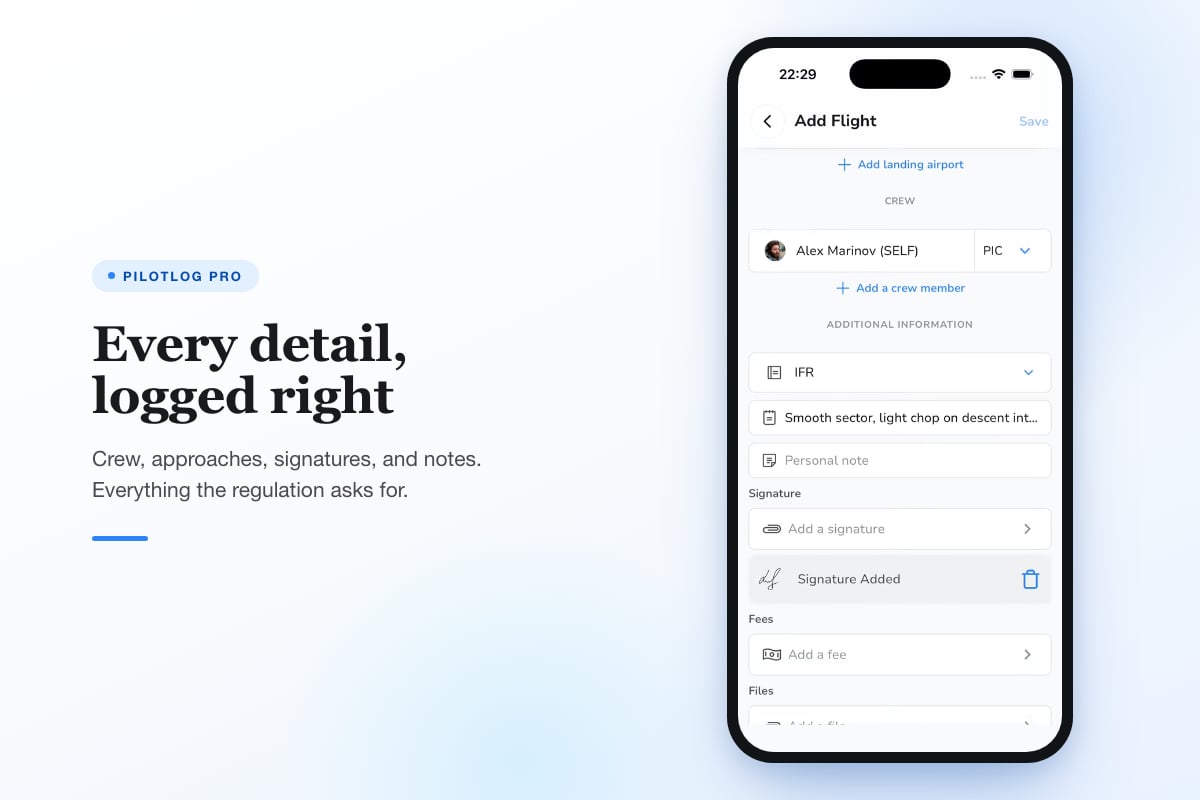
Calculating this manually is tedious and error-prone. Digital flight time tracking systems automate rolling calculations and alert you when approaching limits. Pilotlog Pro tracks rolling 28-day and 365-day flight time and duty limits alongside passenger, night, and IFR currency with precise lapse dates, so you always know where you stand without manual calculations.
Common Flight Time Tracking Mistakes
Even experienced pilots make logbook errors that can cause problems during checkrides, insurance applications, or job interviews.
Rounding and Estimation Errors
Rounding up flight time is tempting but dangerous. If you consistently round 1.2 hours to 1.5, you'll accumulate significant phantom hours over a career. Airlines verify logbook totals during hiring, and discrepancies raise red flags.
Record actual times to the nearest tenth of an hour. If your flight lasted 47 minutes, log 0.8 hours, not 1.0. Over hundreds of flights, accuracy matters more than convenience.
Mixing PIC and Solo Time
Solo time is a subset of pilot-in-command time, not a separate category. Student pilots logging solo cross-countries should record the time as both solo and PIC (before holding a pilot licence) or just PIC (after being certificated). Logging solo time separately from PIC time creates confusion and understates your total command experience.
Similarly, many pilots incorrectly log dual instruction received as both PIC time and instruction time when they're the sole manipulator of the controls. FAR 61.51(e)(1) allows this for certain operations, but you must meet specific criteria. Understand the regulation before making this claim.
Failing to Separate Actual and Simulated IMC
Logging "1.5 instrument" without specifying actual versus simulated doesn't meet regulatory requirements. Separate these categories clearly. Many pilots use an "Act" column for actual IMC and "Sim" for simulated instrument time under a hood or in a simulator.
This distinction matters because some ratings require actual instrument time, while currency calculations accept either actual or simulated. Keeping them separate gives you flexibility and proves exactly what experience you have.
Digital Versus Paper Flight Time Tracking
Paper logbooks remain legally acceptable and many pilots value the tangible backup. Digital systems offer advantages for tracking complex requirements, calculating currency, and backing up records.
Paper Logbook Advantages
Paper logbooks can't crash, don't require batteries, and provide a permanent record accepted by every authority. For simple operations where you fly occasionally, paper may be sufficient. Many pilots maintain paper books as a primary record and use digital tools for calculations.
The main limitations are manual arithmetic, difficulty tracking rolling limits, and lack of automatic currency alerts. If you fly regularly or operate commercially, these become significant drawbacks.
Digital Logbook Benefits
Digital flight time tracking automates calculations that would take hours manually:
- Rolling 28-day, 90-day, and 365-day totals update automatically after each entry
- Currency trackers calculate exactly when your passenger, night, or IFR privileges will lapse
- Licence and medical expiry alerts flag renewals months in advance
- Export functions generate formatted reports for job applications, insurance renewals, or regulatory audits
Pilotlog offers these features on iOS and Android, allowing you to log flights in seconds and automatically track currencies, expiries, and rolling limits. The system calculates what regulations require while you focus on flying.
Many pilots use both systems: digital for daily tracking and automated alerts, paper as a certified backup. Keep your paper logbook current at least quarterly and verify digital totals against it annually.
Building Career Stats from Flight Time Data
Beyond compliance, flight time tracking creates a career database you can analyze for trends, milestones, and planning.
Tracking Type Experience
Airlines want to see specific aircraft experience. Track each type separately with its own subcategory or tag. When you transition from a 737-800 to a 737 MAX, keep these separate even though they're the same type rating. Some operators distinguish between them for training and scheduling purposes.
Note first flights in new aircraft types, first solo flights, first passenger-carrying flights, and first commercial flights. These milestones help you track career progression and make excellent interview talking points.
Monitoring Personal Minimums and Trends
Review your logbook quarterly to identify patterns. If you notice all your instrument approaches happen in good weather during training flights, you may need more actual IMC exposure. If night flights become rare, schedule some to maintain proficiency.
Calculate averages like flights per month, hours per flight, and percentage of time in different conditions. This self-awareness helps you stay sharp and identify skill decay before it becomes a safety issue.
Ensuring Long-Term Record Security
Your logbook represents years or decades of flight time. Losing it creates serious problems. Build redundancy into your tracking system.
Backup strategies include:
- Photograph or scan every paper logbook page quarterly
- Store digital backups in at least two locations (cloud service plus local drive)
- Export your digital logbook to PDF or CSV format annually
- Keep interim summaries (total hours, currency status) in a separate document
- Consider a fireproof safe for original paper logbooks
Some pilots maintain parallel systems: entering flights into both a primary digital logbook and a backup paper book monthly. This creates two independent records that verify each other.
Regulatory Verification and Audits
Aviation authorities and employers may request logbook verification. Keep your records organized and be prepared to substantiate any entry.
What Regulators Check
During checkrides or enforcement actions, examiners verify that you meet minimum experience requirements and recent flight experience mandates detailed in FAA logbook requirements. They'll count specific types of time (cross-country, night, instrument) and verify endorsements.
Ensure every flight that counts toward a rating or currency requirement includes complete information: date, route, aircraft, time, and conditions. Missing data can invalidate the entry for regulatory purposes.
Employer Verification
Airlines conduct detailed logbook audits during hiring. They'll check total hours, time in type, flight time in the last 12 months, PIC versus SIC time, and specific experience like international operations or Category II/III approaches.
Discrepancies between your application, interview statements, and logbook entries can end your candidacy immediately. Verify all totals before submitting applications and be prepared to explain any unusual entries during interviews.
Adapting to Changing Requirements
Regulations evolve. EASA updated duty-time rules significantly in recent years. The FAA periodically revises experience requirements for specific ratings. Stay current with regulatory changes that affect what you must track.
When requirements change, update your tracking system promptly. If a new rule requires tracking a parameter you haven't logged before, start recording it even if you don't think it applies to your current operations. Career transitions happen faster than you expect, and having complete records from the start saves headaches later.
Note: Rules and currency requirements change. Always verify specific regulations against current official FAA and EASA sources before relying on any requirement cited here.
Flight time tracking keeps you legal, current, and ready for the next opportunity. Whether you're working toward your first rating or managing complex airline duty limits, accurate records prove your qualifications and protect your licence. Pilotlog logs flights in seconds while tracking rolling limits, currency windows, and expiry dates automatically, so you always know where you stand without manual calculations. Available on iOS and Android, it keeps your records current while you focus on flying.
- flight time tracking
- pilot logbook
- faa 61.51
- easa part-fcl
- currency requirements
A logbook that keeps itself.
Join the waitlist and be first in line when Pilotlog launches.
Free to join, no spam. Unsubscribe any time.